USING SETUP MODE
User's Manual 5-3
Before entering setup mode, load continuous forms paper from the front
tractor into the printer as described in Chapter 3. Several sheets of paper
may be required to make all of your setup mode selections.
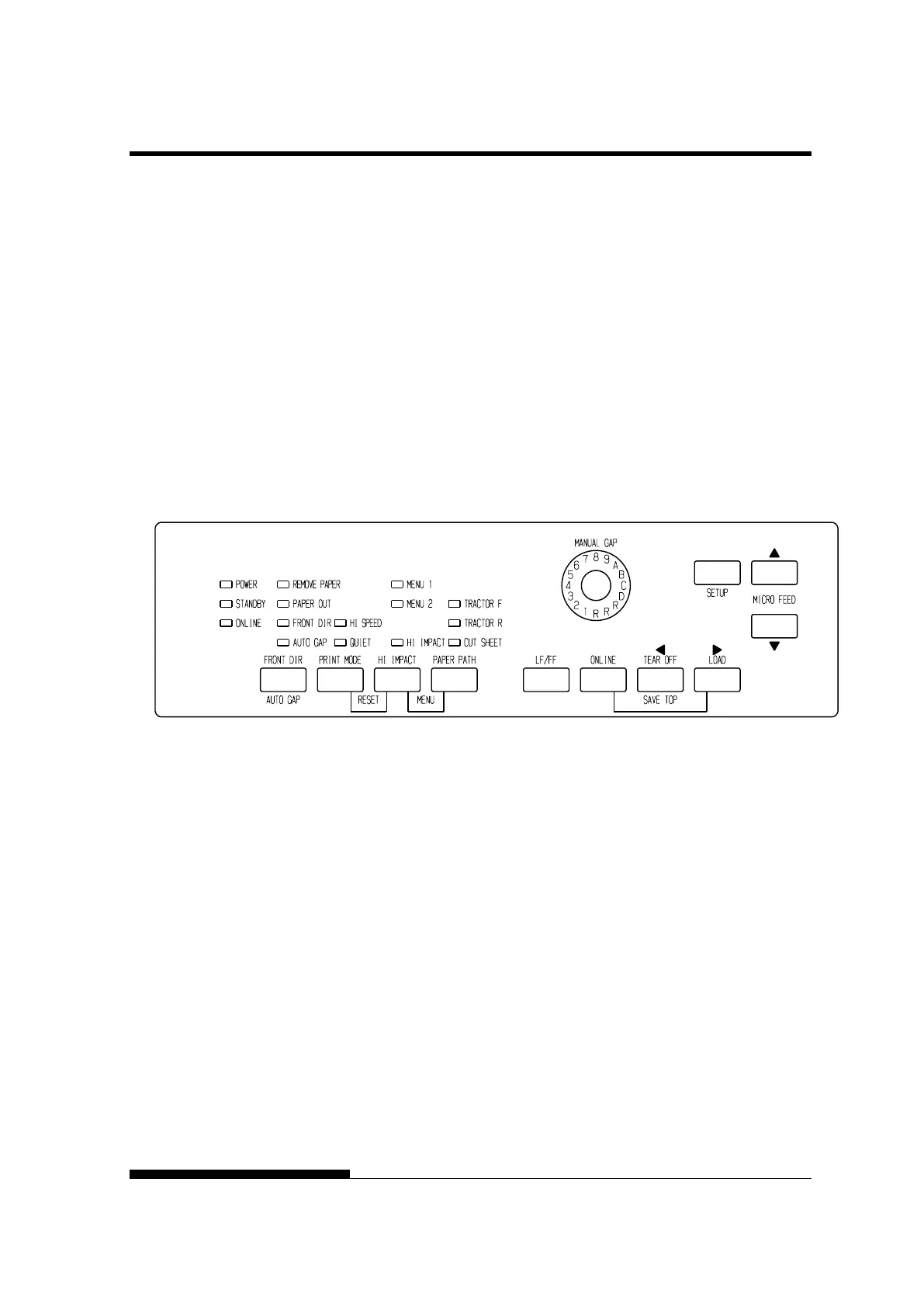
To enter setup mode, follow these steps:
1. Make sure that front continuous forms paper is loaded and press
the PAPER PATH button to select the appropriate paper path.
If continuous forms paper is fed from the rear or a CSF is
mounted, the printer does not enter SETUP mode.
2. Press the ONLINE button to place the printer offline.
3. Press the SETUP buttons until the printer beeps.
Entering setup mode
If you do not hear a beep or an alarm beep (beeps four times),
you are not in setup mode. Place the printer offline and try again.
MODE(LED)



 To Next Page