MAINTENANCE
6-4 User's Manual
There are two ways of replacing the ribbon. You can install a new ribbon
cassette in the printer or refill the old ribbon cassette with new ribbon
from a ribbon sub cassette. Appendix A lists order numbers for ribbon
cassettes and ribbon sub cassettes. The following procedure is for ribbon
cassettes. For ribbon sub cassettes, refer to the instructions shipped with
the sub cassette.
To replace the ribbon cassette:
1. Turn off the printer.
Note:
If the power is turned off during or immediately after
printing, turn on the power again. Verify that the print
head has moved to the ribbon replacement position, and
then turn off the power again.
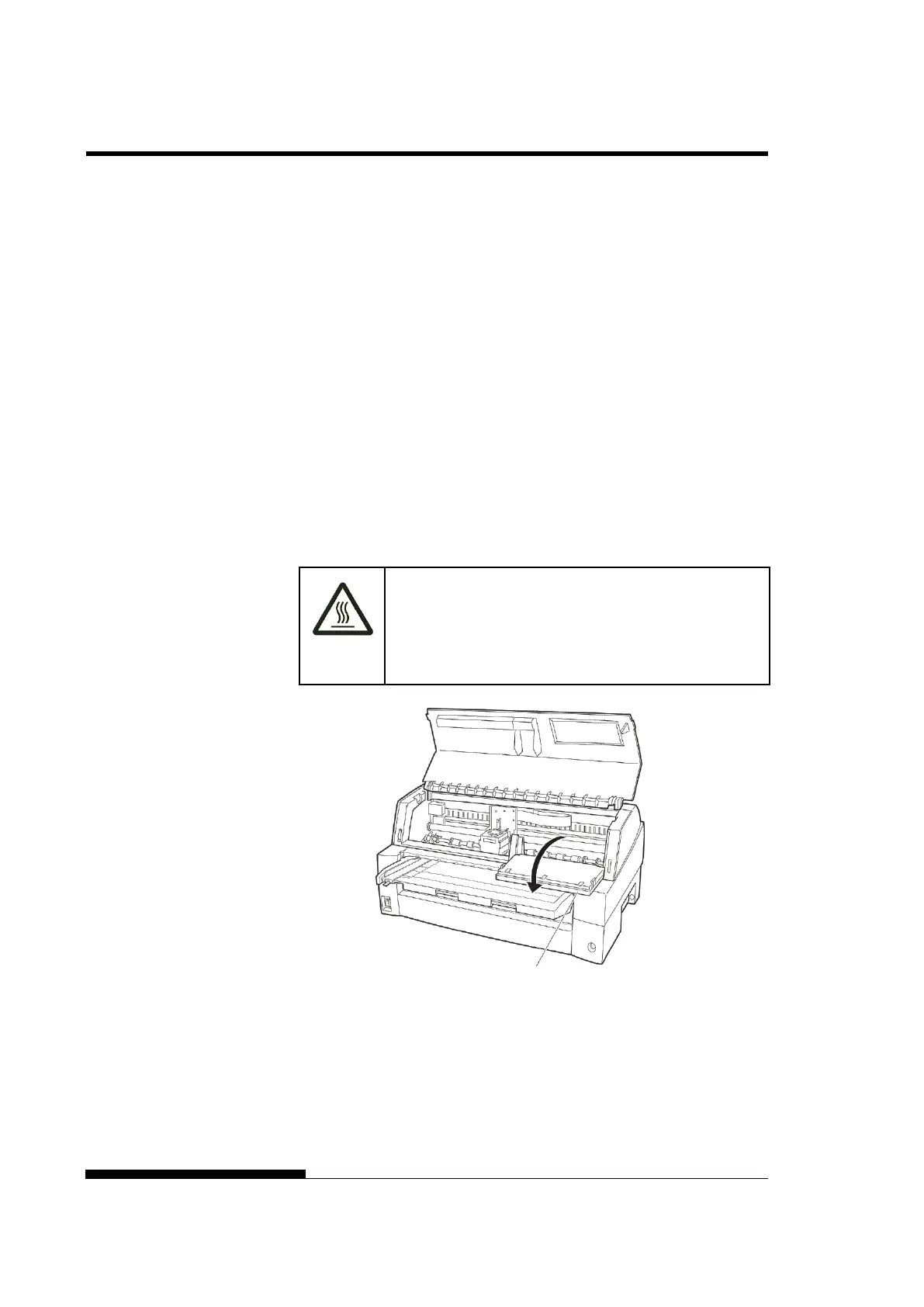
2. Open the front cover and control panel of the printer. Please
make sure that the print head stops at the ribbon replacement
position.
(HOT)
CAUTION <HOT>
The print head and metal frame is hot during printing
or immediately after printing. Do not touch them until
it cools down.
Preparing the printer to install the ribbon cartridge
RIBBON



 To Next Page