INSTALLING OPTIONS
User's Manual 8-13
Installing the Small Paper Table
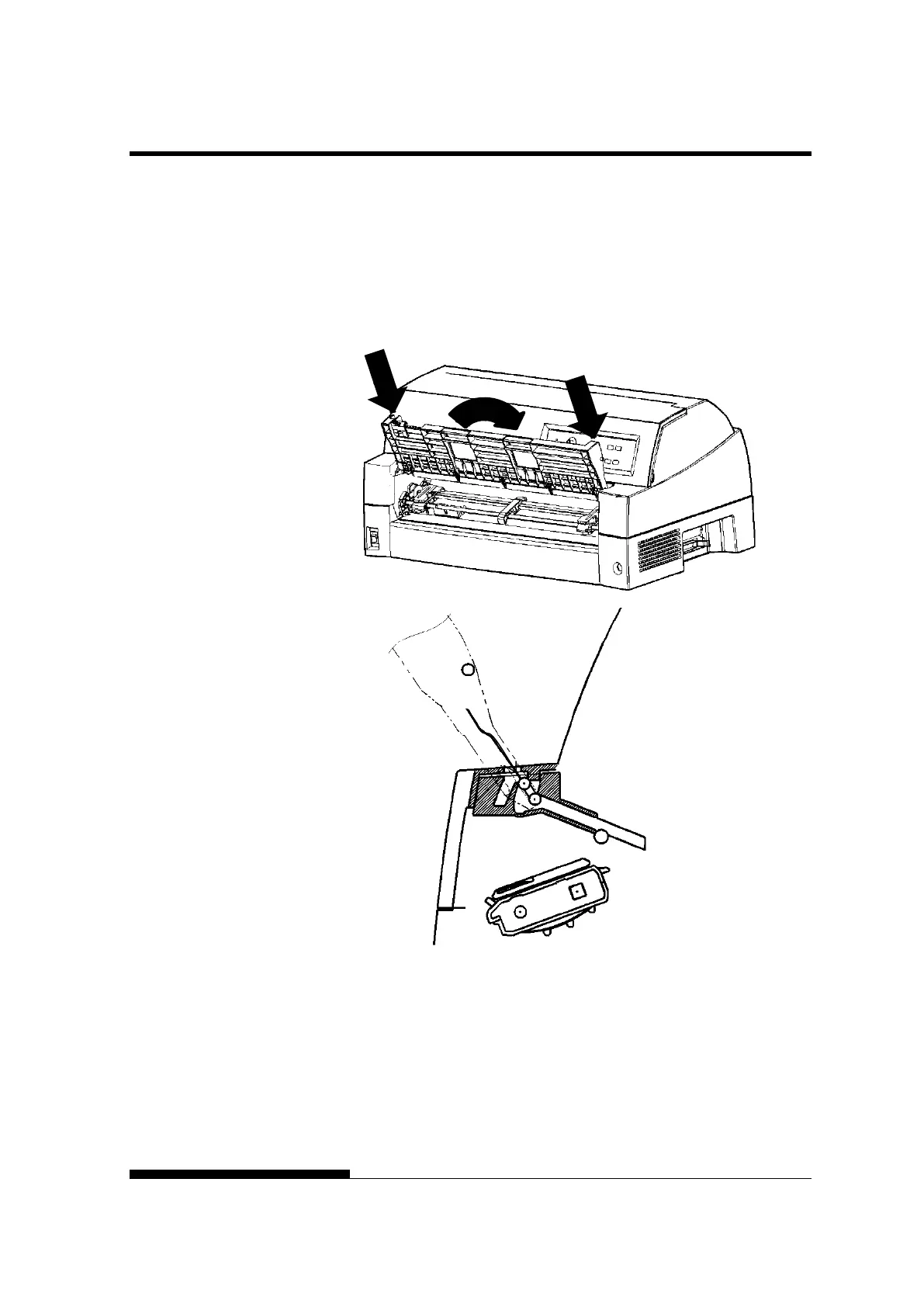
Insert and push the left and right protrusions on the paper table ends
into the grooves on the cover as shown in the following figure. Set
the paper table in the normal position. (See “Setting the paper table”
in Chapter 2.)
The paper table can be opened or closed in the same way as the
removed current paper table.
Make sure the protrusions
are inserted completely as
left figure.



 To Next Page