PAPER HANDLING
3-10 User's Manual
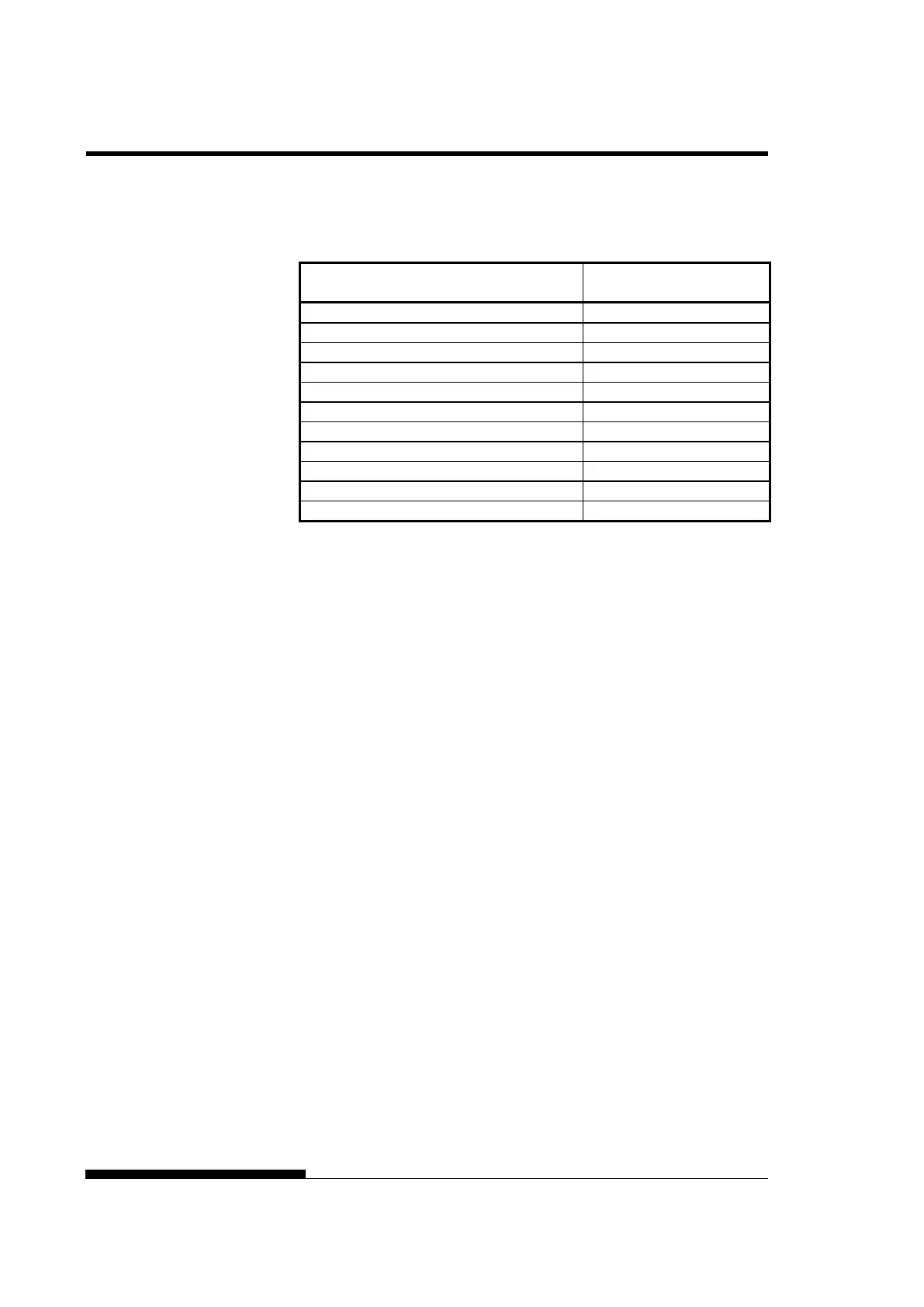
Table 3.2 Manual Gap Dial Settings (LED)
Number of Copies
(Including the Original) *1
*1 For carbon-interleaved paper, the carbon counts as one copy.
*2 Vary the setting up or down (including A to R) to optimize printing
especially for labels and envelopes. Select R when replacing a
ribbon or clearing a paper jam.
NOTE
If printing is messy, the ribbon miss-feeds, or the paper jams, move
the manual gap dial one setting higher.



 To Next Page