PAPER HANDLING
User's Manual 3-3
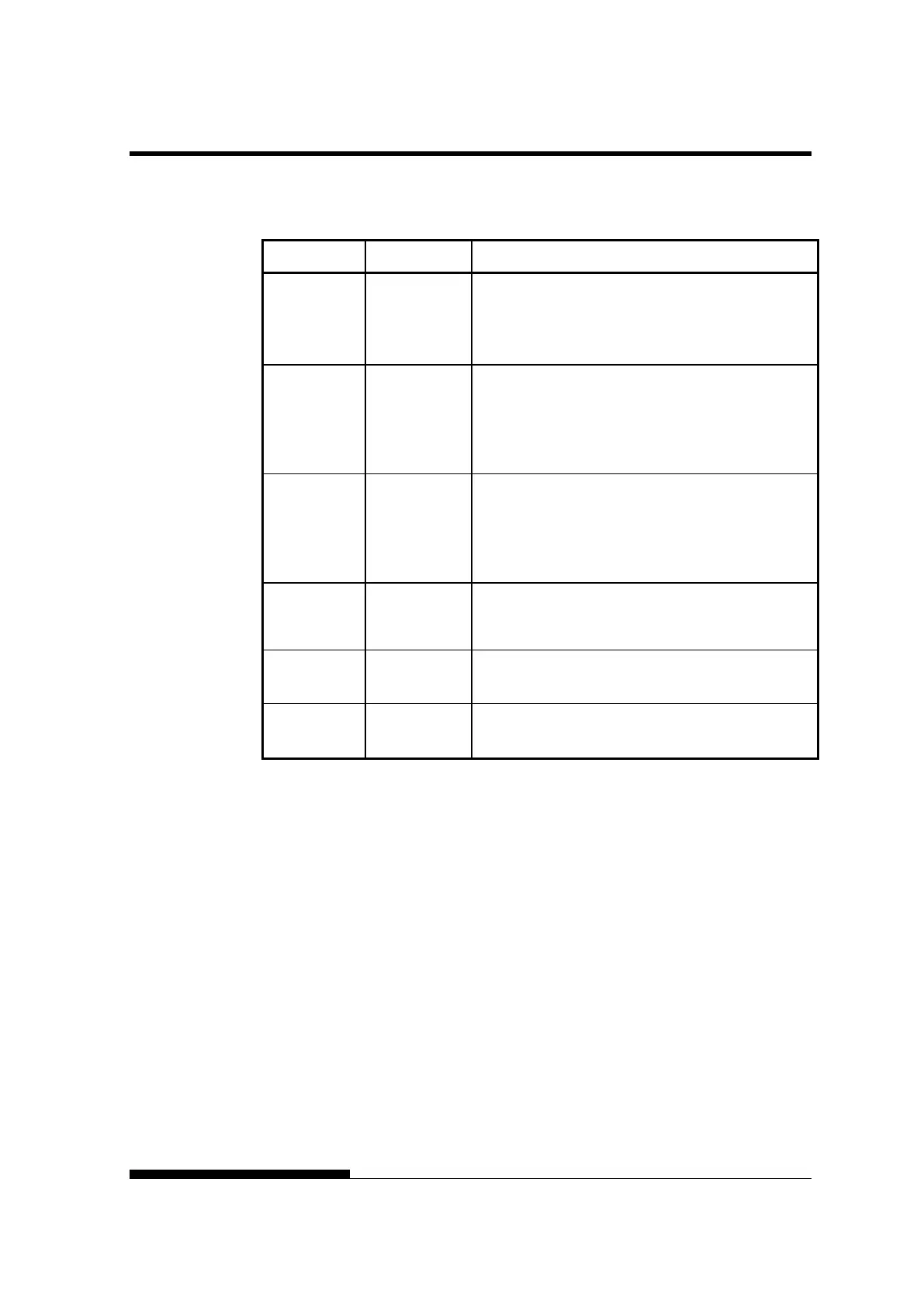
Table 3.1 Buttons Used for Paper Handling
Button/Dial Purpose Action
ONLINE Change the
printer mode
Stop/resume
printing
Press ONLINE to place the printer online or offline.
Press ONLINE to stop or resume printing.
LOAD Load/unload
paper
Save adjusted
load point
Press LOAD to load paper or to retract continuous
forms to the “park position.”
Press LOAD and ONLINE simultaneously to
permanently store a load position adjusted by micro
feeding immediately after loading paper.
LF/FF Form feed
Line feed
Press and hold LF/FF to execute a form feed.
Continuous forms are fed forward by one page.
Single sheets are ejected.
Press LF/FF within three seconds to feed paper
forward by one line.
TEAR OFF Advance
forms for
tear-off
Press TEAR OFF to advance the forms perforation
to the tear-off edge. Tear off the forms, then press
any button to retract the remaining forms.
PAPER
PATH
Selects paper
path
Press PAPER PATH to select the paper path: front
tractor, rear tractor, cut sheet.
IMPACT
Press HI IMPACT to set or reset hi impact mode.



 To Next Page