USING SETUP MODE
5-74 User's Manual
3. Adjust the vertical print alignment at letter quality speed.
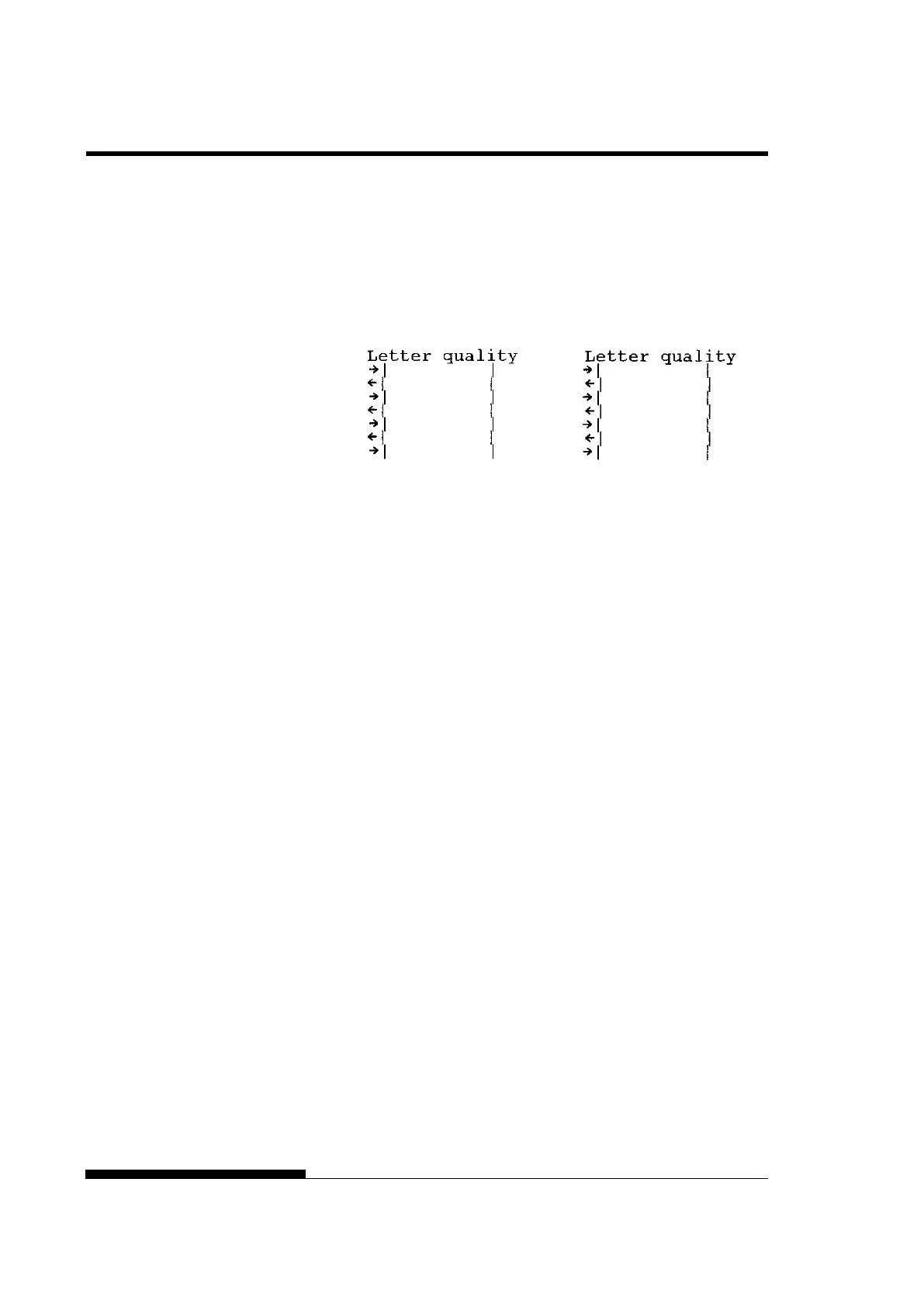
Examine the parallel bars. If the bars are aligned (not jagged),
go to step 4. If the bars are offset to the left, repeatedly press the
“” button until the bars are aligned. If the bars are offset to the
right, repeatedly press the “” button until the bars are aligned.
(In the following figure, the first line is assumed to be printed
from left to right.)
Bars offset to the left Bars offset to the right
Press the HI IMPACT button to enter Hi Impact mode. Make
similar adjustments.
4. Adjust the vertical print alignment at letter 2 speed.
Press the “TEAR OFF” button to switch from letter speed to
letter 2 speed.
Examine the parallel bars and adjust the vertical print alignment
as described in step 3.
HI IMPACT button is disable at letter 2 speed in V-ALMNT
function.
HI IMPACT mode of letter quality 2 is the same speed as HI
IMPACT mode of letter quality.
5. Adjust the vertical print alignment at correspondence speed.
Press the “TEAR OFF” button to switch from letter 2 speed to
correspondence speed.
Examine the parallel bars and adjust the vertical print alignment
as described in step 3.
Press the HI IMPACT button to enter Hi Impact mode. Make
similar adjustments.



 To Next Page