MAINTENANCE
6-2 User's Manual
3. Use a soft, damp cloth to wipe the exterior of the printer,
including the cover, paper table, and rear stacker. A mild
detergent may be used.
CAUTION
Do not use solvents, kerosene, or abrasive cleaning materials
that may damage the printer.
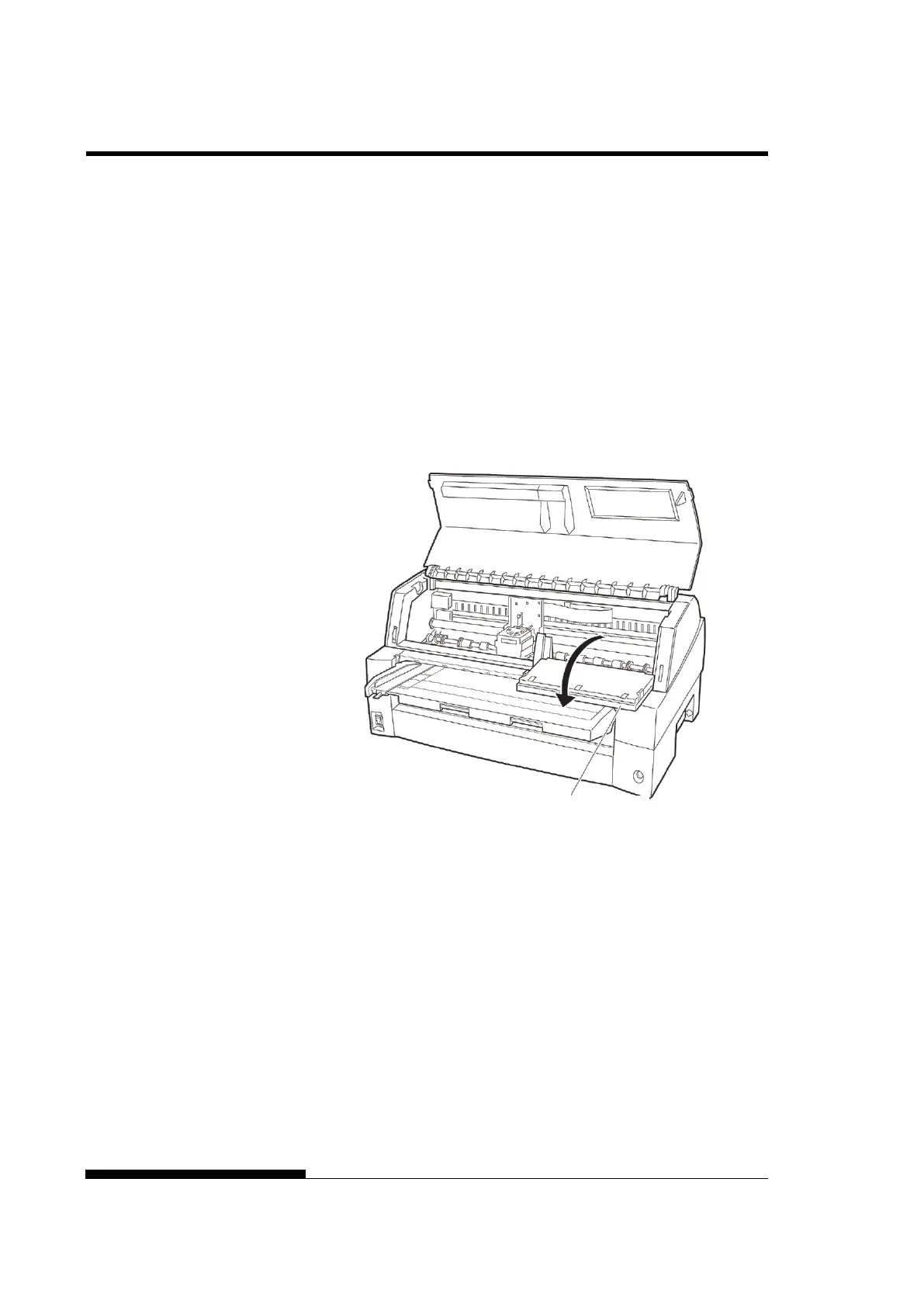
4. Open the front cover of the printer and remove the ribbon
cartridge. If necessary lay down control panel. Using a soft
vacuum brush, gently vacuum the platen, print head carriage,
and surrounding areas. You can easily slide the print head to the
left or right when the power is off. Be careful not to press too
hard on the flat ribbon cable that extends from the print head
carriage.
Printer interior
5. Re-install the ribbon cartridge. Close the front cover.
6. Raise the paper table and rear stacker. Vacuum the forms
tractors and surrounding areas.



 To Next Page