INSTALLING OPTIONS
User's Manual 8-5
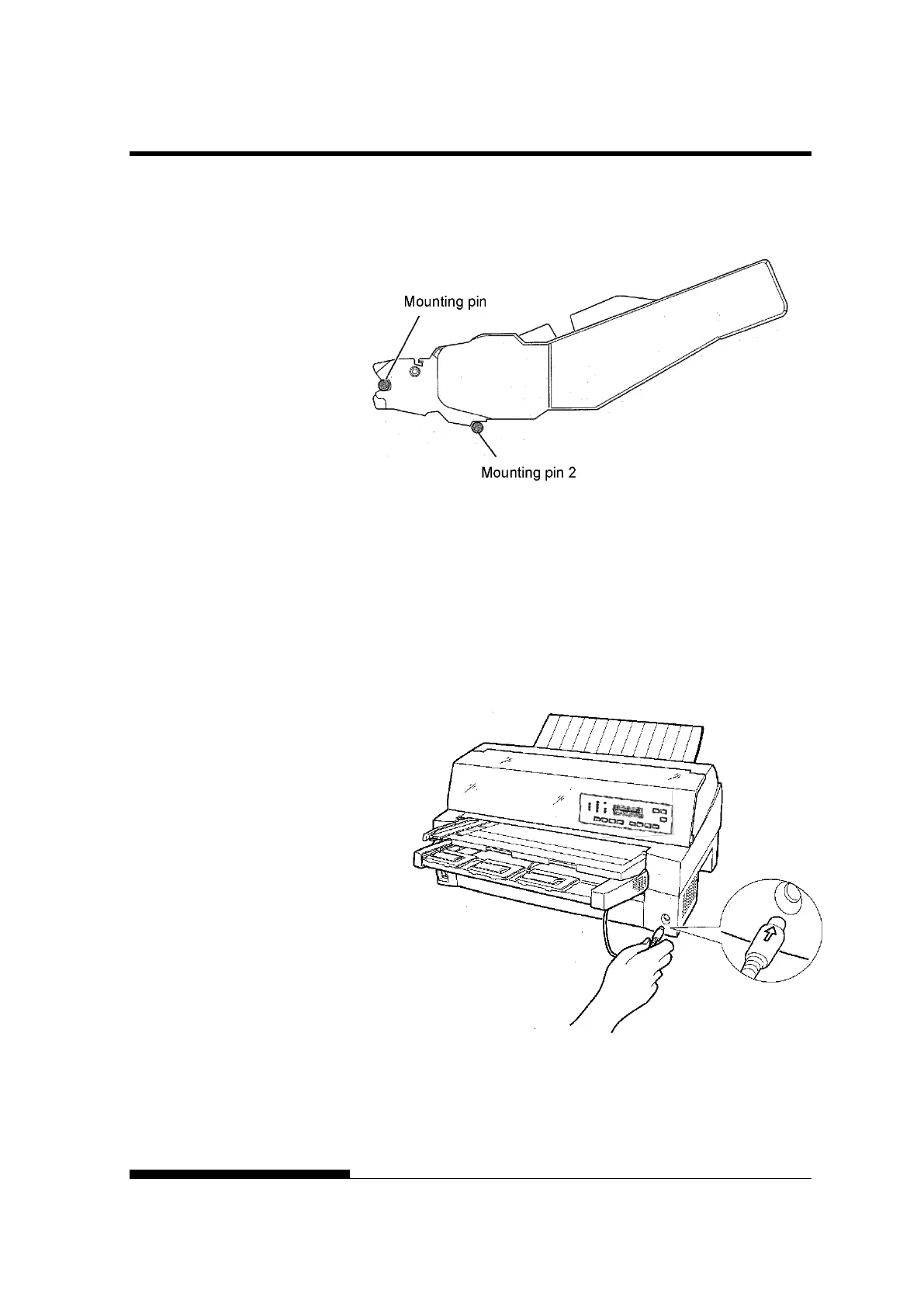
Check that the cut sheet feeder frame is correctly mounted on
mounting pin 2.
4. Replacing the paper table
Be sure to replace the paper table. (See “Handling the paper
table” on page 2-5.)
If the paper table is incorrectly set, a paper jam may occur.
5. Connecting the cable
Connect the cut sheet feeder cable to the connector on the front
right of the printer. Insert the cable with the connector arrow
mark up.



 To Next Page