QUICK REFERENCE
User's Manual QR-3
Printer Operations (Normal Mode) (Cont.)
: Operation can be performed when the printer is in this state.
— : Operation cannot be performed when the printer is in this state.
N/A: Does not apply.
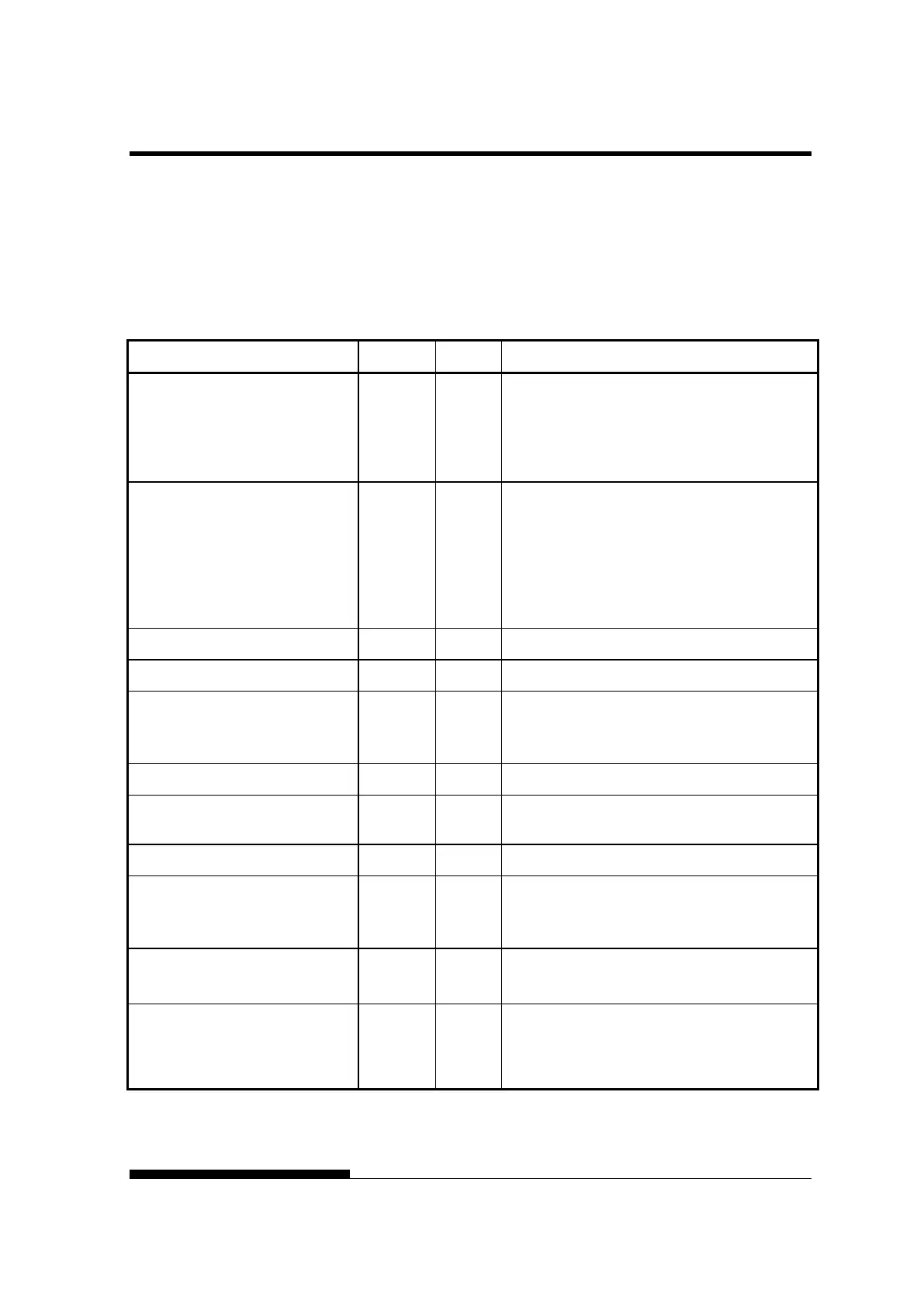
Operation Online Offline Required Response
Select auto adjusting for paper
thickness.
—
Press AUTO GAP 2 second or more.
So that AUTO GAP lamp lights
(LCD type)
Press GAP ADJUST.
So that LCD display “AUTO”
Adjust for paper thickness
manually
—
Press AUTO GAP 2 second or more.
So that AUTO GAP lamp is off.
Then manual gap dial become effective.
(LCD type)
Press GAP ADJUST repeatedly.
So that LCD display
~
~
Save adjusted load positions
Press ONLINE and LOAD.
Select MENU1 or MENU2 —
Press PAPER PATH and HI IMPACT.
Clear print buffer —
Press FRONT DIR and AUTO GAP.
(LCD type)
Press HI IMPACT and PRINT MODE.
Reset power-on defaults
Turn printer off, then on.
Start/stop/resume printing
Start: Send print command.
Stop/resume: Press ONLINE.
Resume printing after paper —
Press ONLINE.
Enter setup mode —
Press SET UP .
(LCD type)
Enter font/pitch/quality
Setting mode
—
Press FONT/PITCH.
Exit to normal mode
Self-test printing
Start: Turn printer off. Press LF/FF while
turning printer on.
Pause/resume: Press LOAD.
Exit: Press ONLINE.



 To Next Page