SETTING UP
2-4 User's Manual
2. Carefully examine each item for damage. Report any problems
to your dealer or shipping agent.
3. Place the printer where you plan to use it.
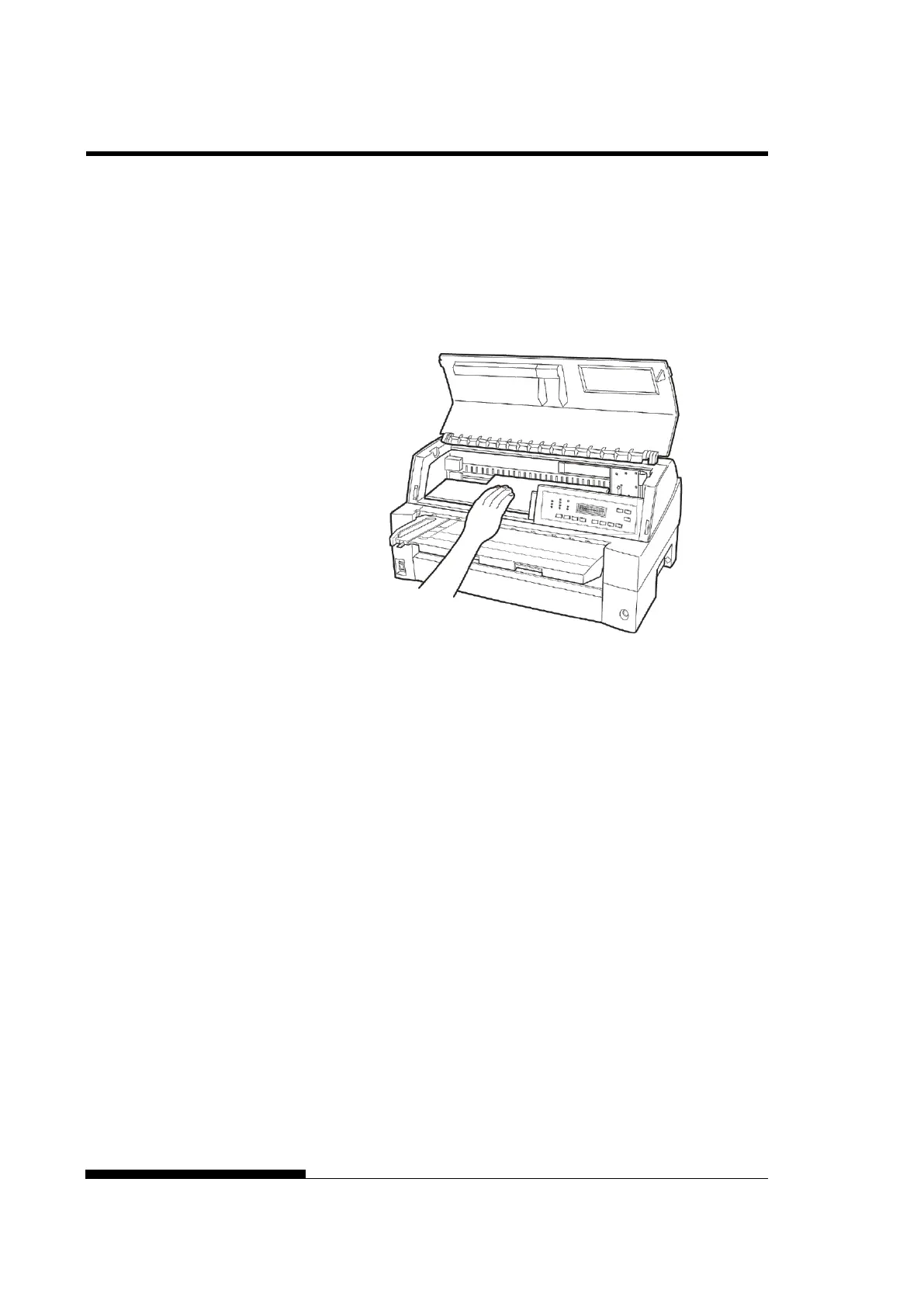
4. Remove the tapes and cushions securing the printer. Open the
front cover and remove the shipping restraint cardboard that
holds the print head carriage in place (shown below).
Removing the shipping restraint cardboard
5. Store the original shipping carton and packaging materials for
future use. For example, the original packaging is ideal for use
when you move or ship your printer to another location.
NOTE
The interface cable is not included with the printer. You must
purchase it separately. Connection of the interface cable is described
later in this chapter.



 To Next Page