SETTING UP
User's Manual 2-11
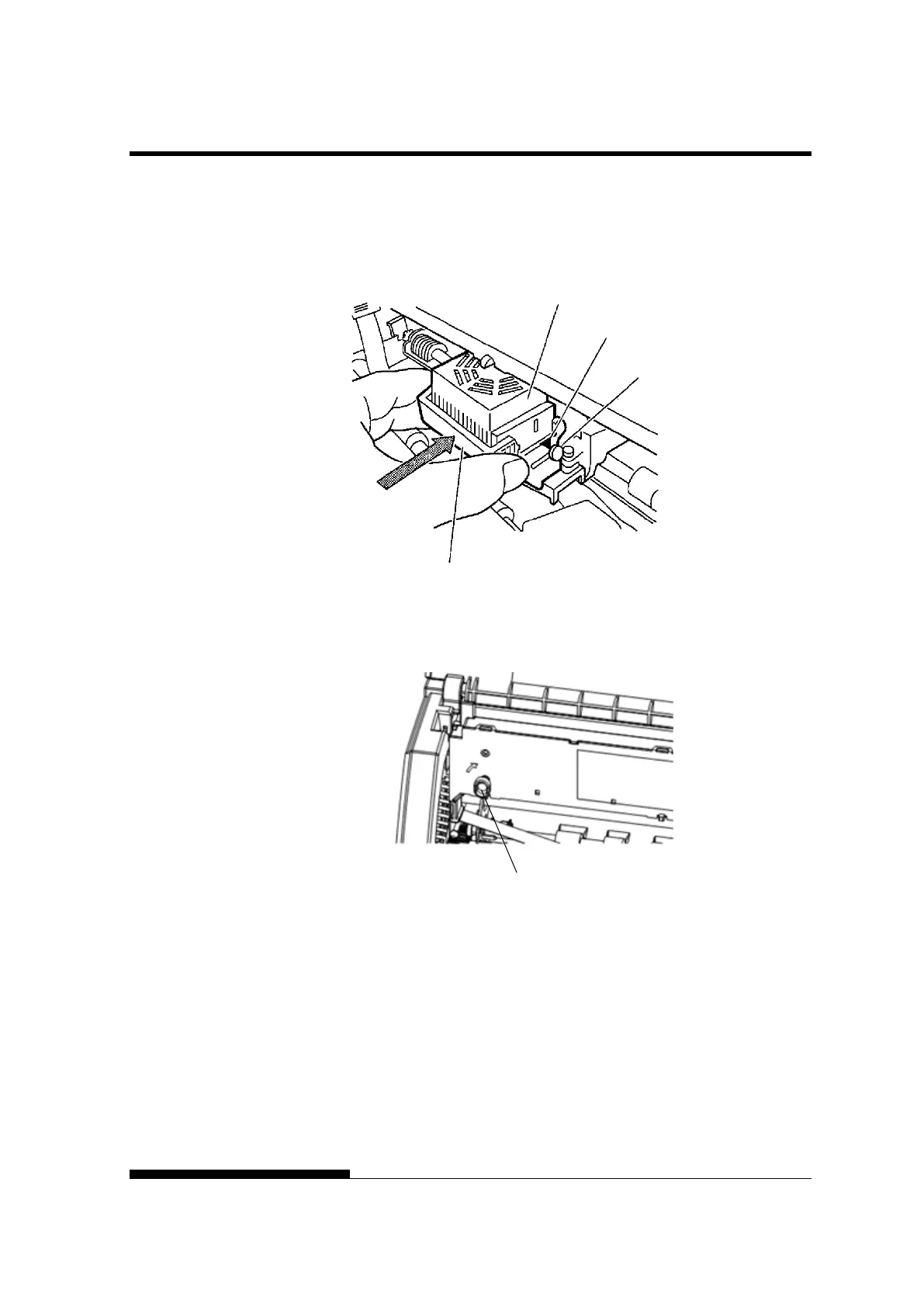
7. Attach the green ribbon guide on the print head.
Please make sure that the ribbon slack lightly. (If the ribbon is
strained, it will quirk when installation.)Push the green ribbon guide
until the triangle mark ” ”meets the round projection of print head.
8. Turn the ribbon feed knob clockwise to take up any slack in the
ribbon.
9. Return the control panel.
10. Close the front cover.
NOTE
A Fujitsu ribbon cassette is recommended. Don’t use other cassettes.
If other cassettes are used, operating problems or a damage of the
print head may be caused.



 To Next Page