PAPER HANDLING
3-14 User's Manual
5. Pull the sub-guide out as required to the paper size.
NOTE
When using the paper whose width is under 100 mm (4 inch),
position the paper guide at scale 0 [mm].
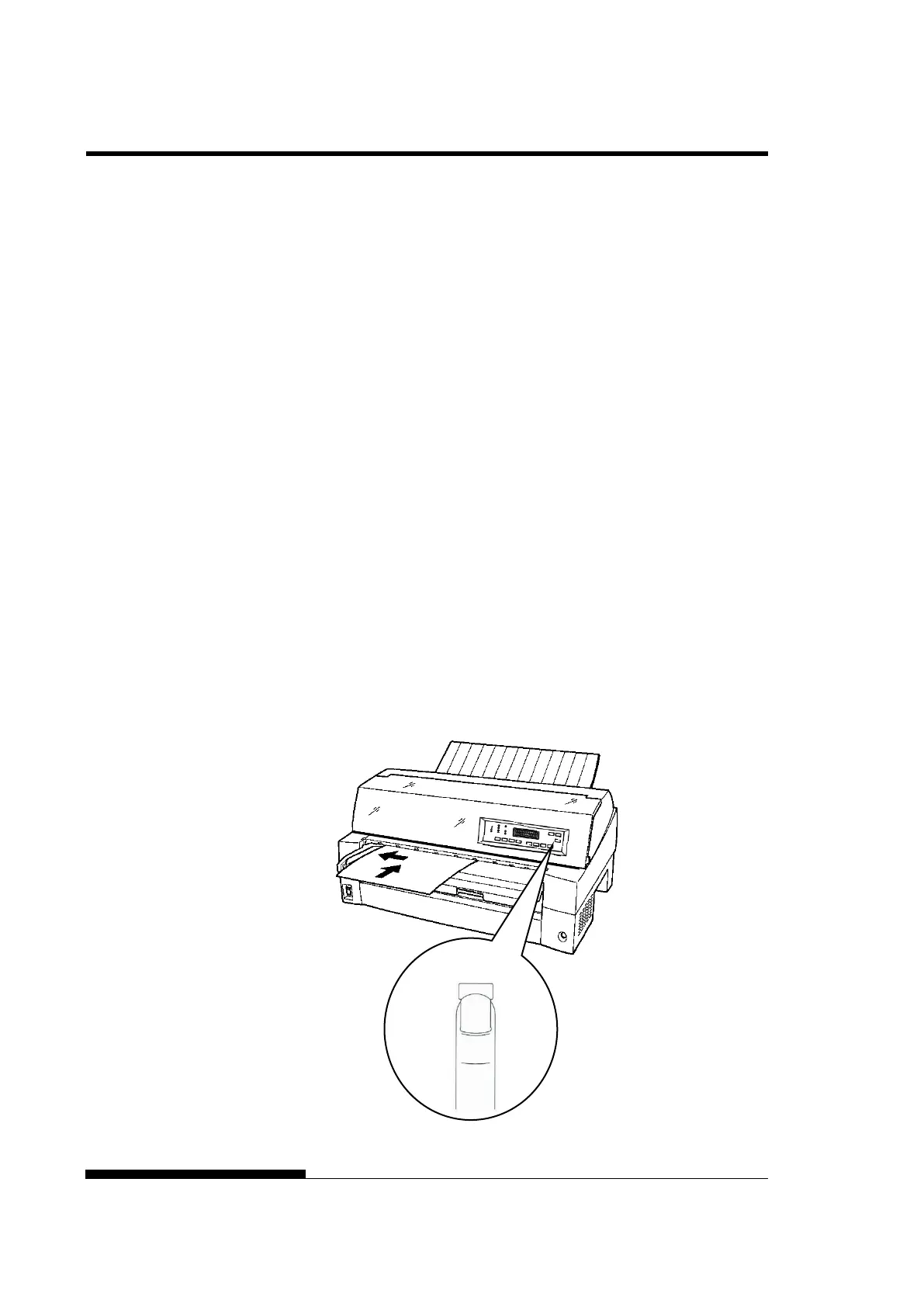
6. Insert a sheet of paper into the paper table. Make sure that the
front edge of the paper engages snugly with the feed roller.
NOTE
If paper skews when it is loaded, the printer does not print and ejects
the paper. (This function can be disabled by a setting in setup mode.)
7. Press the LOAD button. The paper will advance to the top-of-
form position. The top-of-form position is the first line on which
printing can start. To adjust the position of the paper slightly,
press the MICRO FEED button or the MICRO FEED
button. The paper will move forward or backward in 1/180-inch
increments.
After loading paper, the printer goes into online mode.
Loading a sheet of paper



 To Next Page