PAPER HANDLING
User's Manual 3-17
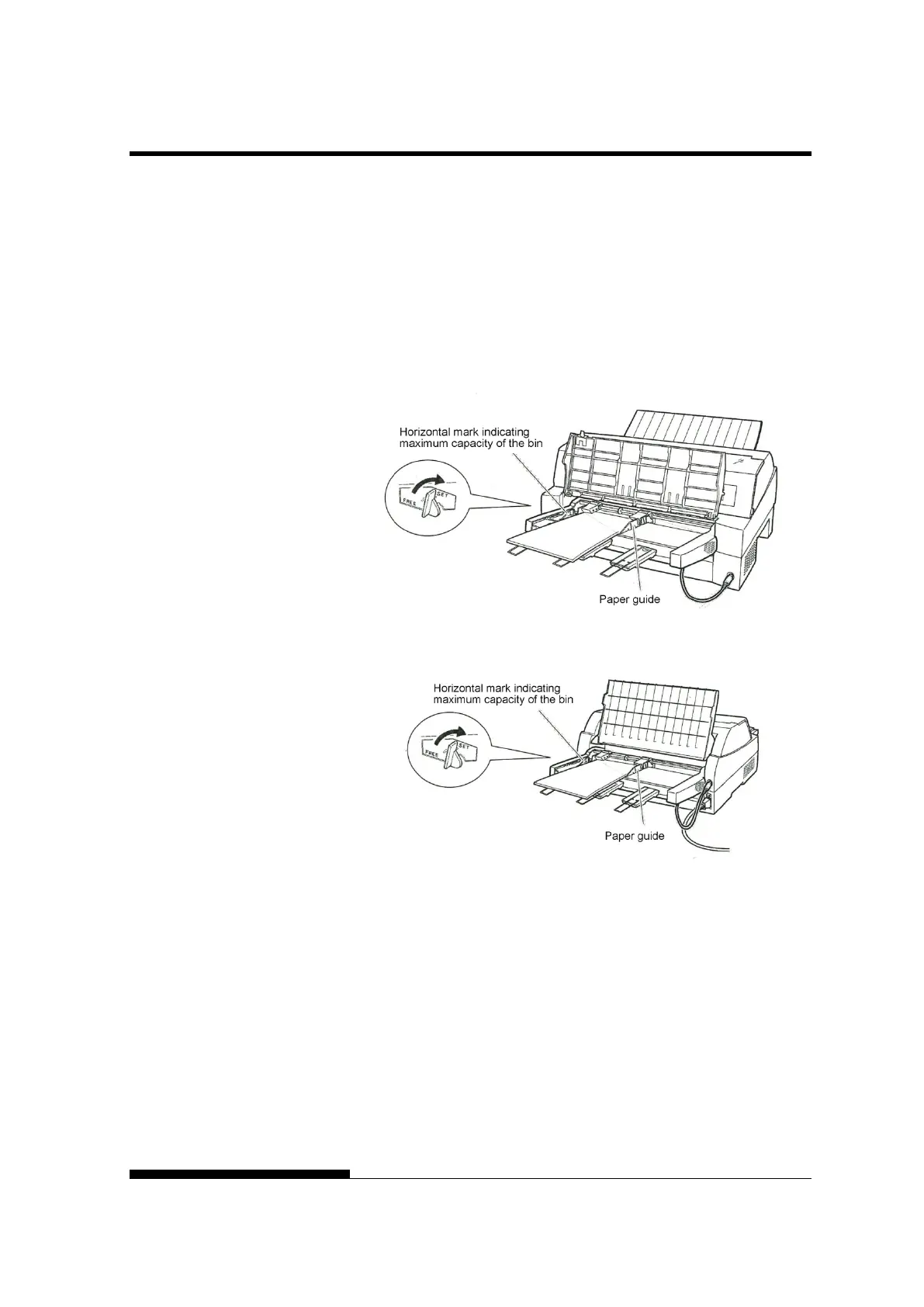
• Slide the right paper guide until the distance between the
two guides is the approximate width of your paper.
3. Manually fan the stack of paper and place it in the paper bin.
NOTE
A short horizontal mark inside the left paper guide indicates
the maximum capacity of the bin. Make sure that your
paper stack does not exceed this horizontal mark.
Loading the cut sheet feeder (Front feed)
Loading the cut sheet feeder (Rear feed)
4. Readjust the right paper guide, leaving a slight gap between the
paper guide and the right edge of the paper. Slide the guide to
the approximate width of the paper, or the paper will not be
loaded properly. Pull the right locking lever forward.
5. Push the bin lever down to the “SET” position.



 To Next Page