Using ScanSnap with the Quick Menu (for Windows Users)
187
Preferences
You can configure the settings in order to link with [Scan to SugarSync].
1. Move the mouse cursor to the [Scan to SugarSync] icon , and
then click .
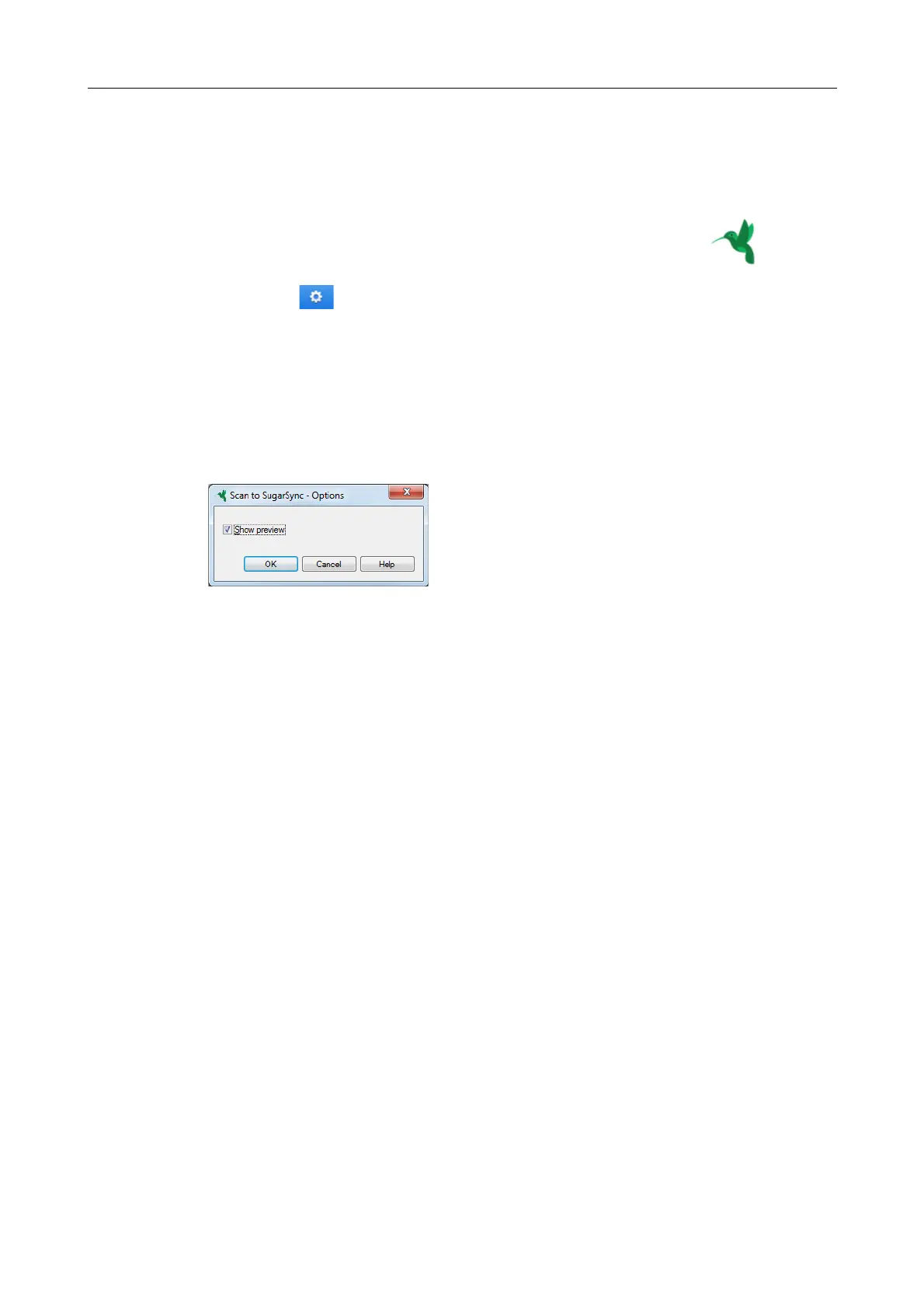
D The [Scan to SugarSync - Options] dialog box appears.
2. Change the settings.
For details about the [Scan to SugarSync - Options] dialog box, refer to the ScanSnap
Manager Help.
3. Click the [OK] button to close the [Scan to SugarSync - Options] dialog
box.



 To Next Page
 Loading...













