Profile (for Windows Users)
207
5. Click the [OK] button to close the ScanSnap setup dialog box.
HINT
z Up to 20 profiles can be saved including the [Standard] profile.
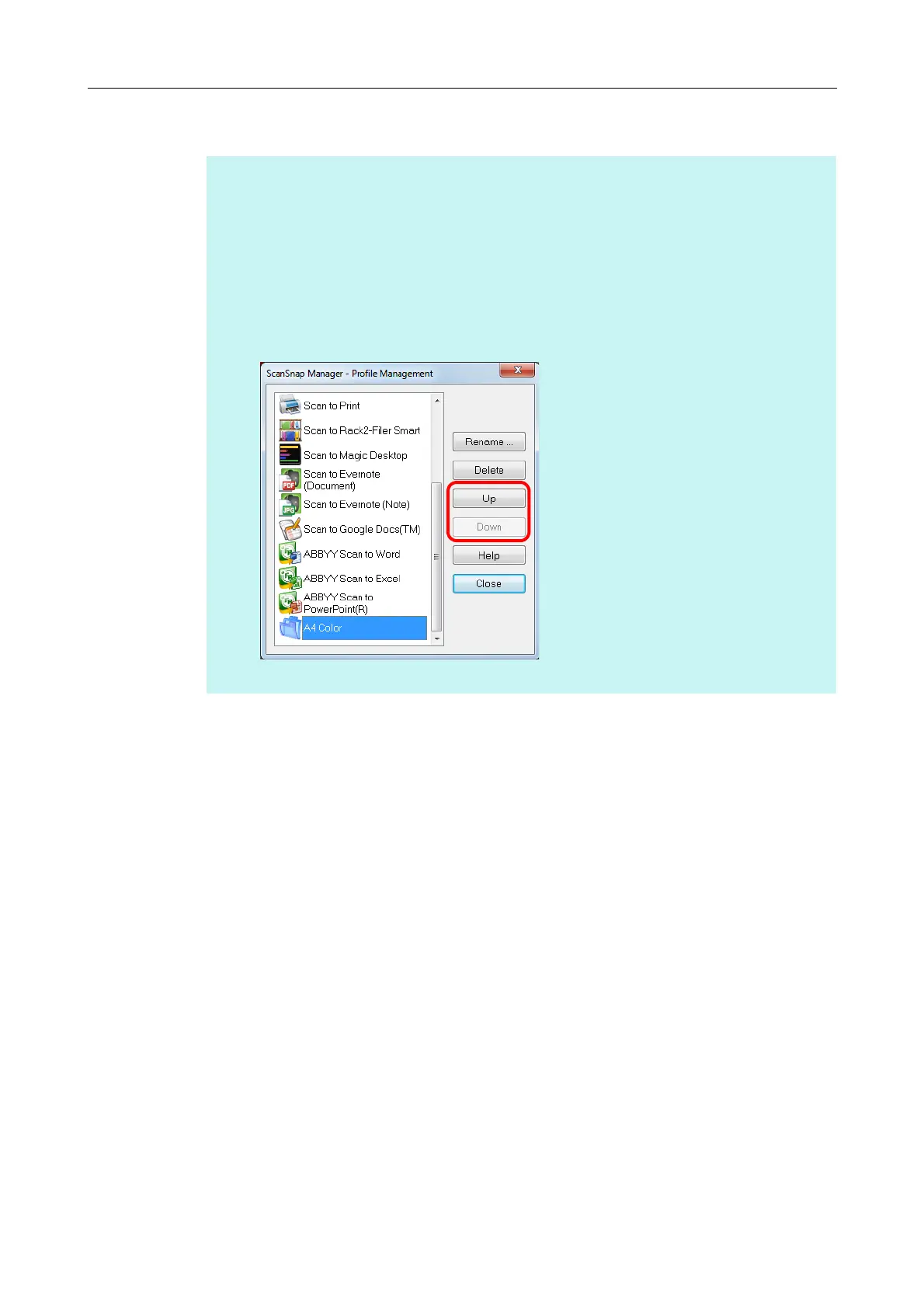
z You can change the display order of profiles.
However, you cannot change the [Standard] display order.
1. Select [Profile Management] from the Right-Click Menu or [Profile] in the ScanSnap setup
dialog box.
D The [ScanSnap Manager - Profile Management] dialog box appears.
2. Select a profile from the list to arrange profiles in a different order.
3. Click the [Up] or [Down] button to move the profile to its desired position in the list.
4. Click the [Close] button to close the [ScanSnap Manager - Profile Management] dialog box.



 To Next Page
 Loading...













