Creating Scanned Images Depending on Intended Use (for Windows Users)
267
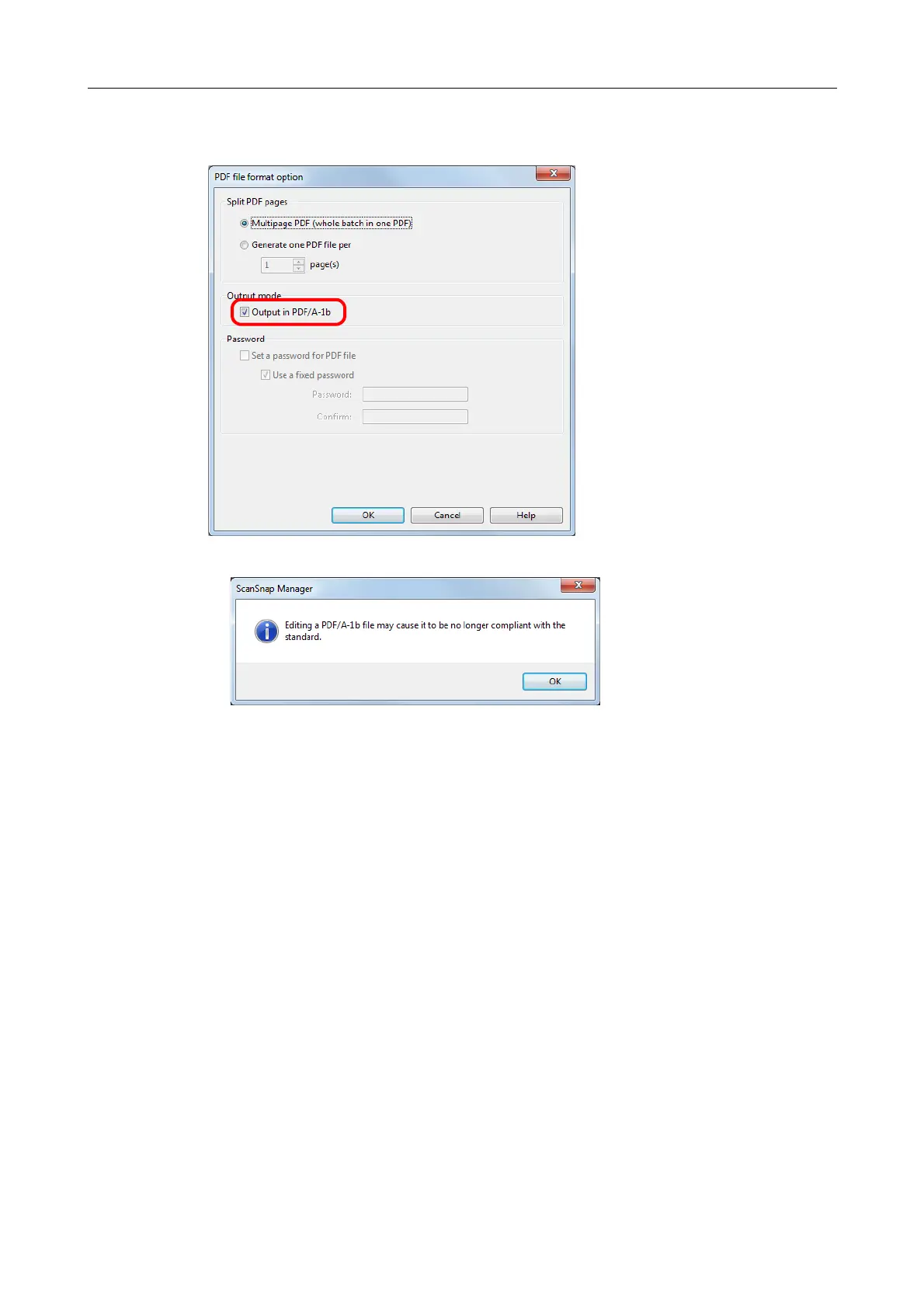
3. Select the [Output in PDF/A-1b] check box.
D The following message appears.
4. Click the [OK] button to close all open dialog boxes.
5. Load a document in the ScanSnap.
For details, refer to "How to Load Documents" (page 63).
6. Press the [Scan] button on the ScanSnap to start a scan.
D The scanned image is saved as a PDF/A file.



 To Next Page
 Loading...













