118
■ Operations in Quick Menu Mode
Operation
1. Load the document on the ScanSnap.
2. Press the [SCAN] button .
⇒ Scanning is started.
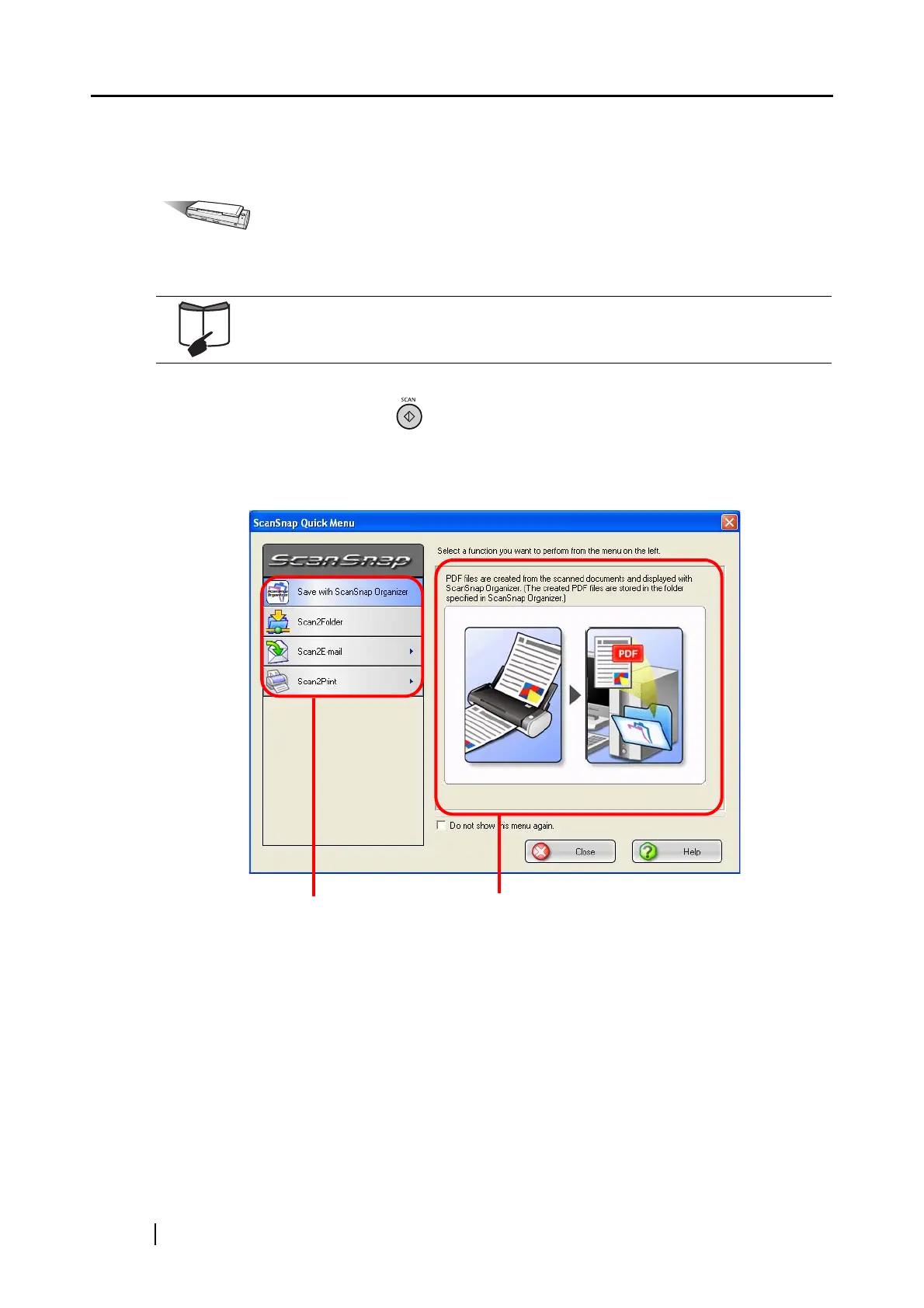
⇒ When scanning is complete, the ScanSnap Quick Menu is displayed.
For details, refer to sections "3.2 Paper Sizes of Documents to be Scanned"
(page 38) and "3.3 Loading Documents" (page 40).
Action List
Descriptions of the selected action



 To Next Page
 Loading...













