4.3 Saving Scanning Settings
ScanSnap S300 Operator's Guide 71
Setting the ScanSnap
4
■ Adding Profiles
Operation
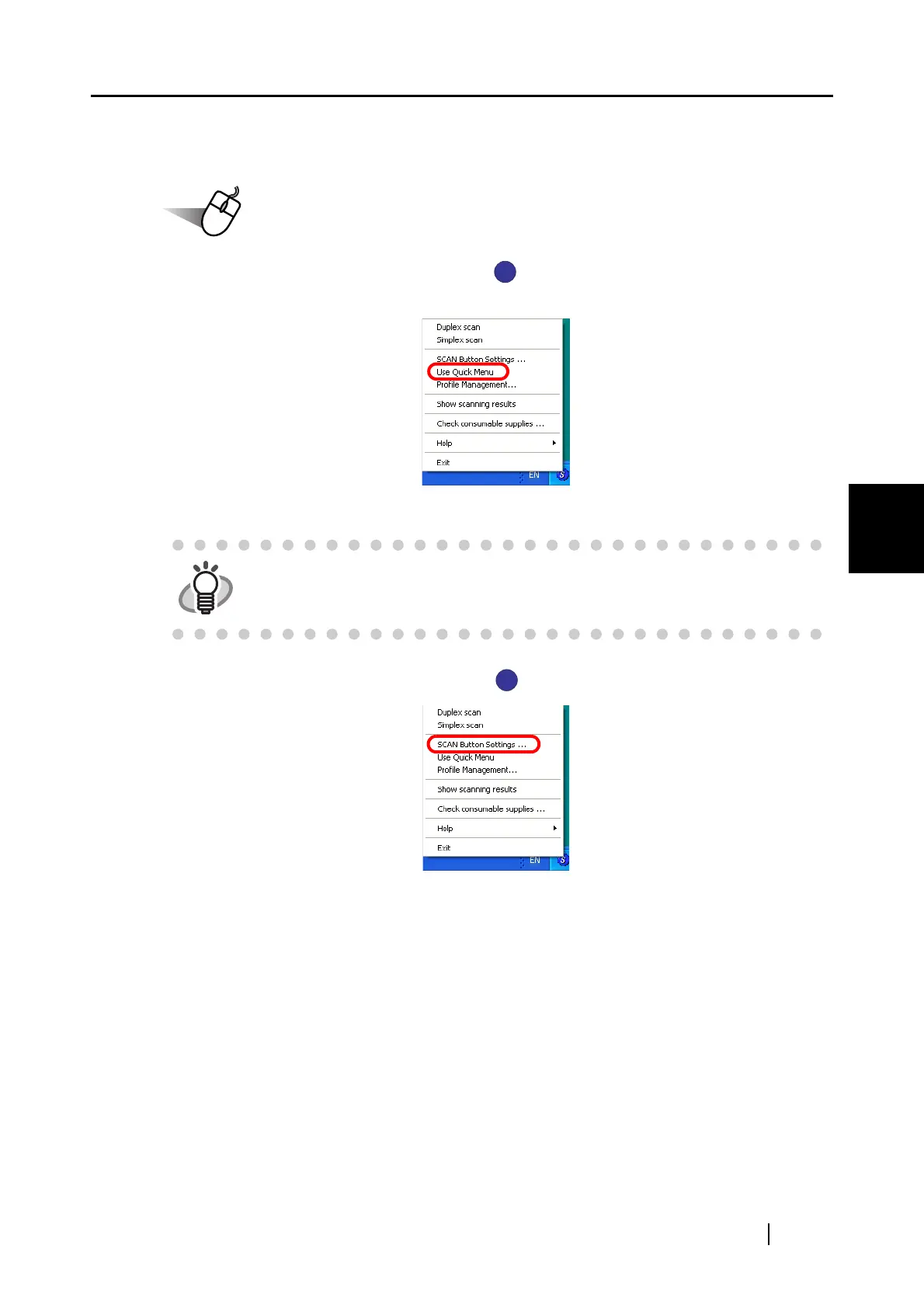
1. Right-click the ScanSnap Manager icon , and make sure that [Use Quick Menu] is
unchecked.
⇒
When you uncheck [Use Quick Menu], the Right-Click Menu above disappears once.
2. Right-click the ScanSnap Manager icon , and then select [SCAN Button Settings].
HINT
When [Use Quick Menu] is marked, the [SCAN] button enters Quick Menu
Mode. You cannot add or edit profiles in the Quick Menu Mode.
S
S
S
S



 To Next Page
 Loading...













