44
4.1 About the ScanSnap Icon
All functional properties on the ScanSnap are managed by ScanSnap Manager.
Ordinarily, the ScanSnap Manager icon is added to the taskbar at the lower right on the
Windows desktop.
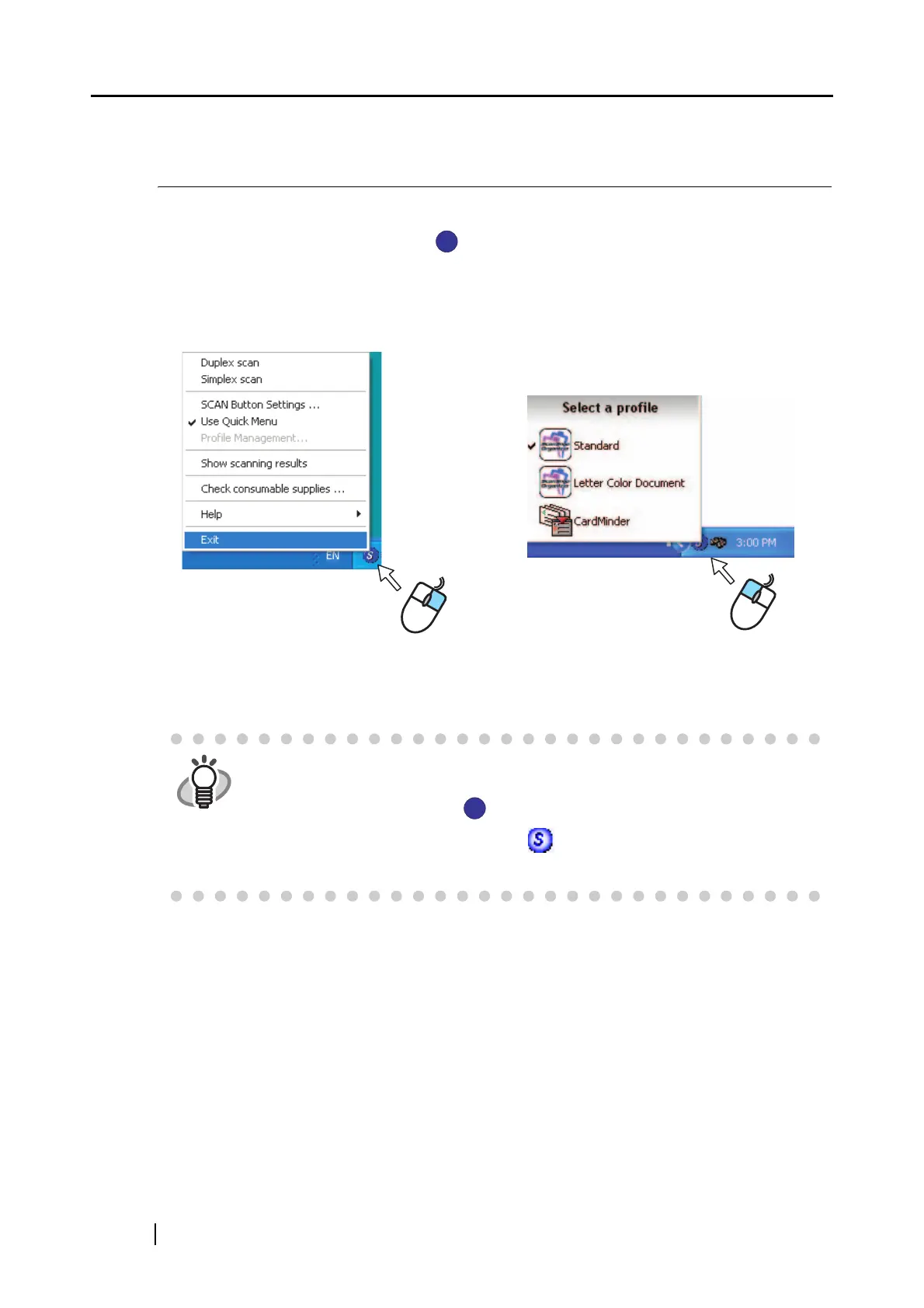
Clicking this icon shows the following menus. You can use either of the menus to start scanning,
change settings, and check the status of consumables.
HINT
The button indication on your computer depends on the cable connection you
made.
• Power cable connection:
• USB bus power cable connection: .
This guide uses examples for power cable connection.
S
S
Right-Click Menu Left-Click Menu
S
S



 To Next Page
 Loading...













