184
8.1 Cleaning the Scanner Exterior
Note 1: To purchase cleaning materials, contact a FUJITSU scanner dealer where you purchased
the scanner.
Note 2: Pre-moistened with Cleaner F1, Cleaning Wipes are used instead of moistened cloths.
Note 3: Any lint-free cloth can be used.
Cleaning Materials Parts No. Remarks
Cleaner F1 PA03950-0352 1 bottle (100 ml)
(*1)
Cleaning wipe PA03950-0419 1 pack (24 sheets) (*1)(*2)
Lint-free dry cloth Commercially available. (*3)
ATTENTION
• Never use paint thinner and other organic solvents.
• During the cleaning, prevent water or moisture from getting inside the scanner.
• Do not use aerosol sprays to clean the scanner. Aerosol sprays cause dirt and
dust to enter the scanner, resulting in scanner failure or malfunction, or errors
in scanned images.
• It may take long before the cleaner vaporizes if a large quantity is used. When
cleaning the scanner parts, dampen a cloth with modest quantities of the
cleaner. In addition, wipe off the cleaner completely with a soft lint-free cloth to
leave no residue on the surface of the cleaned parts.
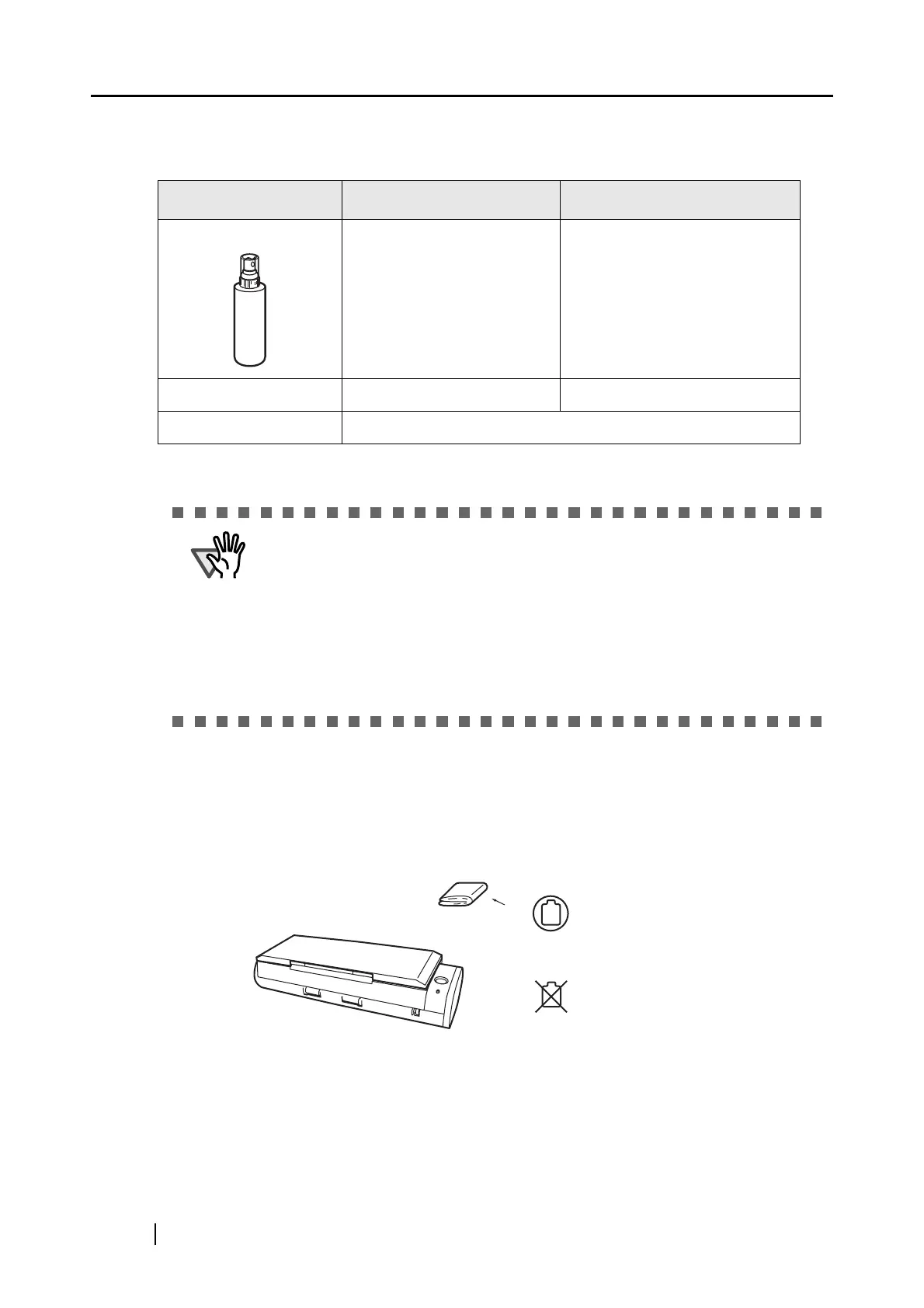
Cloth
Cleaner F1 or
neutral detergent
Paint thinner



 To Next Page
 Loading...













