22
3.1 Flow of Operations
This section describes the flow of operations starting with the scanning of documents on the
ScanSnap to the saving of scanned images in PDF format.
■ Basic Flow of Operations
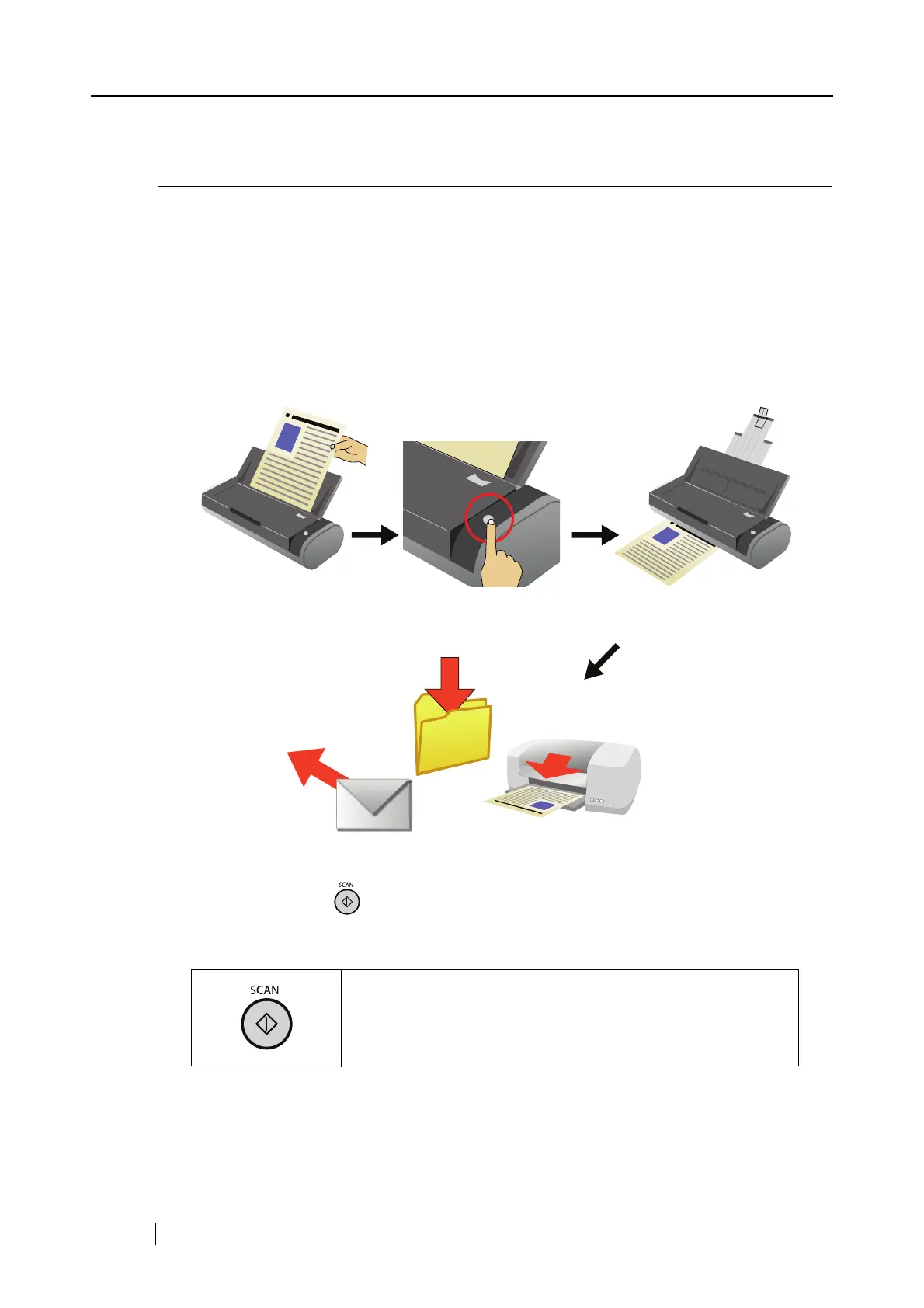
With the document loaded on the ScanSnap, simply press the [SCAN] button, and you can save the
scanned documents to files, attach them to e-mail, and print them with the printer.
Press the [SCAN] button to scan documents.
With the [SCAN] button , you can scan documents in two different ways. Perform a scan in a
way that suits the preferences of you.
Simply press this button to scan the document.
(1) Select an action you want to perform in the ScanSnap Quick
Menu after scanning (page 27).
(2) Select an application or a profile before scanning (page 32).



 To Next Page
 Loading...













