6.1 Using ScanSnap Manager
ScanSnap S300 Operator's Guide 149
Using the ScanSnap in Various Ways
6
■ Merging scanned images divided by scan errors back into one PDF
file
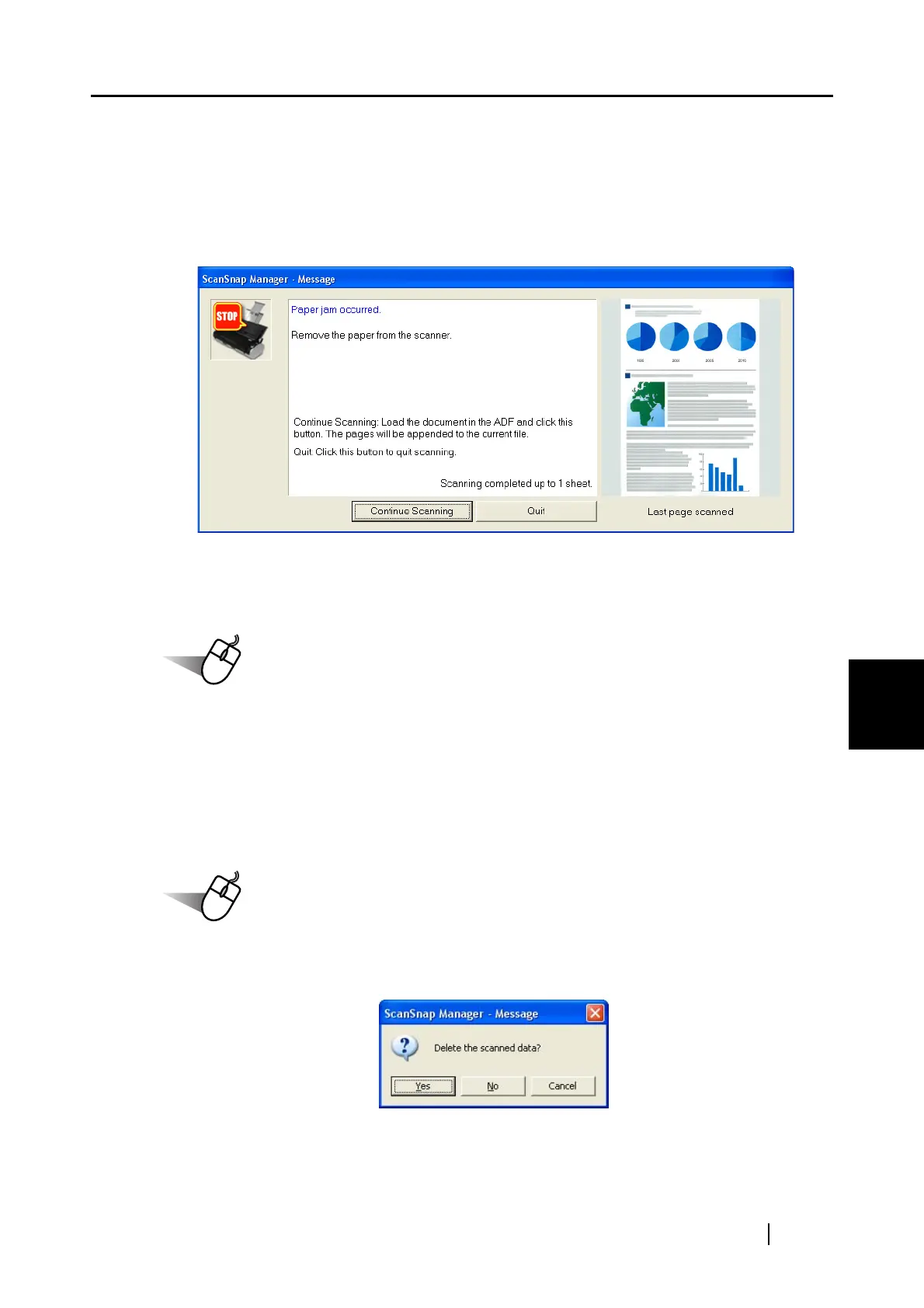
When you are scanning documents and saving them in PDF format, the following window appears
if the scanning is interrupted by a paper jam or error.
You can resume or abort the scanning by the following procedure.
<To resume scanning>
Operation
1. Check the last scanned page in the [Message] window.
2. Load the not-yet scanned pages on ADF.
3. Click the [Continue Scanning] button to restart the scanning.
<To quit scanning>
Operation
1. Click the [Quit] button.
⇒ The following window appears.



 To Next Page
 Loading...













