4.2 Changing Scanning Settings
ScanSnap S300 Operator's Guide 65
Setting the ScanSnap
4
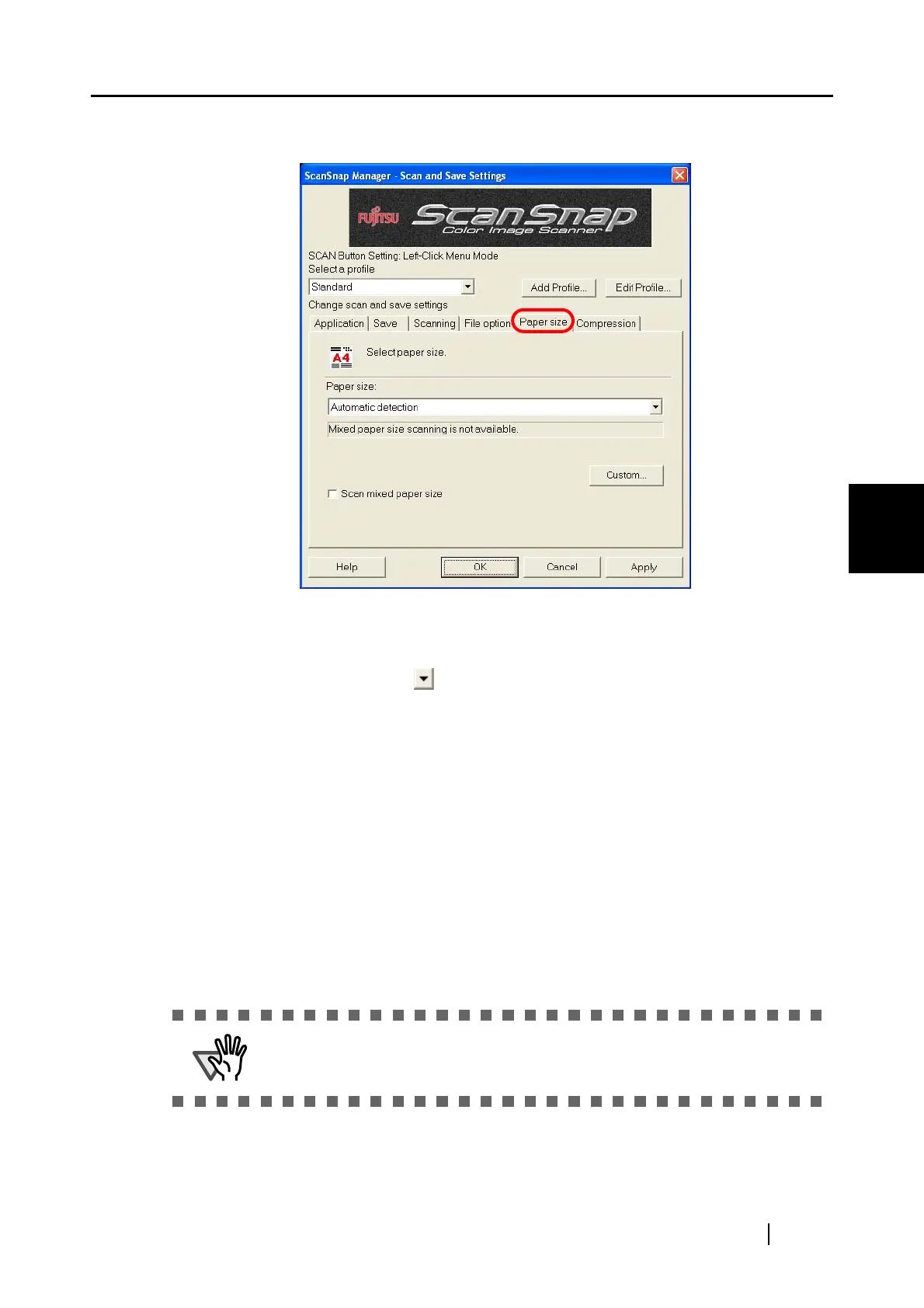
[Paper size] tab
■ Paper size:
Specify the size of the document to be loaded on the ScanSnap.
Click the down-arrow to select the size. The following paper sizes (W x L) can
be selected.
• Automatic detection
• Letter (8.5 x 11 in (216 x 279.4 mm))
• Legal (8.5 x 14 in (216 x 355.6 mm))
• A4 (210 x 297 mm)
• A5 (148 x 210 mm)
• A6 (105 x 148 mm)
• B5 (JIS) (182 x 257 mm)
• B6 (JIS) (128 x 182 mm)
• Post card (100 x 148 mm)
• Business card (90 x 55 mm, 55 x 90 mm)
• Custom (up to 10 settings can be registered)
ATTENTION
Depending on the document size and scanning settings, the output image data
may contain shadows of its edges.



 To Next Page
 Loading...













