6.1 Using ScanSnap Manager
ScanSnap S300 Operator's Guide 151
Using the ScanSnap in Various Ways
6
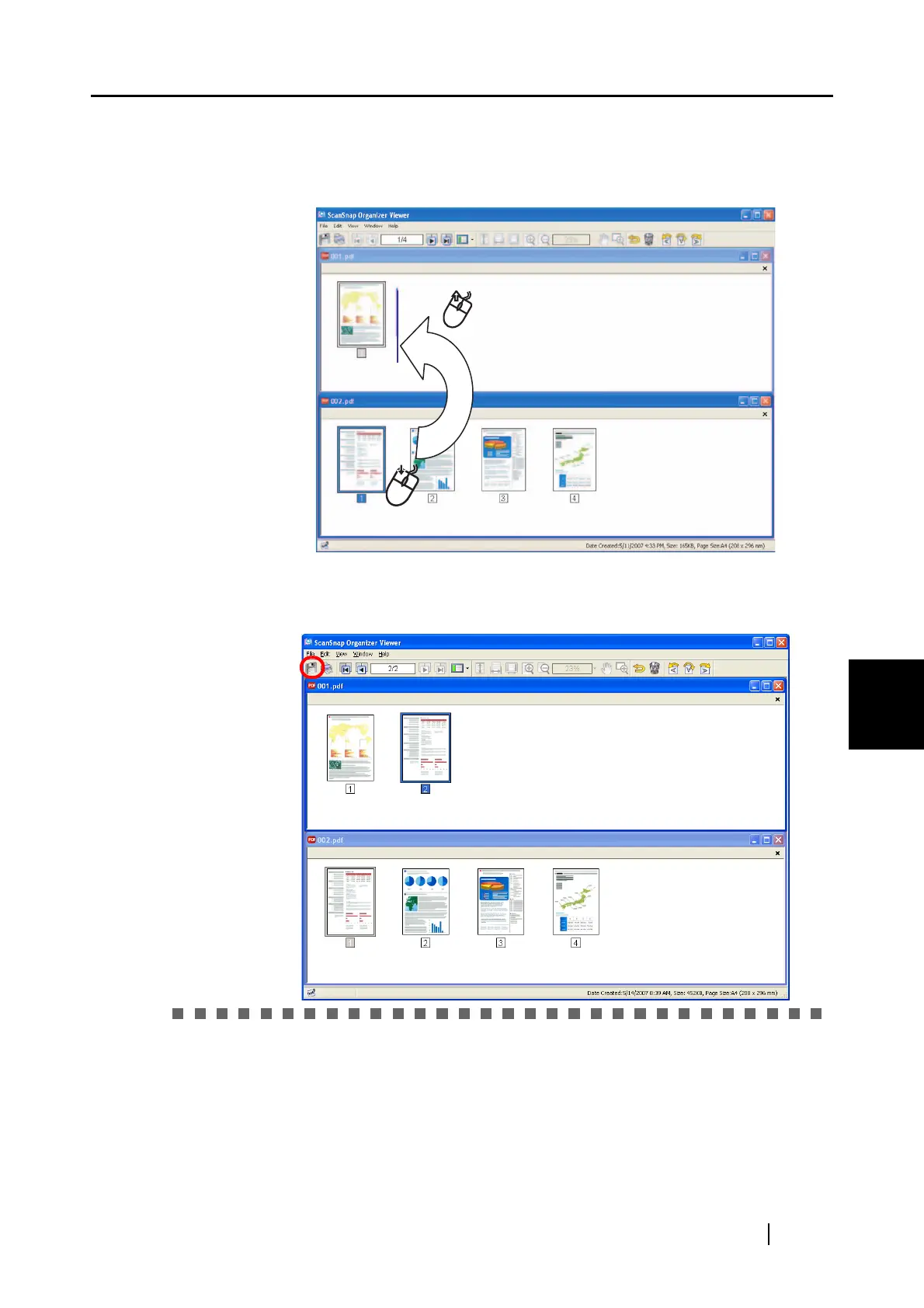
7. The ScanSnap Organizer Viewer window appears.
⇒ Drag the desired page of "File 002" onto the point of "File 001" to
which you want to insert.
8. The page(s) of "File 002" are inserted. Click the [Save] button to save the
file.



 To Next Page
 Loading...













