6.3 Using ScanSnap Organizer
ScanSnap S300 Operator's Guide 169
Using the ScanSnap in Various Ways
6
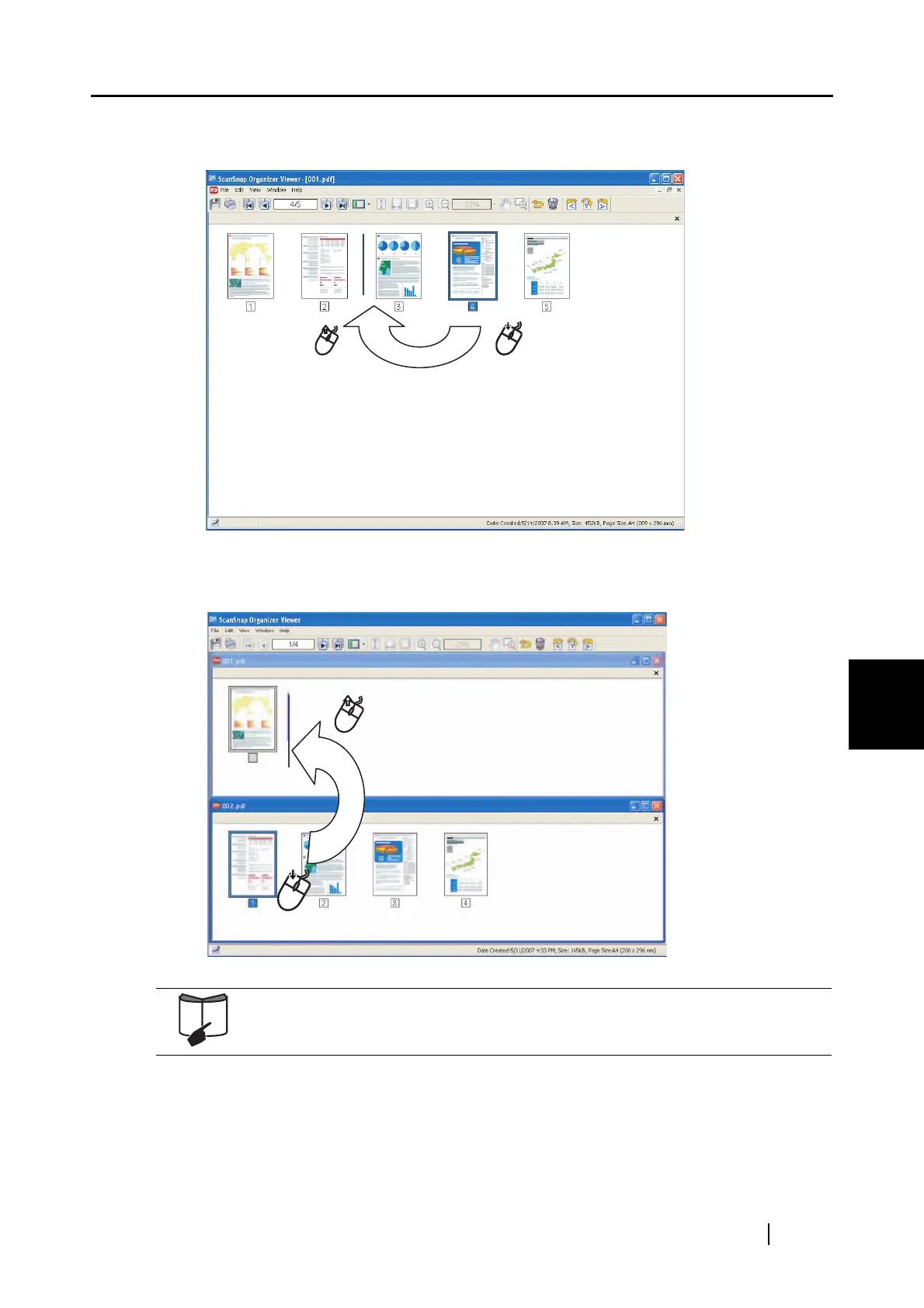
• To move the image:
Select a desired page and drag-drop it to the position to insert.
• To insert the image:
Open both the source file and the copy target file. Select the page to insert, and drag-and-
drop it to a desired position in the target file.
For details about the Edit function of ScanSnap Organizer Viewer, refer to
"ScanSnap Organizer User’s Guide" or "ScanSnap Organizer Help."



 To Next Page
 Loading...













