6.3 Using ScanSnap Organizer
ScanSnap S300 Operator's Guide 171
Using the ScanSnap in Various Ways
6
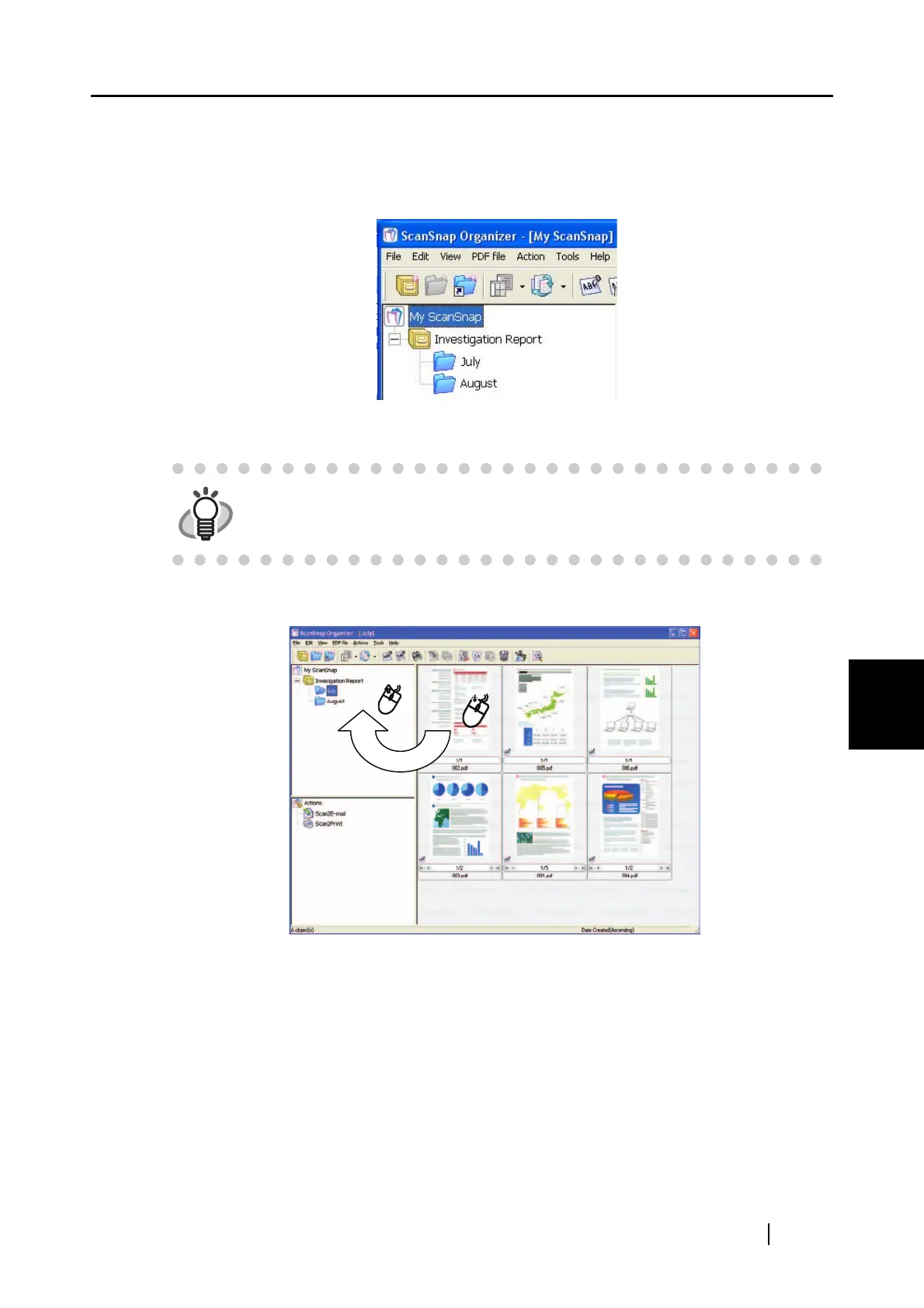
5. Enter a Folder name.
6. Repeat Steps 4, 5 to create folders as needed.
As an example, create two folders named [July] and [August].
7. Select the file.
8. Drag-and-drop the selected file to the destination folder.
9. Repeat Steps 7, 8 to store files in the destination folders.
HINT
You can select several files at one time when you press down and hold the
[Ctrl] key.



 To Next Page
 Loading...













