4.2 Changing Scanning Settings
ScanSnap S300 Operator's Guide 51
Setting the ScanSnap
4
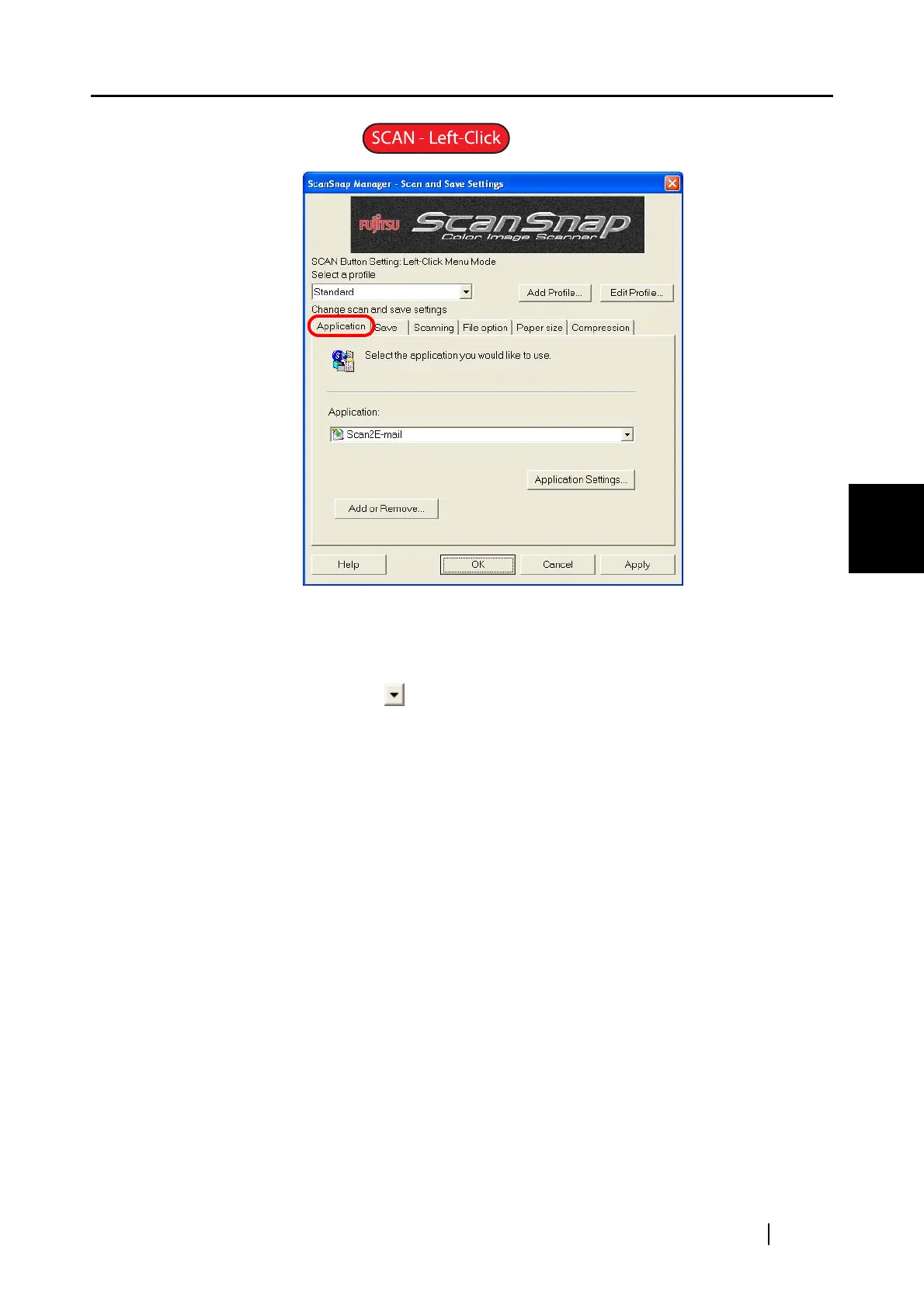
[Application] tab
■ Application:
Specify the application to be linked to the ScanSnap to execute. The specified
application starts up after the document is scanned with the ScanSnap. Click the
drop-down-arrow to select an application.
The selections are as follows:
• Scan To File (No application is started)
• ScanSnap Organizer (
Dpage 162)
• Adobe
®
Acrobat
®
• Adobe
®
Acrobat
®
Reader
™
or Adobe
®
Reader
®
• CardMinder (
Dpage 157)
• Scan2Folder (
Dpage 89)
• Scan2E-mail (
Dpage 101)
• Scan2Print (
Dpage 117)



 To Next Page
 Loading...













