78
5. Click the [OK] button
⇒
The selected profile is renamed.
HINT
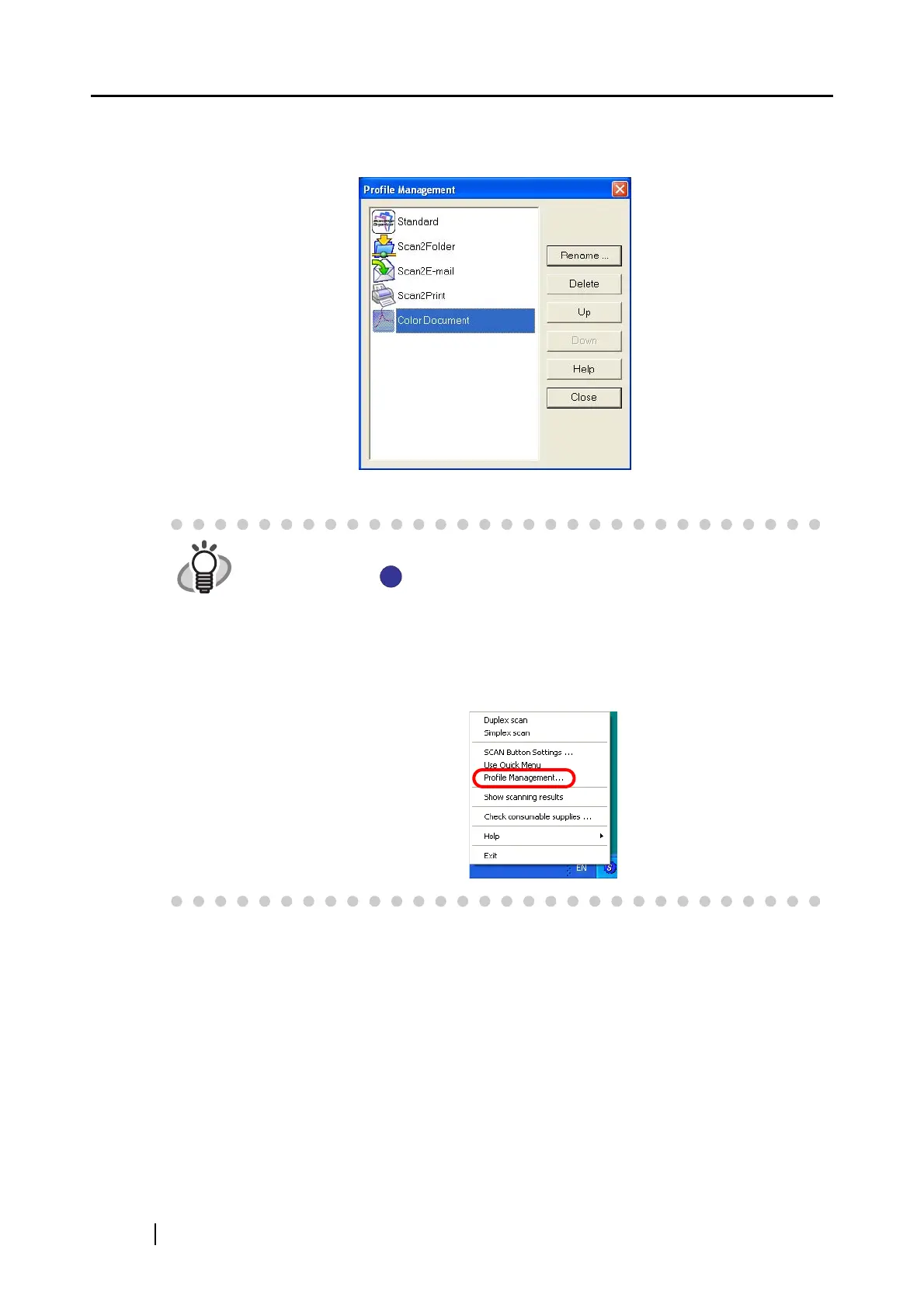
You can also invoke the [Profile Management] dialog box by right-clicking the
ScanSnap icon .
The [Profile Management] dialog box appears when [Profile Management] in
the Right-Click Menu, which pops up.
Change profile names as you do in the [ScanSnap Manager - Scan and Save
Settings] dialog box; select a profile name from the list, and then perform steps
3 to 5.
S
S



 To Next Page
 Loading...













