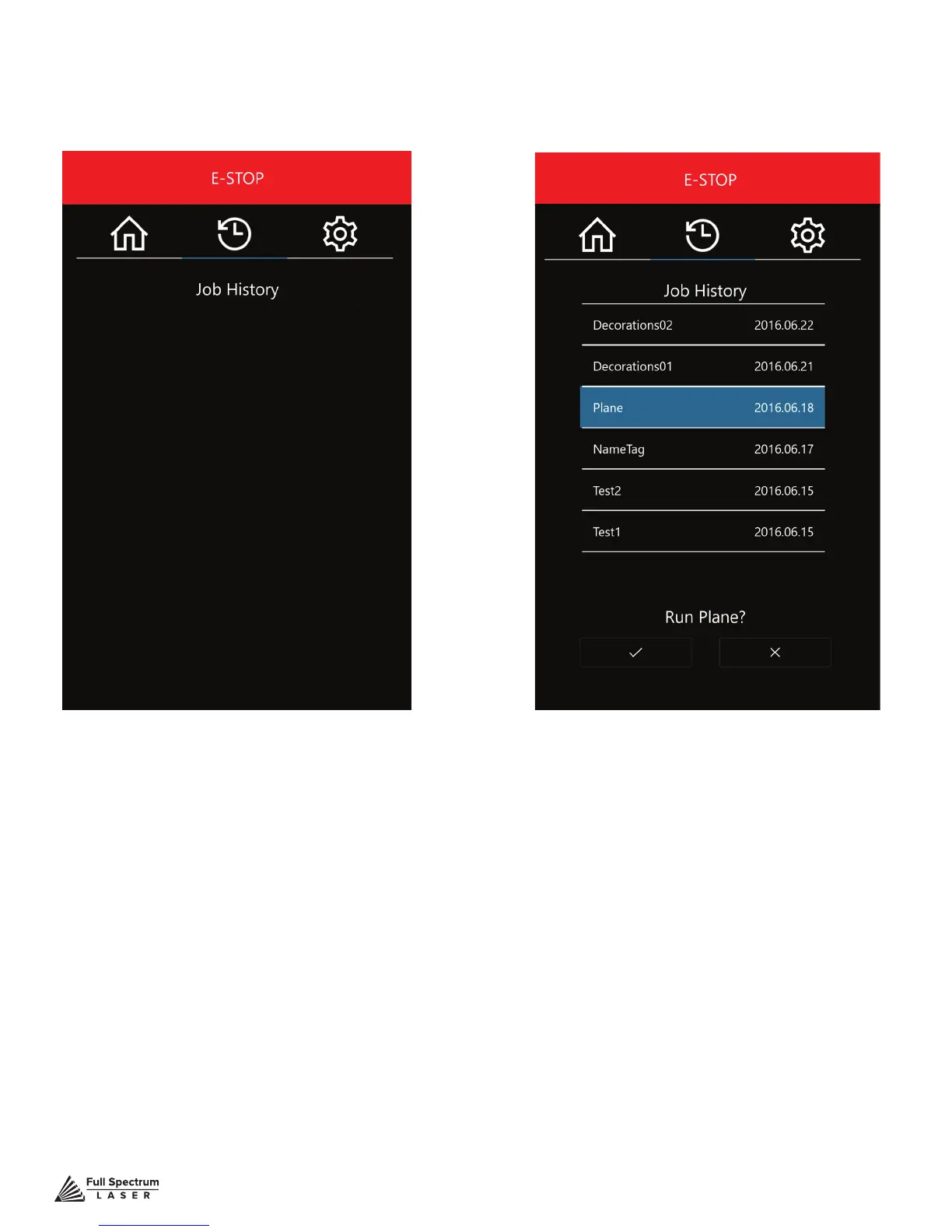
Figure 5.6 Figure 5.7
Technical Support is available from 8am to 5pm (PST) M - F at support@fslaser.com.
43
HISTORY
No jobs in history. This will change once you
start your rst project.
HISTORY SELECTION
Scroll through all previous job history. Jobs
can be selected and run by highlighting the
job and pressing the check.
Job History Screen
There are many accessible sub-screens for Muse’s touch screen. Each is detailed separately below.



 To Next Page