Technical Support is available from 8am to 5pm (PST) M - F at support@fslaser.com.
89
Using suitable materials will still have wide variance in power, current and speed settings depend-
ing on the properties of that material, such as density and thickness. For example, wood can be soft
(pine) or hard (oak), depending on the source. Settings will also be determined by vector or raster
choices, depth of the cut and overall desired outcomes. This makes it difcult to provide operators
with exact settings for each type of material. Instead of giving inaccurate data, operators should be-
come accustomed to material testing.
Full Spectrum Laser provides a free materials test template with suggested starting points in power
and speed settings. From there, you can experiment with your own materials testing. Once the per-
fect settings are determined, we recommend recording those results in a Materials Log.
To access the material test templates, complete material testing instructions and a free materials log,
go to http://laser101.fslaser.com/materialtest.
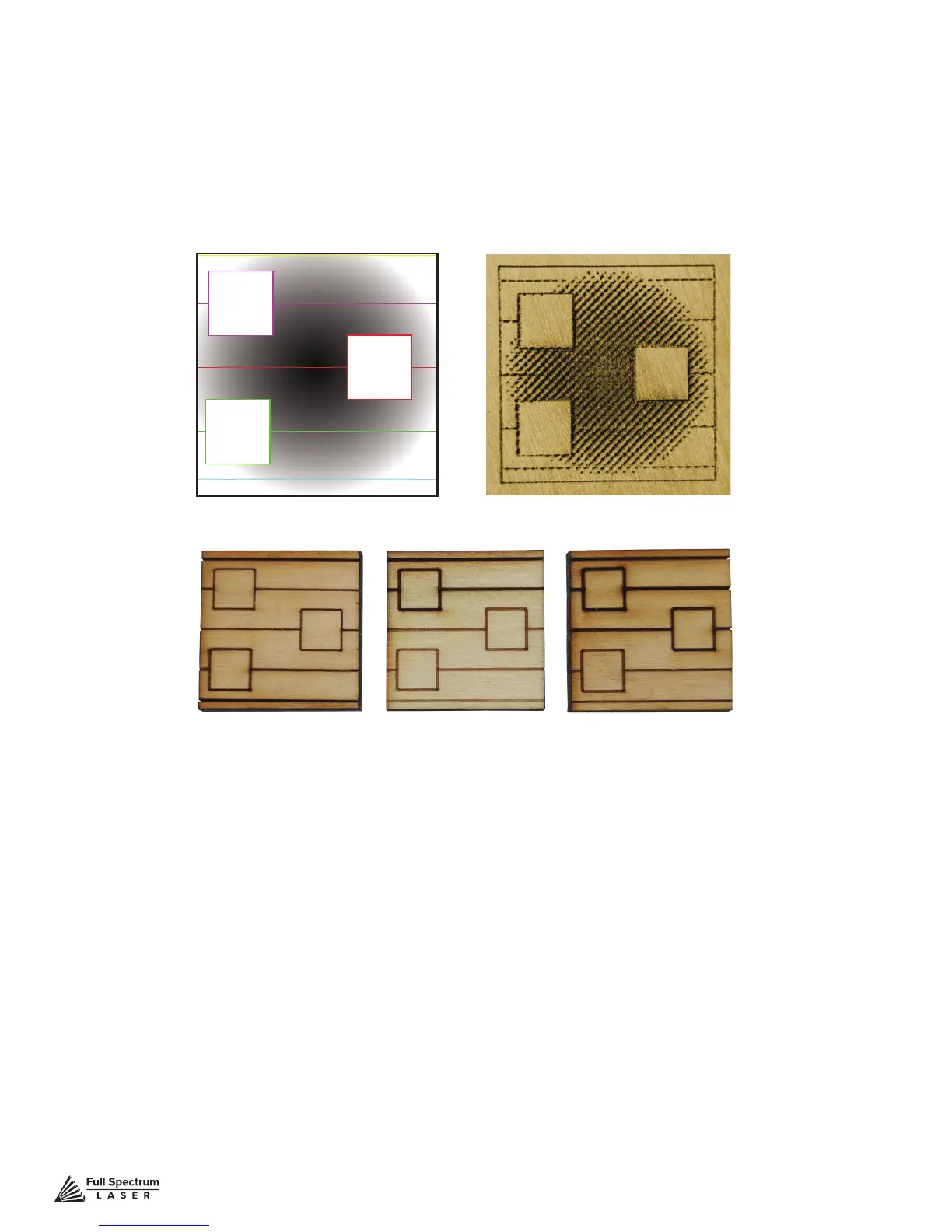
Dithered ExampleSample File
Vector Examples from Dark to Light
Materials Testing
Muse is capable of cutting a wide range of materials. Common materials include wood, cardboard,
paper, fabric, acrylic, leather, and many more. Muse can also engrave on tile, stone, glass, and other
hard surfaces. Muse is not designed to cut metal of any type. If you have any questions whether a
material is suitable for a CO2 laser, contact the material manufacturer before use.
Figure 7.20



 To Next Page