Technical Support is available from 8am to 5pm (PST) M - F at support@fslaser.com.
24
Assembly Stage 5: Connect Electrical Power
Muse’s Laser System, and available accessories, are congured to accept 110VAC at 60Hz. 220VAC
units connect to power through an included converter (single-phase 220VAC).
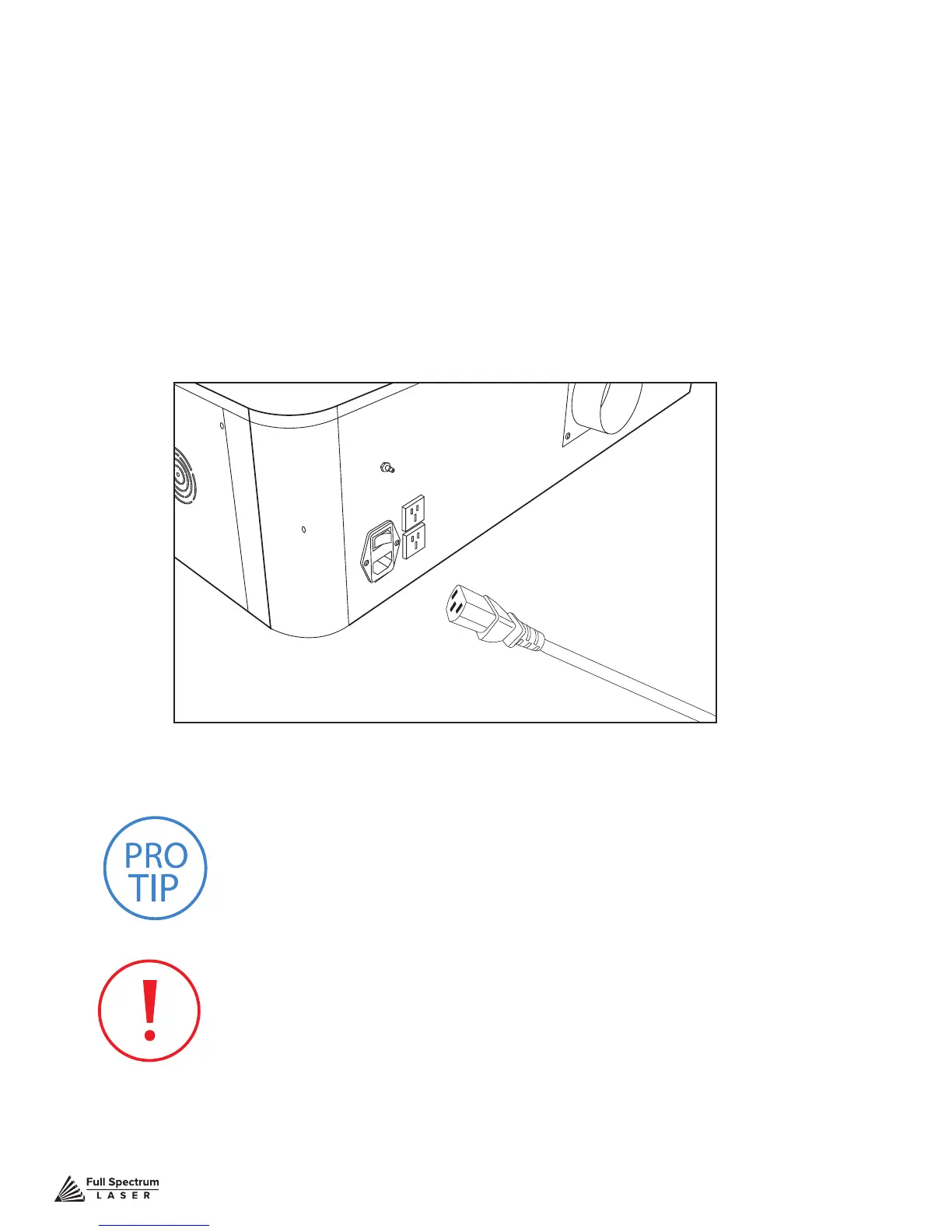
1. Prepare Power Cord: Remove the electrical cord from its packaging.
2. Plug in Power Cord To Laser Cutter: The power cord plugs into a “C14” power receptacle
located on the right side of the machine.
3. Plug in Power Cord to Outlet: Plug the power cord into any proper outlet socket
in your workspace.
PRO TIP! Please be aware that the accessories will increase the circuit
load; the most signicant power draw usually comes from the blower/
exhaust system. Consult the manufacturer’s information and manual for
the operating parameters of your exhaust system.
IN CASE OF A BLOWN FUSE: The laser system is equipped with
a fuse on the power inlet to protect the machine from surges or short
circuits. If this fuse ever needs replacement, please contact Full
Spectrum Laser technical support.
Figure 3.16



 To Next Page