Technical Support is available from 8am to 5pm (PST) M - F at support@fslaser.com.
65
Safety First
Before starting any project, be sure you are aware of all safety issues. Be sure you
read and understand all safety warnings presented in Section I: Safety First and
that all safety requirements are being upheld. This is a good time to check your
machine’s power connections and that the accessories are properly attached and are
operating normally.
1. Create Design
Typically, projects are created in design software and then imported to RetinaEngrave
3.0. Generally, a PDF le is optimal for most vector cuts, as PDF les are easy to
convert to and most design software has “convert to PDF” as a standard feature. For
rastering (engraving), a JPEG le is best as these are bitmap les perfect for pixel
based images. It is important to know, at this stage, if you intend to do a vector cut
or an engraving and choose the most appropriate le type (PDF or JPEG). This will
greatly aid the software to run the job smoothly and quickly. RetinaEngrave 3.0 includes
a robust set of design tools, allowing users to design in the software without needing
outside design software. Third party design software, however, is still an option for
RetinaEngrave 3.0 users. Just about any design software will work (You can choose the
software you are most comfortable with, as long as you can convert les to PDF (which
most can). You can also “direct print” to the software. Each operating system does this
in a slightly different way, so check the instructions for your particular computer..
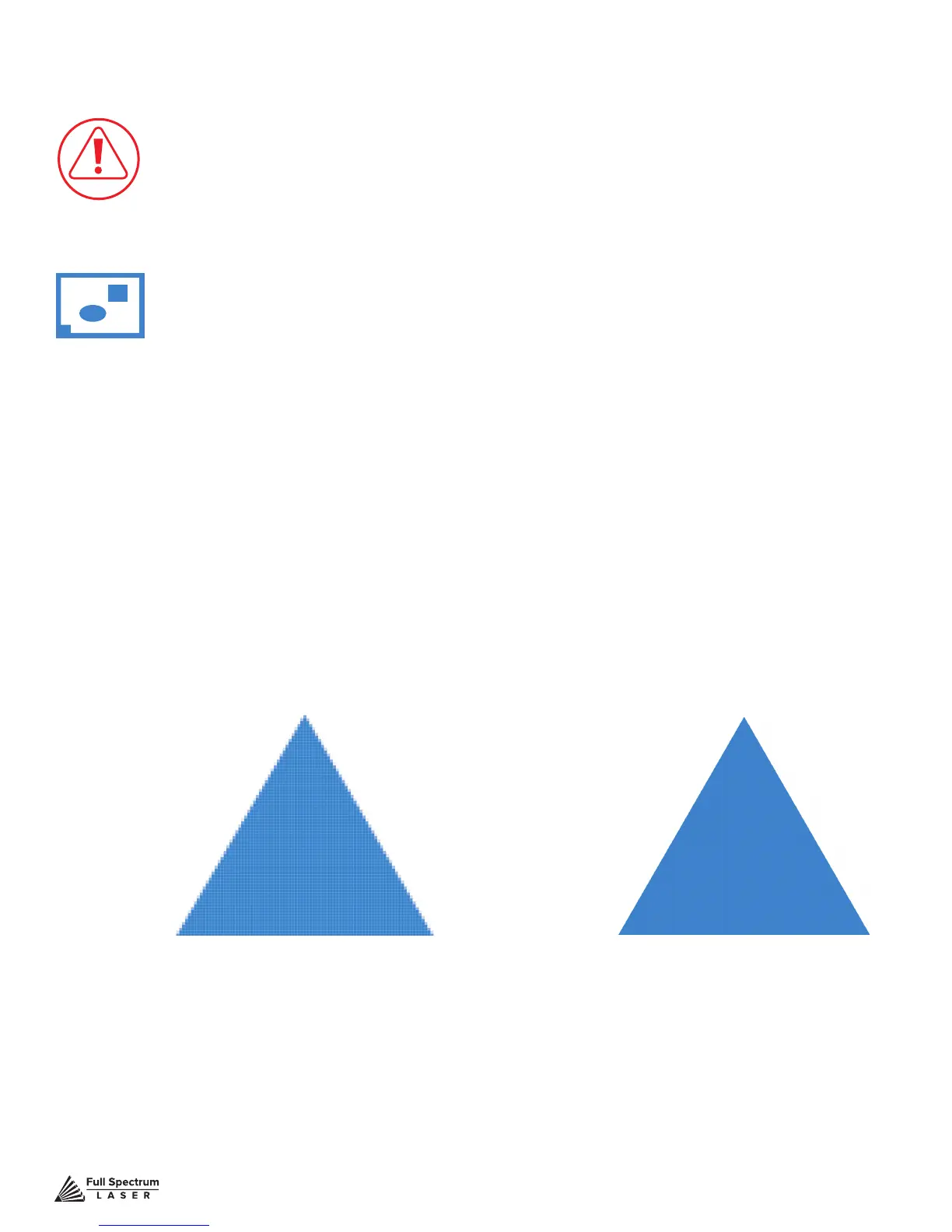
Vector File
Geometric based
image. Example: PDF
Raster Image (bitmap)
Pixel based image.
Example: JPEG
Figure 7.2
Project Workow Checklist



 To Next Page