Technical Support is available from 8am to 5pm (PST) M - F at support@fslaser.com.
55
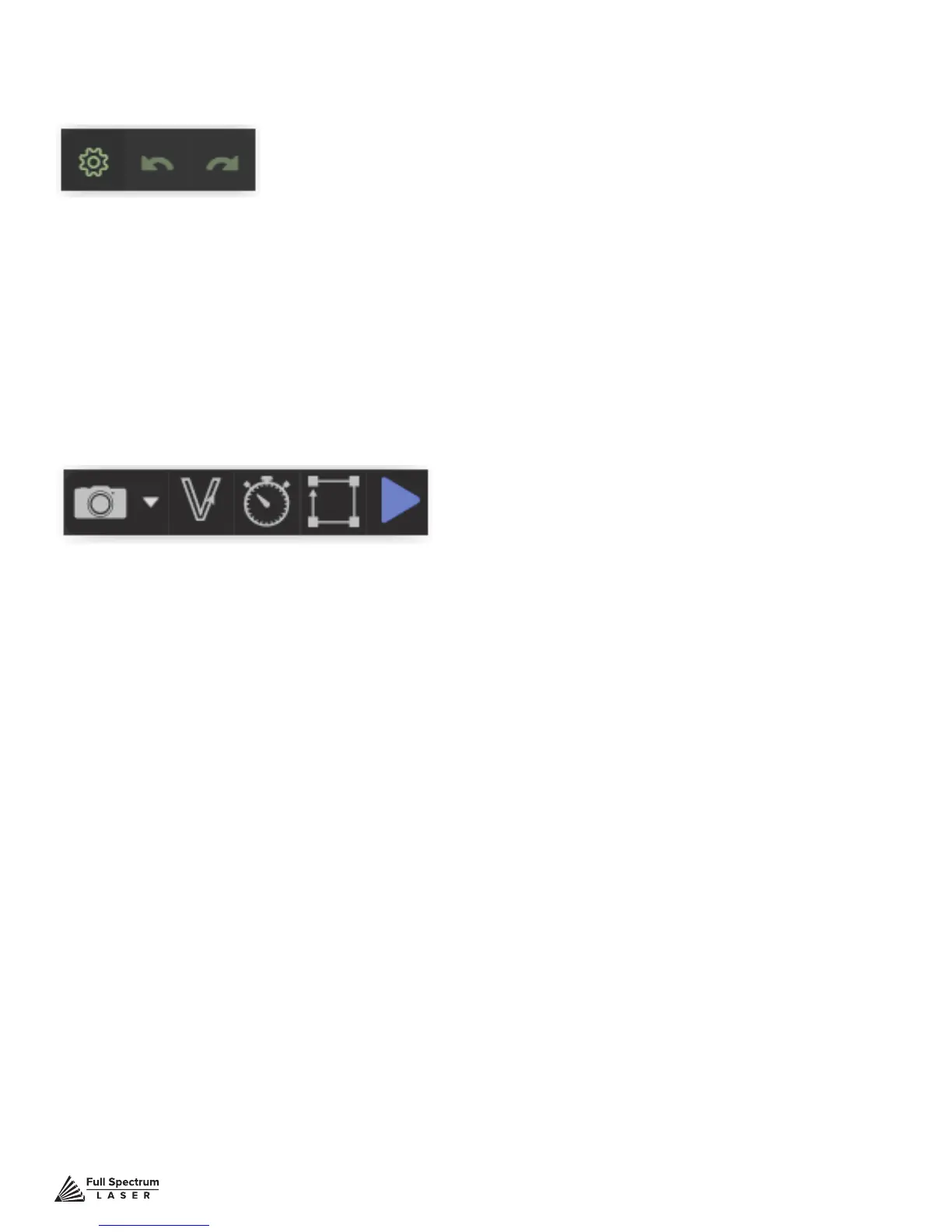
D. CAPTURE
Initiates camera functions ( see using camera functions).
E. VECTORIZE
Apply vector / engraving to selected area of image.
F. JOB TIME ESTIMATE
time for hob to be completed.
G. RUN PERIMETER
Outlines the border of current job.
H. RUN JOB
Run your project. When running “Play” button will be replaced with“Pause” and “Cancel”
Muse Controls
A. Setting
Goto settings options.
B. UNDO
Reverse your last action.
C. REDO
Reverse your last undo.
Access settings options and undo/redo actions.
Setting Controls



 To Next Page