Technical Support is available from 8am to 5pm (PST) M - F at support@fslaser.com.
57
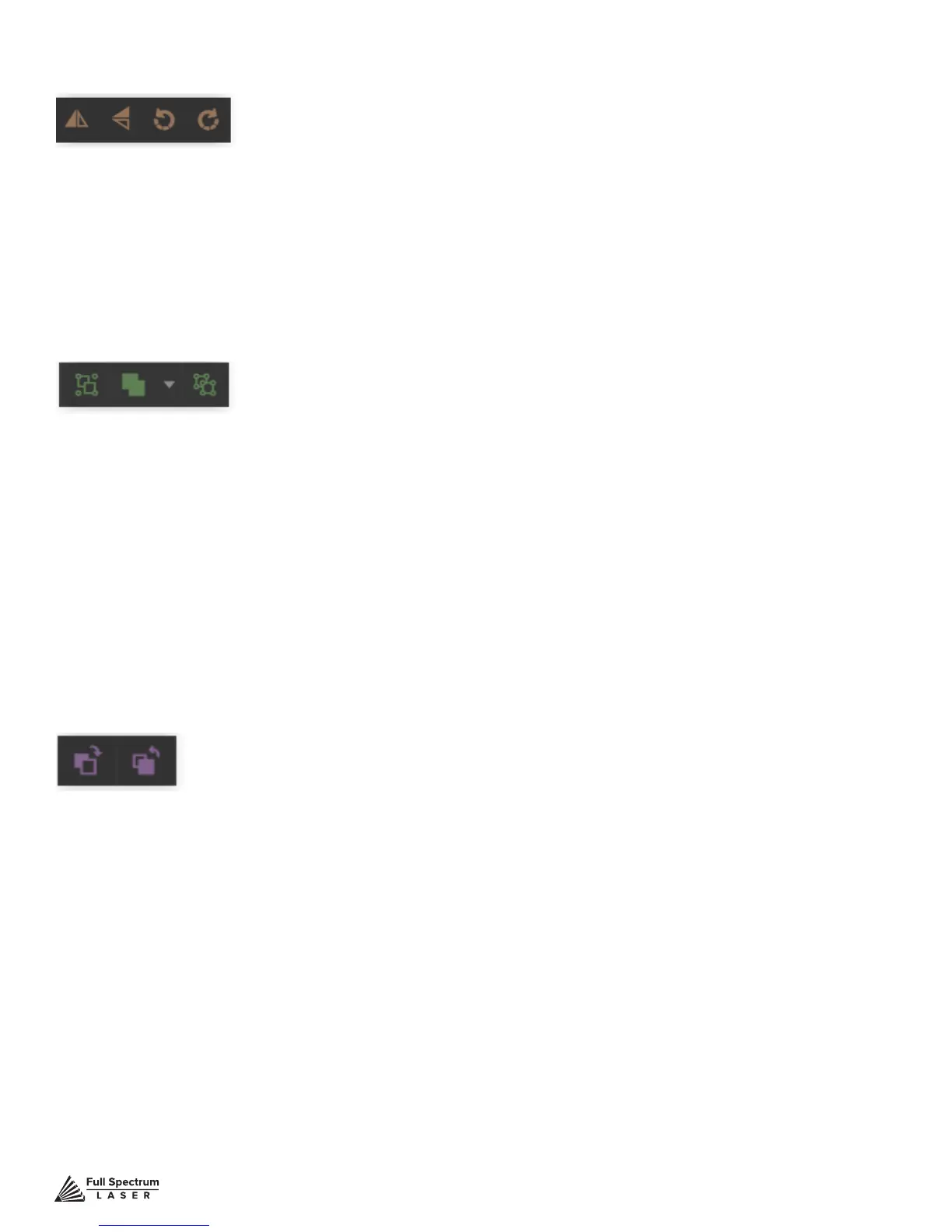
Flip Horizontally: Flip object along horizontal axis.
Flip Vertically: Flip object along vertical axis.
Rotate 90° Left: Rotate object 90° left.
Rotate 90° Right: Rotate object 90° right.
Position Menu
Group Menu
Group: Group objects
Merge
Union: Combine layers into a single compound layer.
Difference: Combine non-overlapping layers into a single compound layer.
Intersection: Combine overlapping layers into a single compound layer.
Subtract: Remove and combine non-overlapping layers into a
single compound layer.
Split: Split up a compound shape or object.
Arrange Menu
Bring Forward: Send an object one layer forward.
Send Backward: Send an object one layer backward.



 To Next Page