Technical Support is available from 8am to 5pm (PST) M - F at support@fslaser.com.
73
RetinaEngrave 3.0 contains design tools to allow for custom designs within the software itself. Here
you can design and create objects without accessing third-party design software.
Adding Text
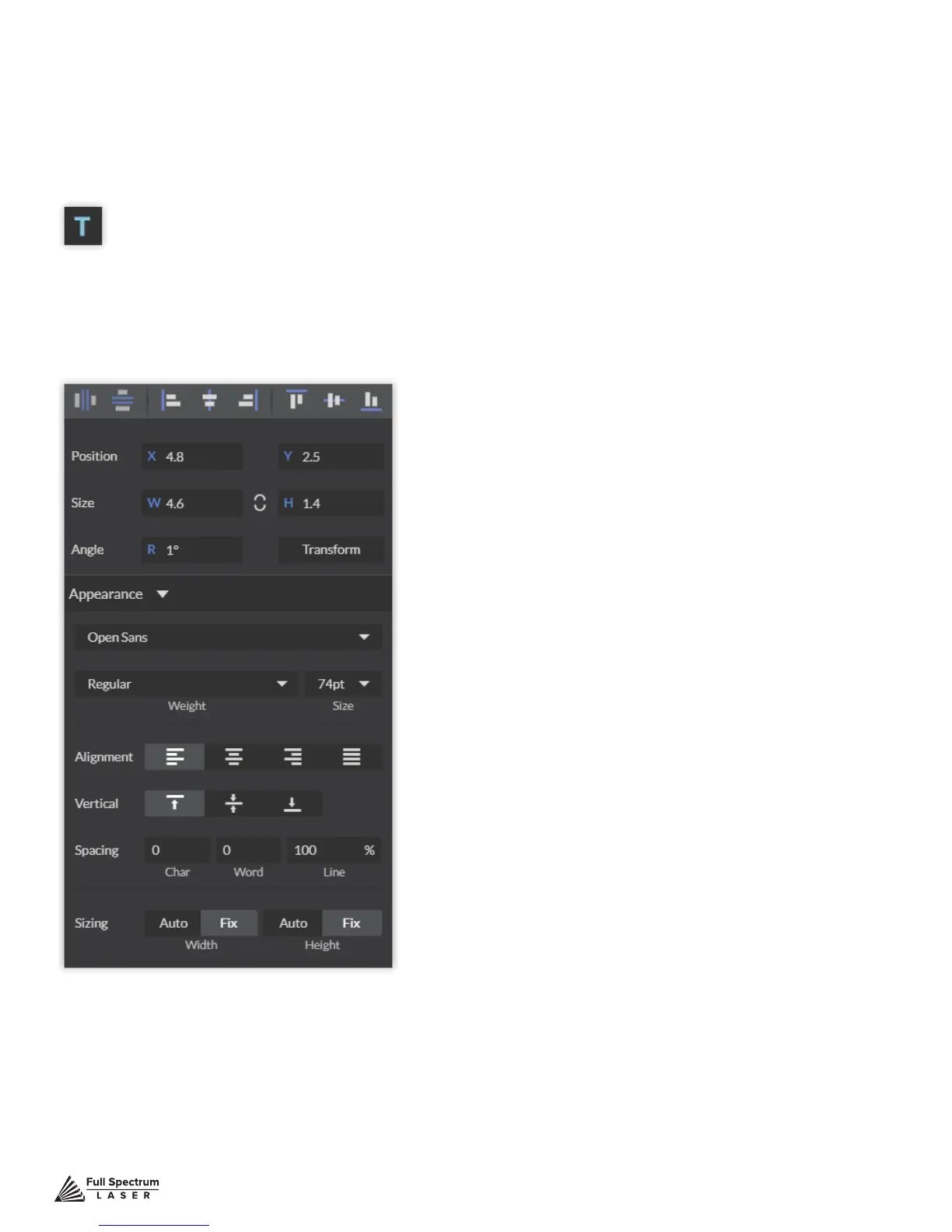
Click the “T” icon and then click anywhere in the view window. You can now write your text. To cus-
tomize your text, click on the text object you created and a new window will appear with options to
adjust the positioning, size and font of your text.
Full Text Options Window
Designing With RetinaEngrave 3



 To Next Page