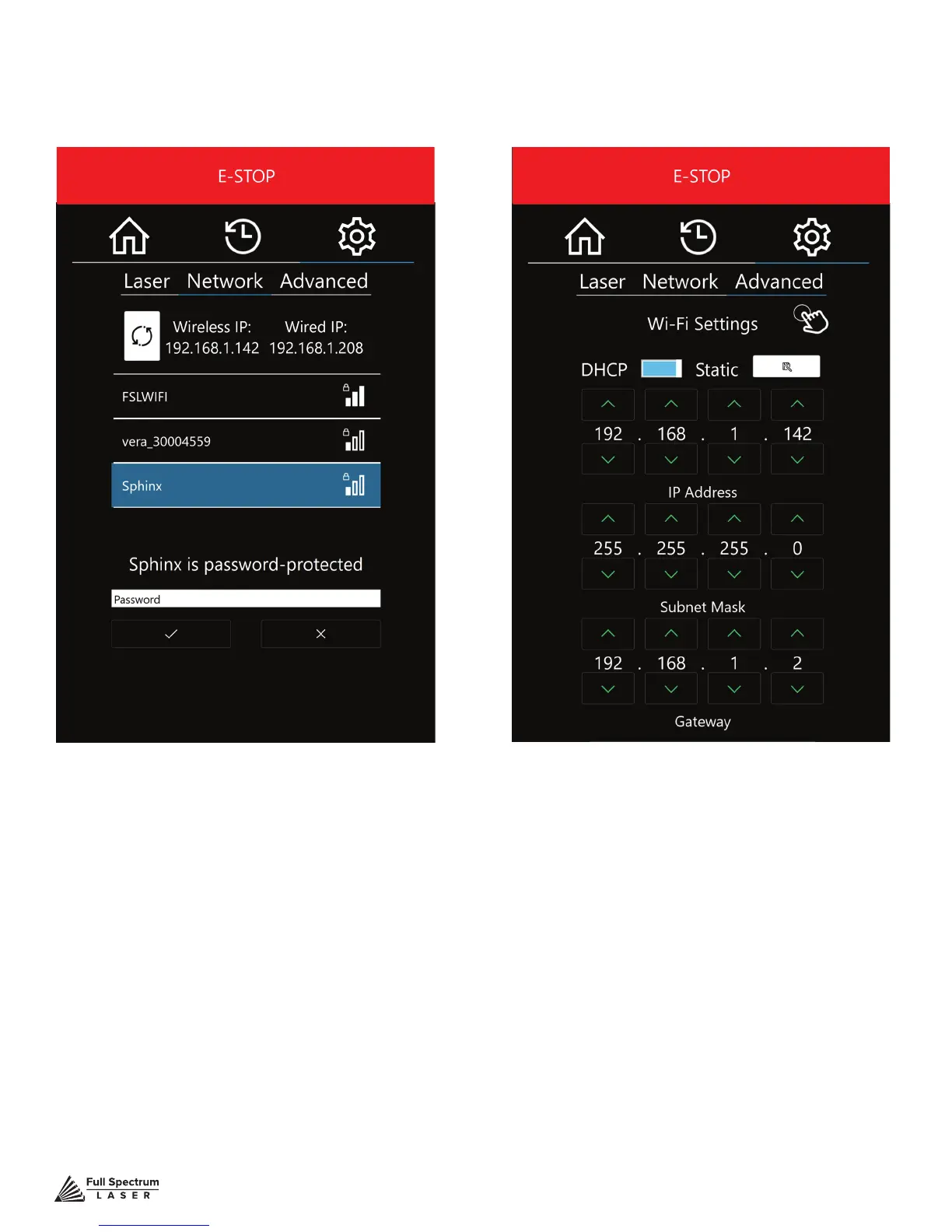
Figure 5.10 Figure 5.11
Technical Support is available from 8am to 5pm (PST) M - F at support@fslaser.com.
45
Wi-Fi SELECTION
Scan and connect to a Wi-Fi network. If the
network is password protected, you will need
to enter that password.
Wi-Fi AUTO/STATIC
Change the conguration of Wi-Fi
settings or choose DHCP settings.
Network Settings (Cont.) Screen



 To Next Page