Technical Support is available from 8am to 5pm (PST) M - F at support@fslaser.com.
53
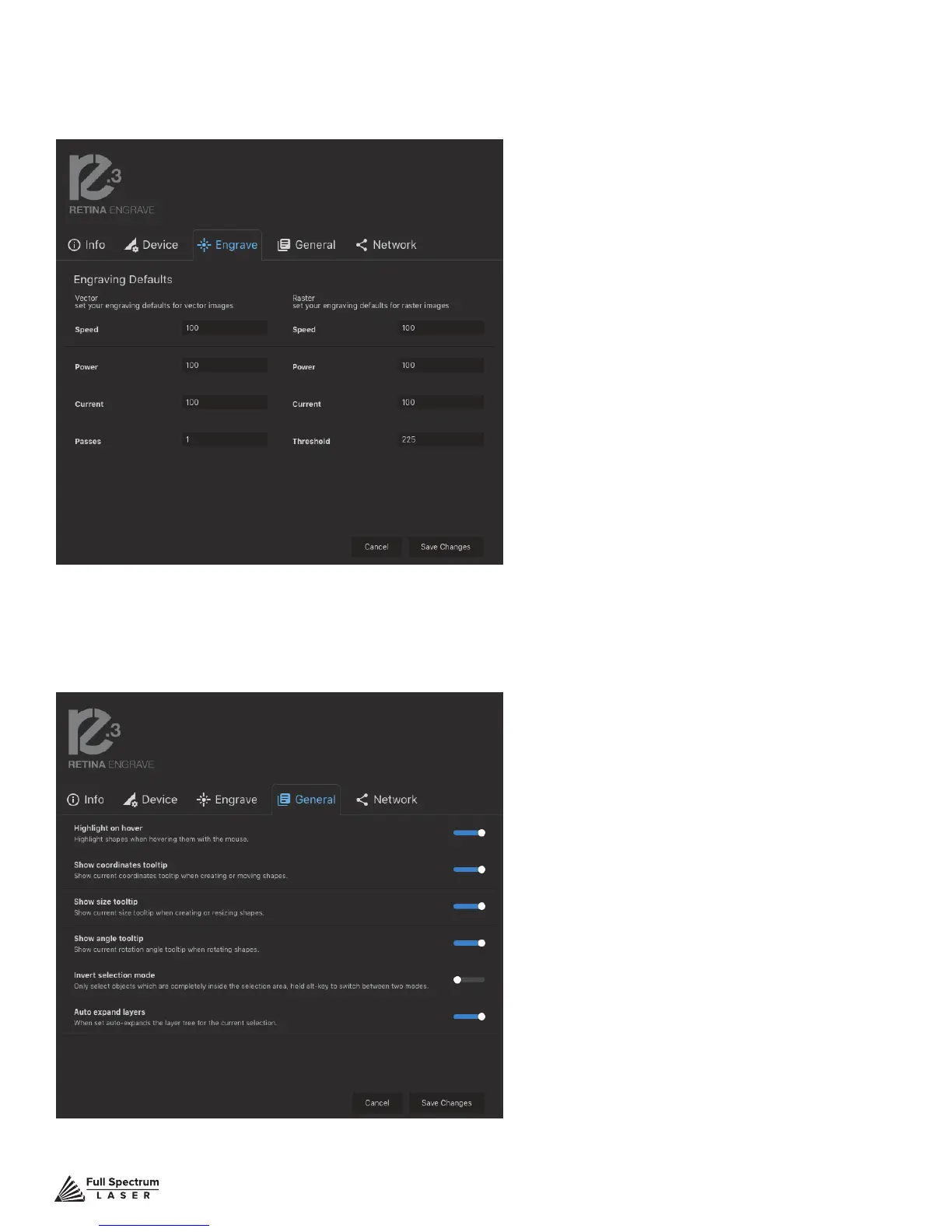
Speed: Set speed default from 1 to 100.
Power: Set power default from 1 to 100.
Current: Set current default from 1 to 100.
Passes: Set the number of passes default.
Threshold: Set threshold default value from 0
to 255.
Set you engraving defaults for vector and raster images.
Engrave
Show or hide tooltips and other modes.
Highlight On Hover: Highlight shapes when
hovering with mouse.
Show Coordinates Tooltip: Show
current coordinates tooltip when creating
or moving shapes.
Show Size Tooltip: Show current size
tooltip when creating or resizing shapes.
Show Angle Tooltip: Show current rotation
angle tooltip when rotating shapes.
Invert Selection Mode: Toggle inverted
selection mode on and off.
Auto Expand Layers: When set, auto
expands the layer tree for the current
selection.
General



 To Next Page