Technical Support is available from 8am to 5pm (PST) M - F at support@fslaser.com.
69
Applying B/W Threshold
At this moment, the image is still displayed in black and white. The black and white raster feature is
great for tracing logos, text, or simple high contrast images that only appear in a single color. You can
adjust the threshold of what’s considered black, and what’s considered white by selecting your image
and clicking “Threshold”. This will bring up a B/W Threshold slide bar, from which you can adjust B/W
threshold to your liking.
3D Engraving Options
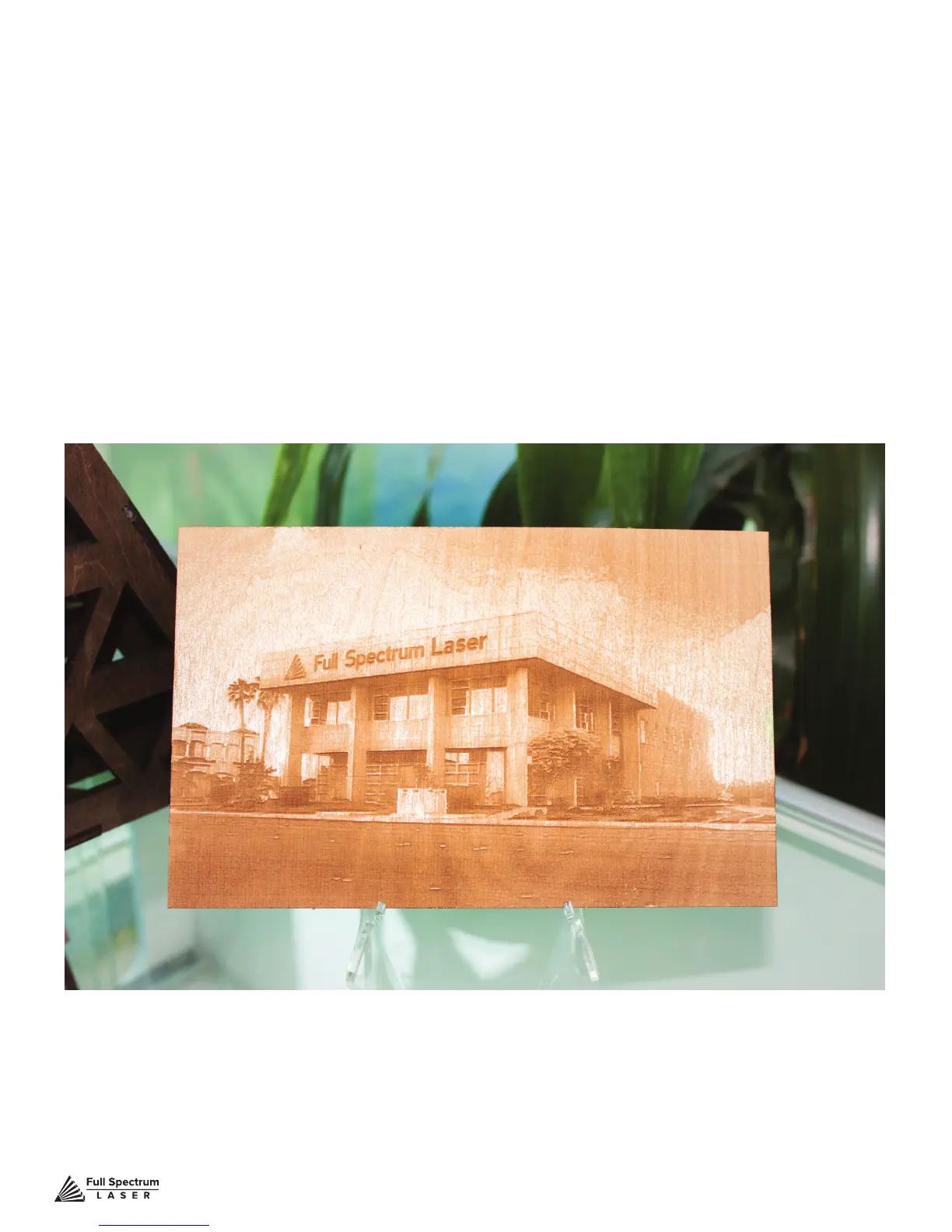
For images that have shadows and depth, it’s ideal to use 3D engraving. 3D engraving creates a
series of dots similar to newsprint. This effectively creates a grayscale that is ideal for photorealistic
engravings. To 3D egrave an object, click the 3D engraving button. You can then adjust the 3D
engraving with the Blur, Edge and Intensity slide bars.
PHOTO ENGRAVING EXAMPLE



 To Next Page