Questions? Call (315) 298-8510, or visit us online at www.fulton.com
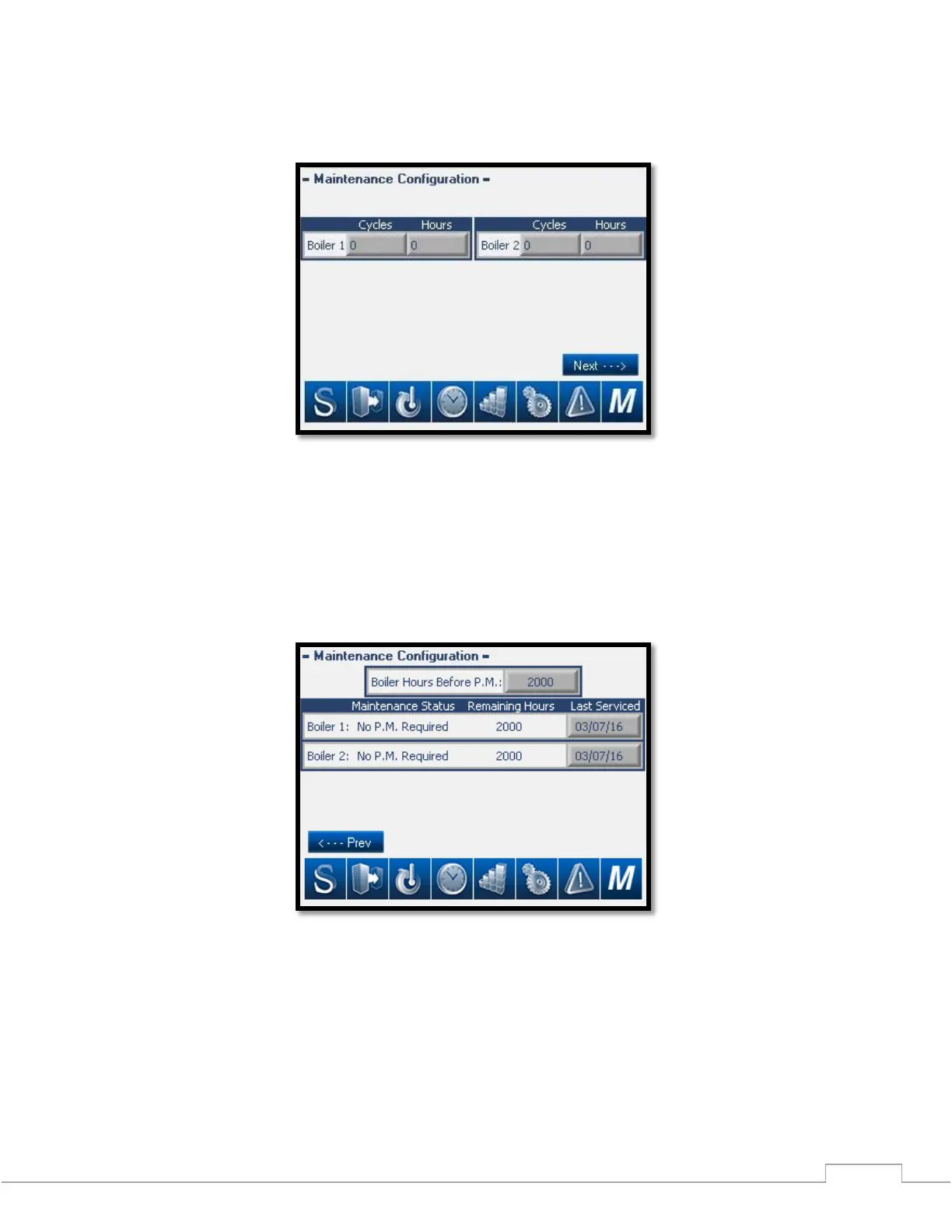
Maintenance Configuration Screen 1
Figure 12 – Maintenance Configuration Screen 1
The ModSync will keep its own count of Cycles and Hours for each boiler. The Maintenance Configuration Screen 1
shows the current Cycles and Hour counts for all available boilers. The value can be manually adjusted to match
the actual Cycle and Hour counts from the boilers.
Maintenance Configuration Screen 2
Figure 13 – Maintenance Configuration Screen 2
The ModSync has an optional run hour monitor to keep track of when preventive maintenance is recommended.
This function is for display purposes only and does not affect the operation of the boilers. In order to reset the
remaining hours press and hold the last serviced button for 5 seconds.







 To Next Page