Questions? Please Contact Your Local Manufacturer’s Representative
SECTION 3 VTG-IOM-2016-1214 OPERATION
3-9
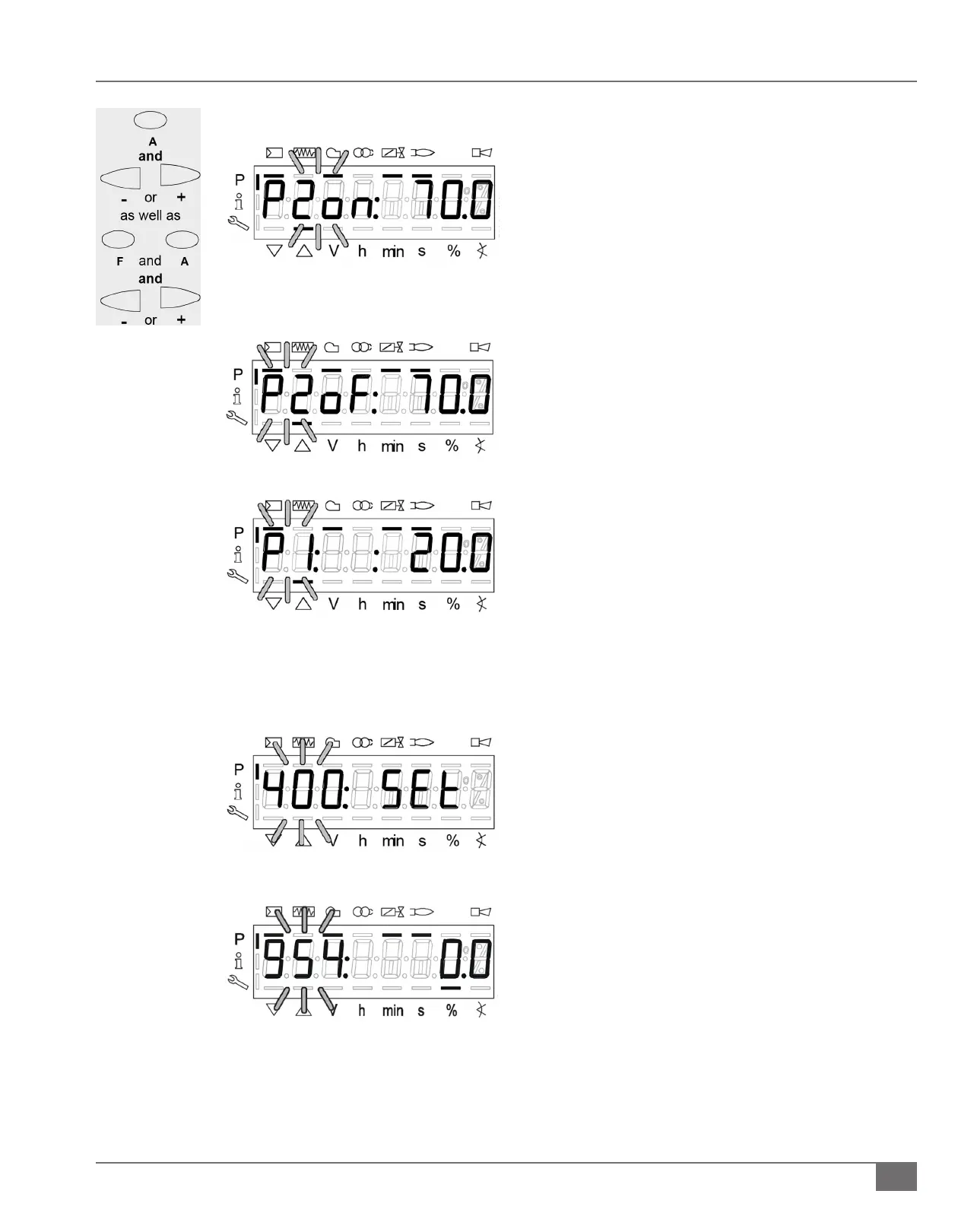
5) Stage “P1” to “P2on” press the “+” button to change to the
next stage.
d. “P2on” is the switch on point for stage two. When
the angle (actuator) exceeds this point, the fuel oil
valve for the 2nd stage is switched on.
6) Stage “P2on” to “P2” press the “+” button to change to the
next stage.
e. “P2” is stage 2 on, oil owing through both oil
nozzles.
7) Stages “P2” to “P2of” press the “-” button to change to the
next stage.
f. “P2of” is the switch-o point for stage. When the
angle falls below this point the fuel oil valve for the
2nd stage is switched o.
1) If in automatic mode (op % is displayed) perform the
following:
a. Press and hold the “F” and “A” buttons
simultaneously until parameter “400” is ashing.
b. Press the “+” arrow until 900 is ashing
c. Press enter (i/reset) button
d. Press “+” arrow until 954 parameter is reached;
strength is displayed at the far right.
2) When setting the curve and the curve point is displayed,
you may press the enter (i/reset) button to show the
ame intensity.
a. When pressing the enter button for >1s, a change
to parameter 954 is made. When you release the
enter button, you return to the curve point.
Viewing Flame Signal Intensity







 To Next Page