© The Fulton Companies 2016
OPERATION VTG-IOM-2016-1214 SECTION 3
3-8
Adjusting Fuel/Air Curve (Multistage #2 Fuel Oil VTG-2000DF to VTG-4000DF)
NOTE: Fulton Vantage boilers are factory test red and pre-programmed with values in the fuel/air curve (P0- ignition to P9-high
re).
With the burner on follow the below steps for making eld changes to the fuel/air curve points. A calibrated ue gas analyzer is
required to complete these steps and must be properly inserted into the boiler ue exhaust vent while making changes to the
fuel/air curve points.
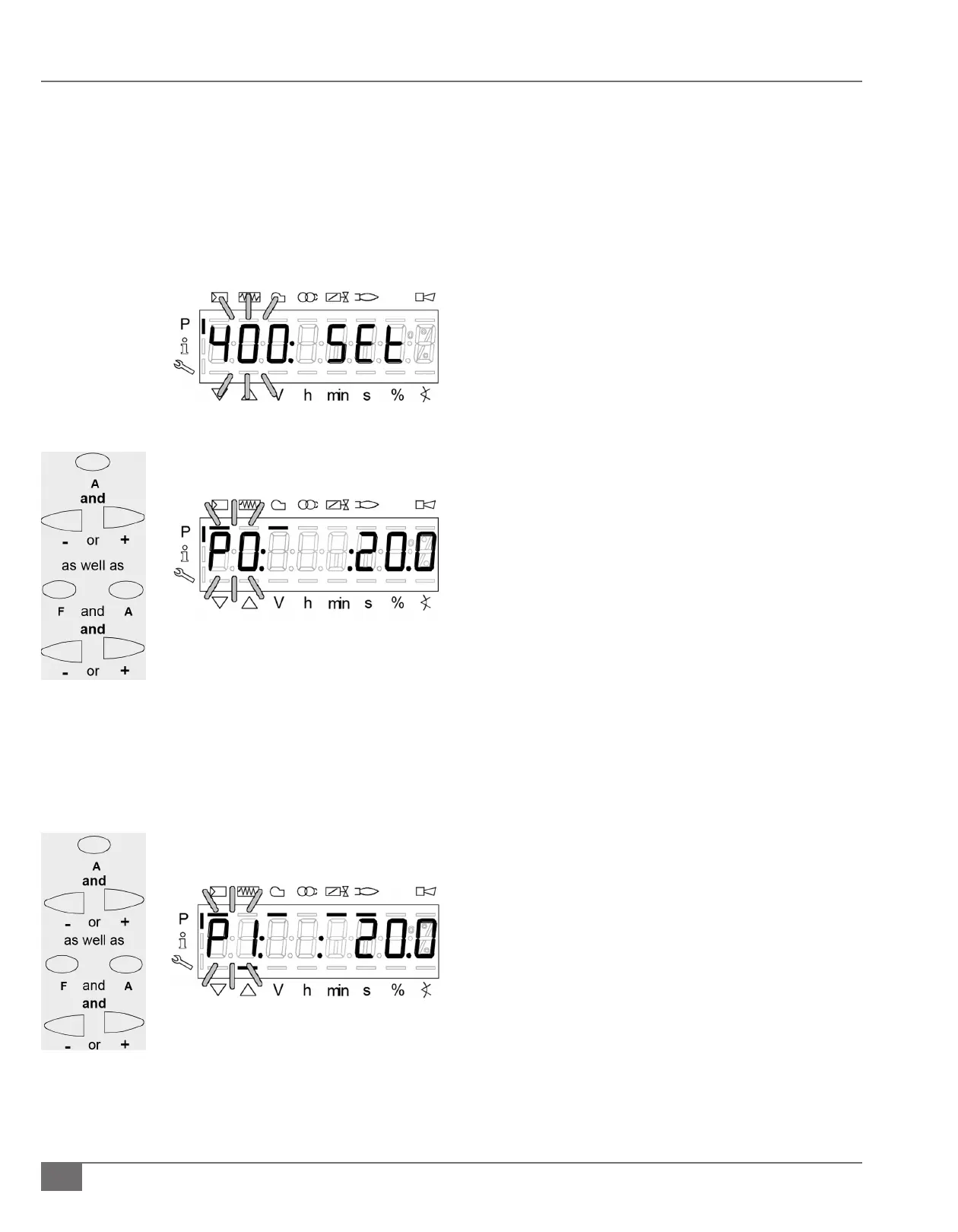
1) Enter the password and parameter “400” will be ashing.
2) Press the enter (i/reset) button 2 times.
a. “P1” will be ashing and the curve point will be
displayed.
NOTE: P0 is the ignition position. Verify proper combustion
at the ignition position.
Oil – Multistage Operation
3) Set/verify oil pump pressure rst - it is the constant.
a. The air actuator is the only actuator adjustable when
ring on oil.
i. There air actuator may be changed as needed at the
following ve positions:
1. P0 – ignition position
2. P1 – stage one, low re position
3. P2on – switch on to stage P2
4. P2d - manual stage P2 air
5. P2 – stage two, high re position
6. P2of – switch o from stage P2
b. For the air actuator keep the “A” button depressed and
the press the “-“ or +” button to adjust the air actuator.
i. Any changes are automatically saved
ii. Release the “A” button
4) Stage “P0” to “P1” press the “+” button to change to the
next stage.
c. “P1” is Stage 1 on, oil owing through one oil
nozzle.







 To Next Page