Questions? Call (315) 298-8510, or visit us online at www.fulton.com
Alarm Status
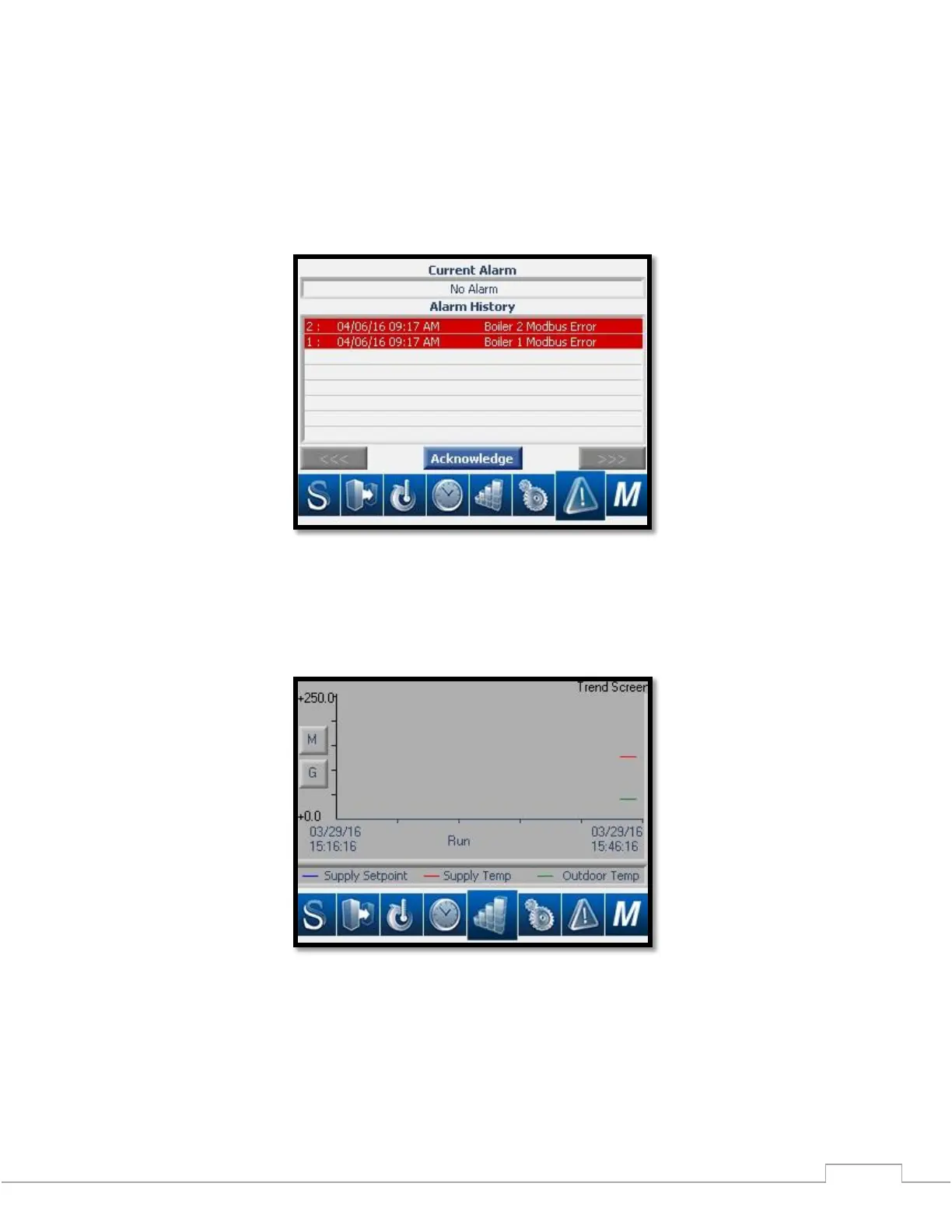
The Alarm Status screen will provide a text display of all existing alarm conditions that the ModSync monitors. See
Figure 21 and Maintenance section of this manual to troubleshoot Alarm Messages. The Alarm History will display
the last alarm conditions that the ModSync has monitored. This will assist service personnel in troubleshooting any
hydronic loop errors.
Figure 20 – Alarm Status Screen
Trending
The trending screen allows for comparison and charting of the Loop, Setpoint, and Outdoor Temperatures.
Figure 21 – Trend Screen







 To Next Page