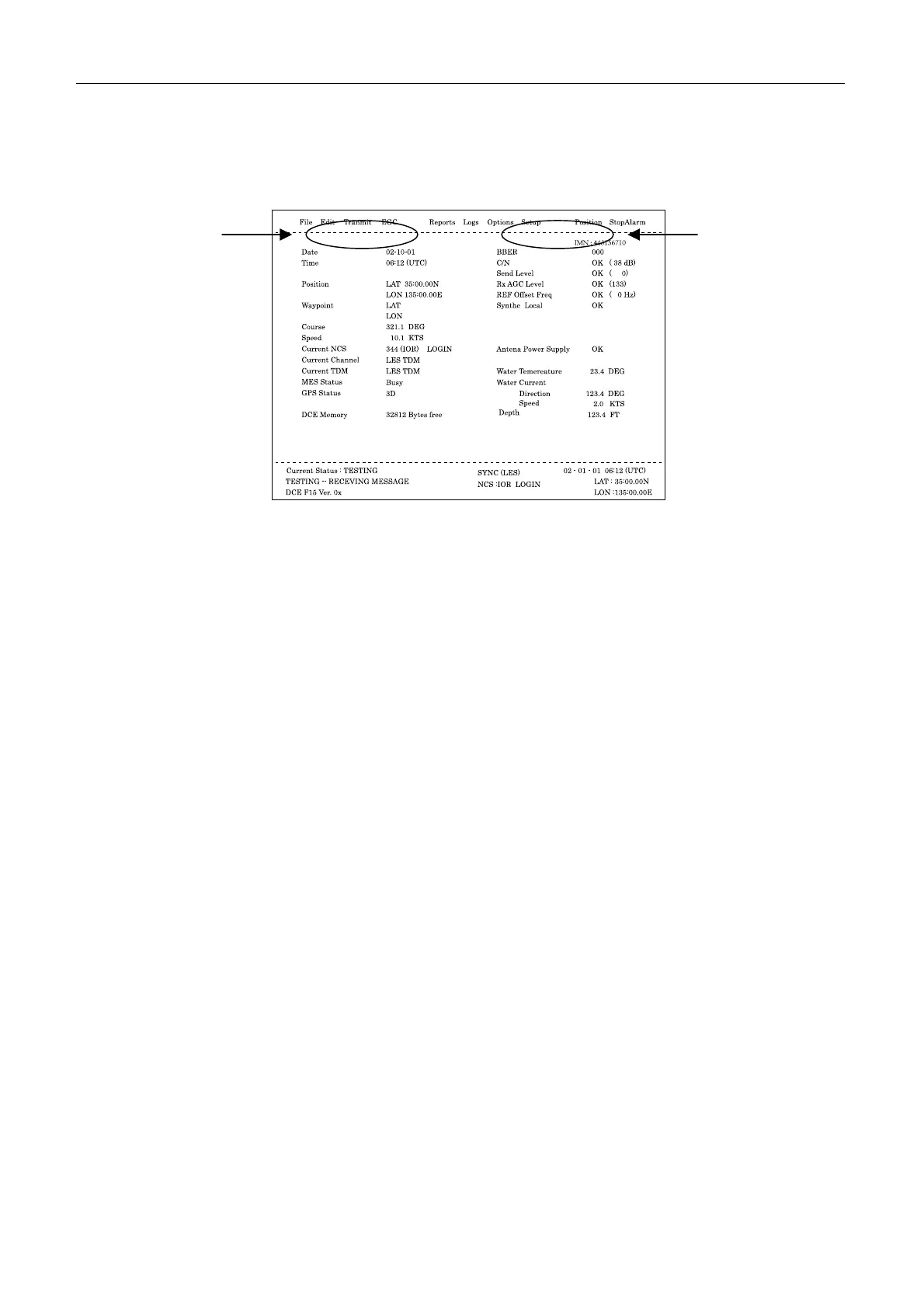
7.1 Status display
7-6
7.1.4 Display of upper part
The display of “a” part: Distress alert
1. “ ”: No distress alert.
2. “Sending Distress Alert” : When the distress alert is sent.
3. “Sending Distress Alert Test ” : When the distress alert test is sent (PV Test).
4. “Distress Acknowledgement Received”:
When the distress acknowledgement from the LES is received after sending the
distress alert.
5. “Distress Message Call Activated”:
When the message which category is set to distress is sent.
6. “Distress Message Call Acknowledged”:
When the distress message acknowledgement from the LES is received after sending
the message which category is set to distress.
7. "Distress Button Test Mode" : During the Distress Alert Button Test ([F7]-7-4).
The display of “b” part
8. “ ” : During idle mode.
9. Stand alone Mode : When the preset LES is set to NCS.
10. Restoration Mode (Network Update Received)
11. Restoration Mode (Blinking) : When NCS is out of order.
12. Restoration Mode (Reverse display):
When the preset LES displays the NCS common channel which is out of order.
a
b



 To Next Page