4.2 Setting from Command Window
4-9
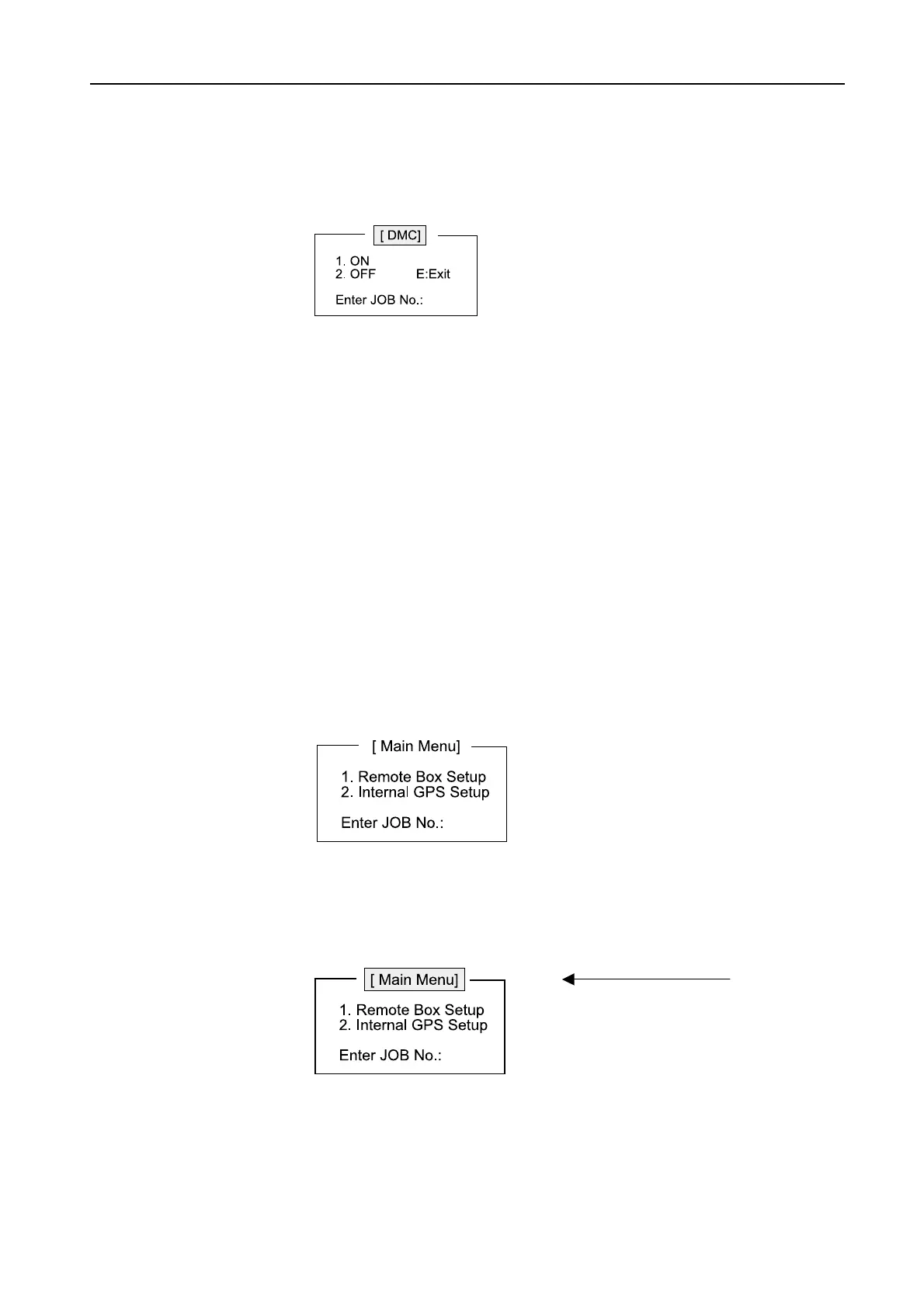
4. When “1. DMC” is installed, press [1] and then [Enter]. The ON/OFF setting display
appears. Press [1] and then [Enter] to set the installation of DMC to ON.
5. Other remote units are set by following the same procedure.
6. To return to the status display, press [Esc].
4.2.2 Setting of Internal GPS transmitting cycle
The cycle of transmitting signal output from the internal GPS (Option) is set.
The minimum of the sentence output cycle from FELCOM15 is set up in 30 seconds
from 1 with a bundle. Each sentence is output with the cycle of the house long one of
the minimum cycle or default cycle that were set up. When “Data Output Interval” is set
to1 second, each sentence is output with the following cycle.
ZDA: 1s, GGA: 2s, RMC: 2s, GLL: 2s, VTG: 2 s, GSV: 10 s
1. Select “Command window” ([F8]-2) and then press [Enter].
2. Open the service mode.
JOB NO.: Type “FURUNOSERVICE” and [Enter]
Password: Type “FELCOM15” and [Enter]
In Service mode, the [Main Menu] display are reversed.
Reversed.



 To Next Page