4.2 Setting from Command Window
4-10
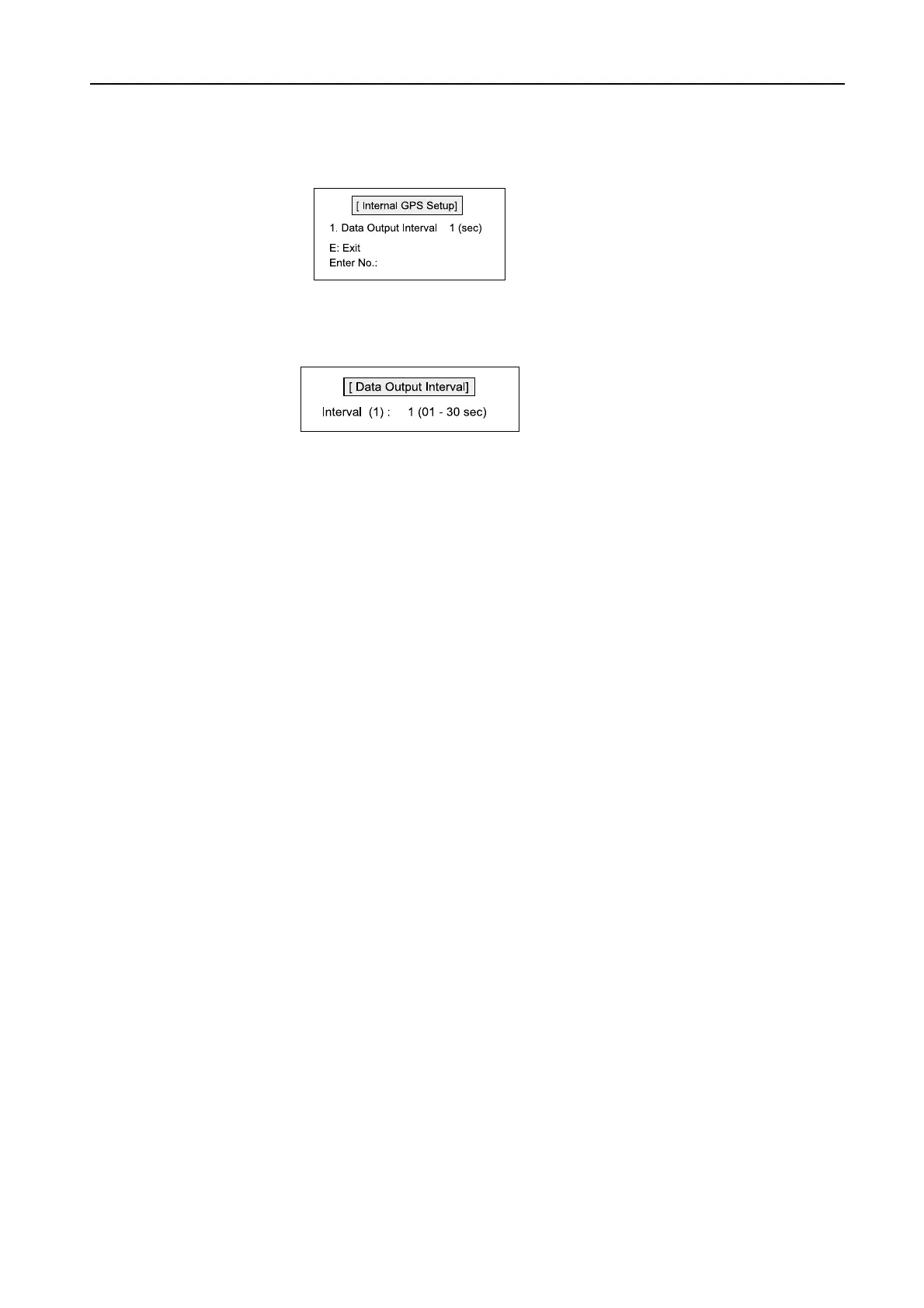
3. Press [2] and then [Enter] to select “2. Internal GPS Setup”.
4. Press [1] and then [Enter]. “Data Output Interval” display appears for setting.
5. To register the settings, press [Enter].
6. To return to the status display, press [Esc].



 To Next Page