5.10 Distress alert test
5-22
5.10 Distress alert test
Before starting the test, disconnect the antenna connector.
The test is made without transmitting “DISTRESS” of the terminal unit, IC-305 and
DMC-5.
Note)
- When IC-305 and DMC-5 settings of “Remote Box Setup” in “Command Wind”
([F8]-2: System Setup) are not ON, the test is invalid.
- DMC-5 is set only to SES.
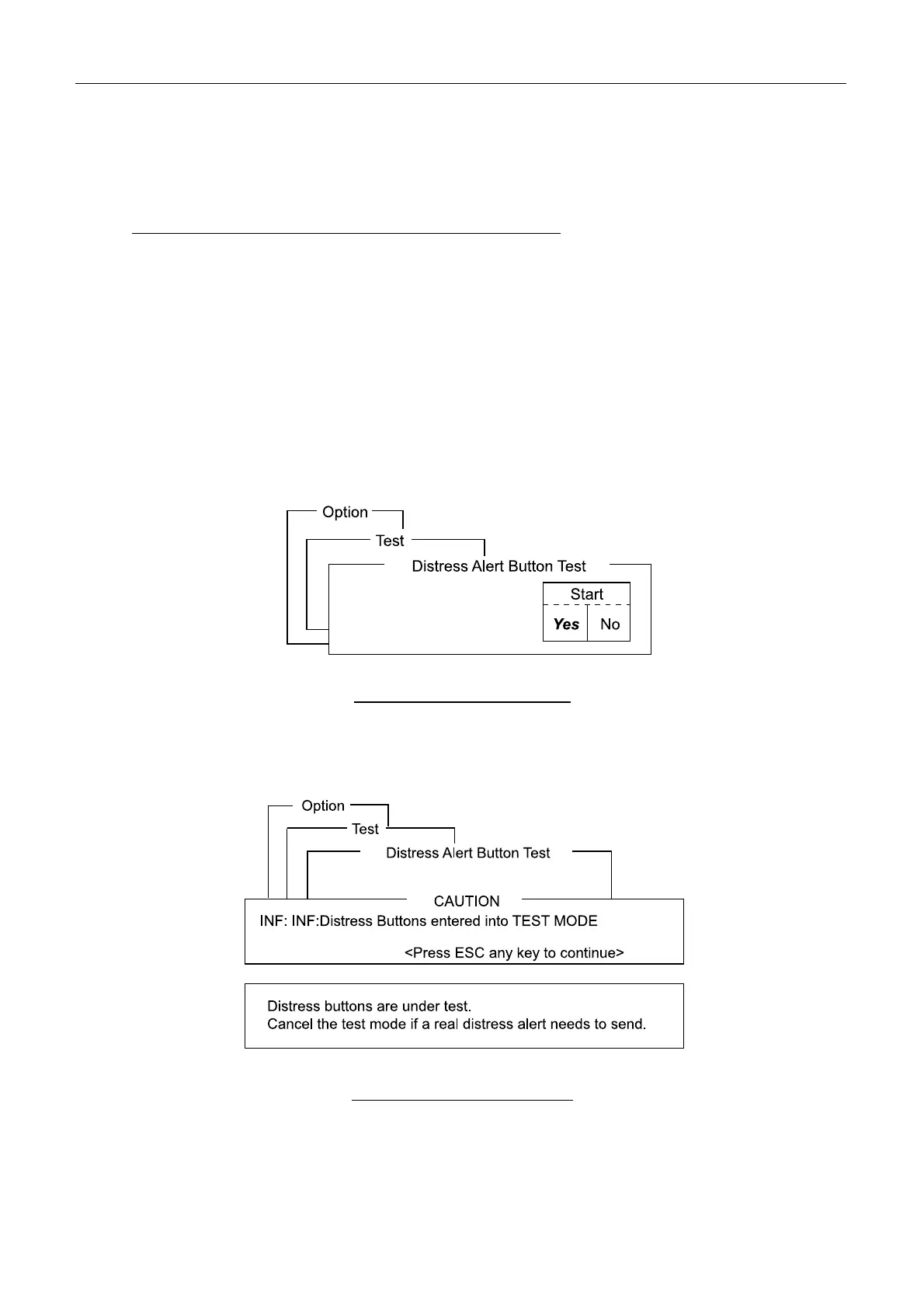
1. Open “Diagnostic Test” (keystroke:[F7][7][4]).
Fig. 5.10.1 Test Start display
2. Press [Enter]. The alarm is sounded repeatedly from the main unit and IC-305.
Displays below appear.
Fig. 5.10.2 CAUTION display



 To Next Page