2. PROGRAMMED SCREEN
2-12
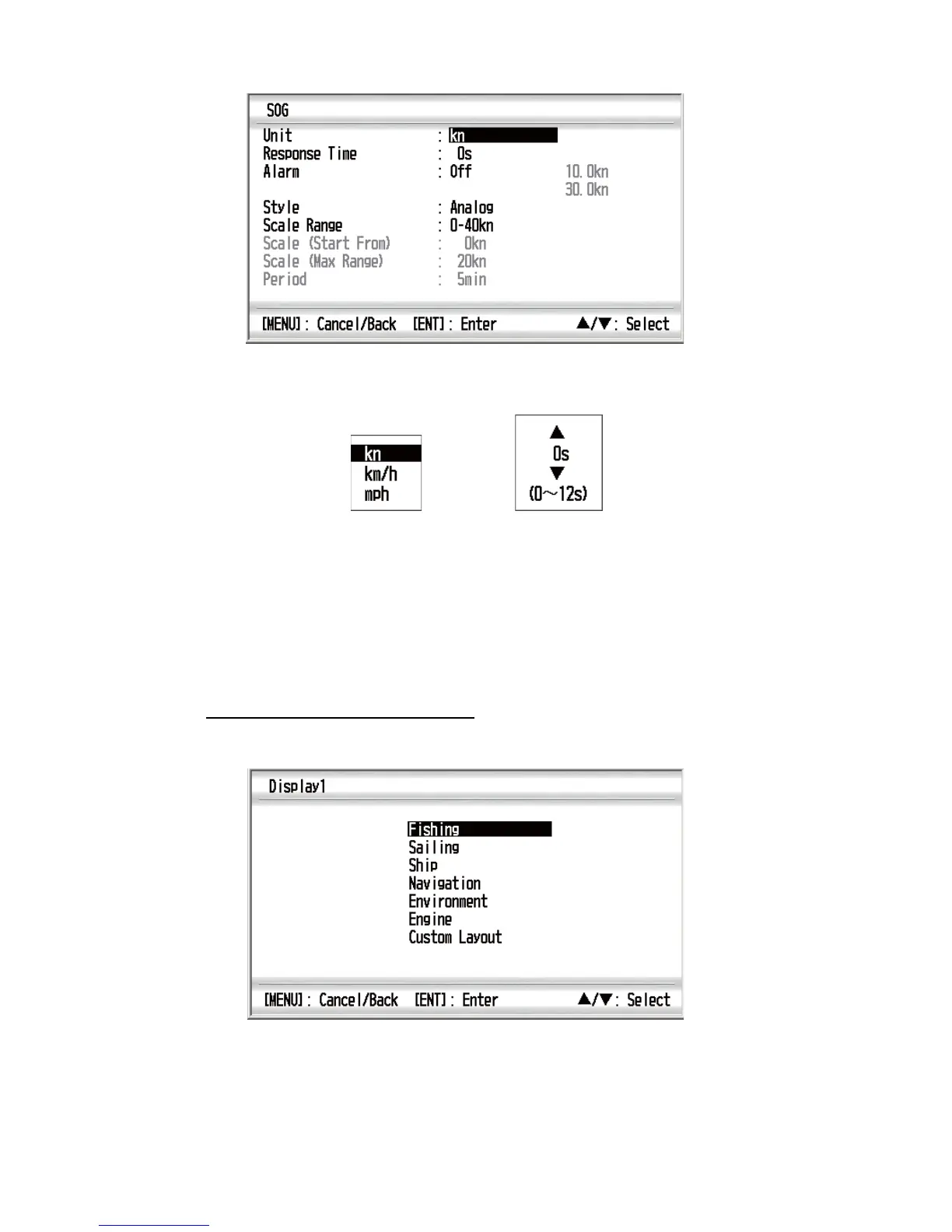
E.g. SOG properties window
4. Use the Cursorpad (S or T) to select an option and press the ENT key.
Window examples
5. Use the Cursorpad (S or T) to select an option or numeric value then press the
ENT key.
6. Repeat steps 4 and 5 to set the other options if necessary.
7. Press the DISP key or the MENU key to close the menu and display the data
screen.
How to change the custom layout
1. With the data screen displayed, press the ENT key long.
2. Do steps 4 to 5 at section 2.2.
Setting window
Options window



 To Next Page