4. ALARMS
4-2
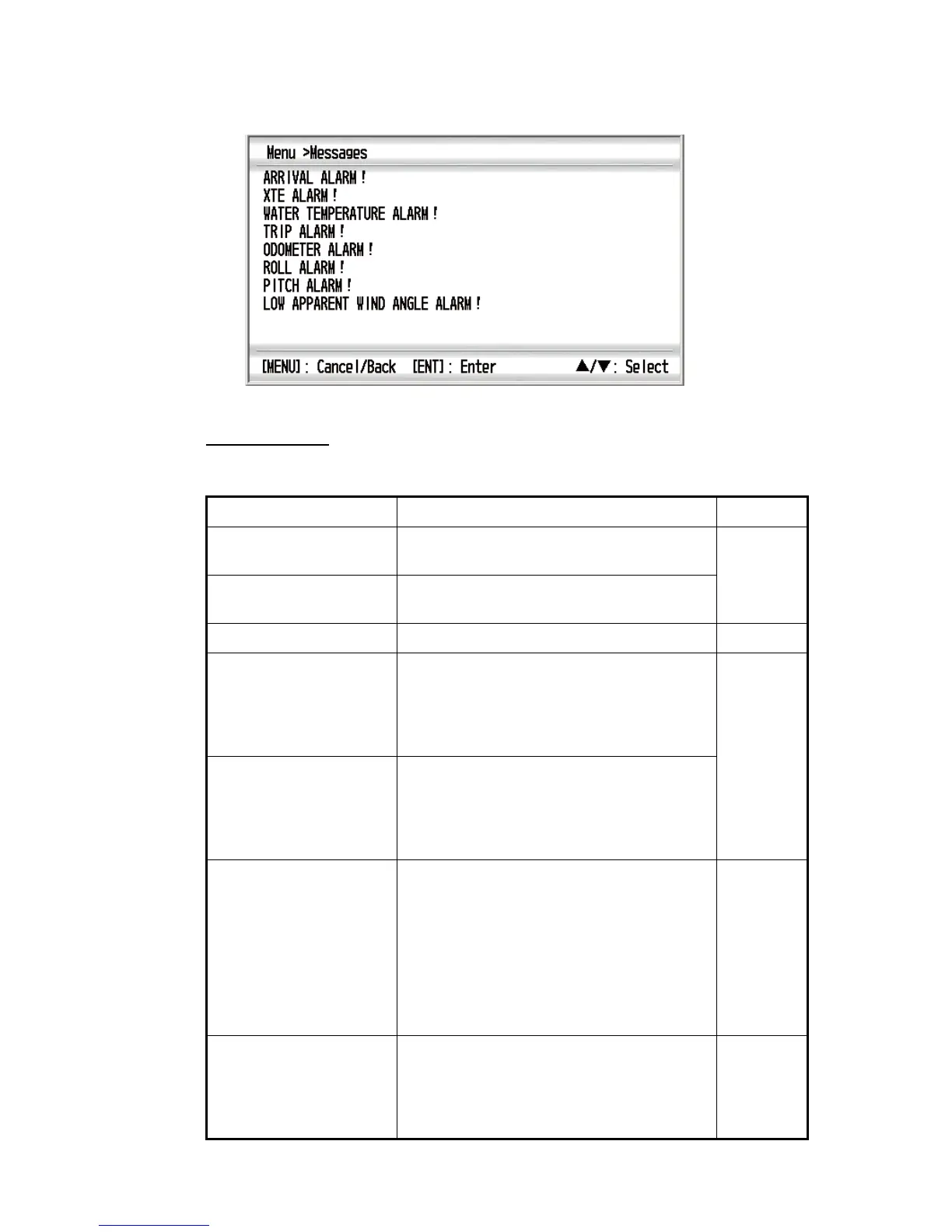
2. Use the Cursorpad (S or T) to select [Messages] and press the ENT key. All
alarms currently violated are displayed.
3. Press the DISP key to close the menu and display the data screen.
Alarm category
The alarm categories displayed on the alarm status are follows:
Alarm category Meaning Reference
ARRIVAL ALARM! Your ship enters the alarm zone centering on
the destination waypoint.
4.3.1
ANCHOR WATCH
ALARM!
Your ship is moving when your ship should be
at rest.
XTE ALARM! Your ship is off its intended course. 4.3.2
SOG ALARM! The SOG alarm is generated in one of the fol-
lowing conditions:
• Lower or higher than the SOG setting.
• Inside or outside of the SOG range setting.
• Equal to the SOG setting.
4.3.3
STW ALARM! The STW alarm is generated in one of the fol-
lowing conditions:
• Lower or higher than the STW setting.
• Inside or outside of the STW range setting.
• Equal to the STW setting.
WATER TEMPERATURE
ALARM!
The water temperature alarm is generated in
one of the following conditions:
• Lower or higher than the temperature set-
ting.
• Inside or outside of the temperature range
setting.
• Equal to the temperature setting.
• Vary more than the temperature setting
within one minute (shear).
4.3.4
DEPTH ALARM! The depth alarm is generated in one of the
following conditions:
• Lower or higher than the depth setting.
• Inside or outside of the depth range setting.
• Equal to the depth setting.
4.3.5



 To Next Page