6. POSITION/TD SETUP, LAYLINES
6-3
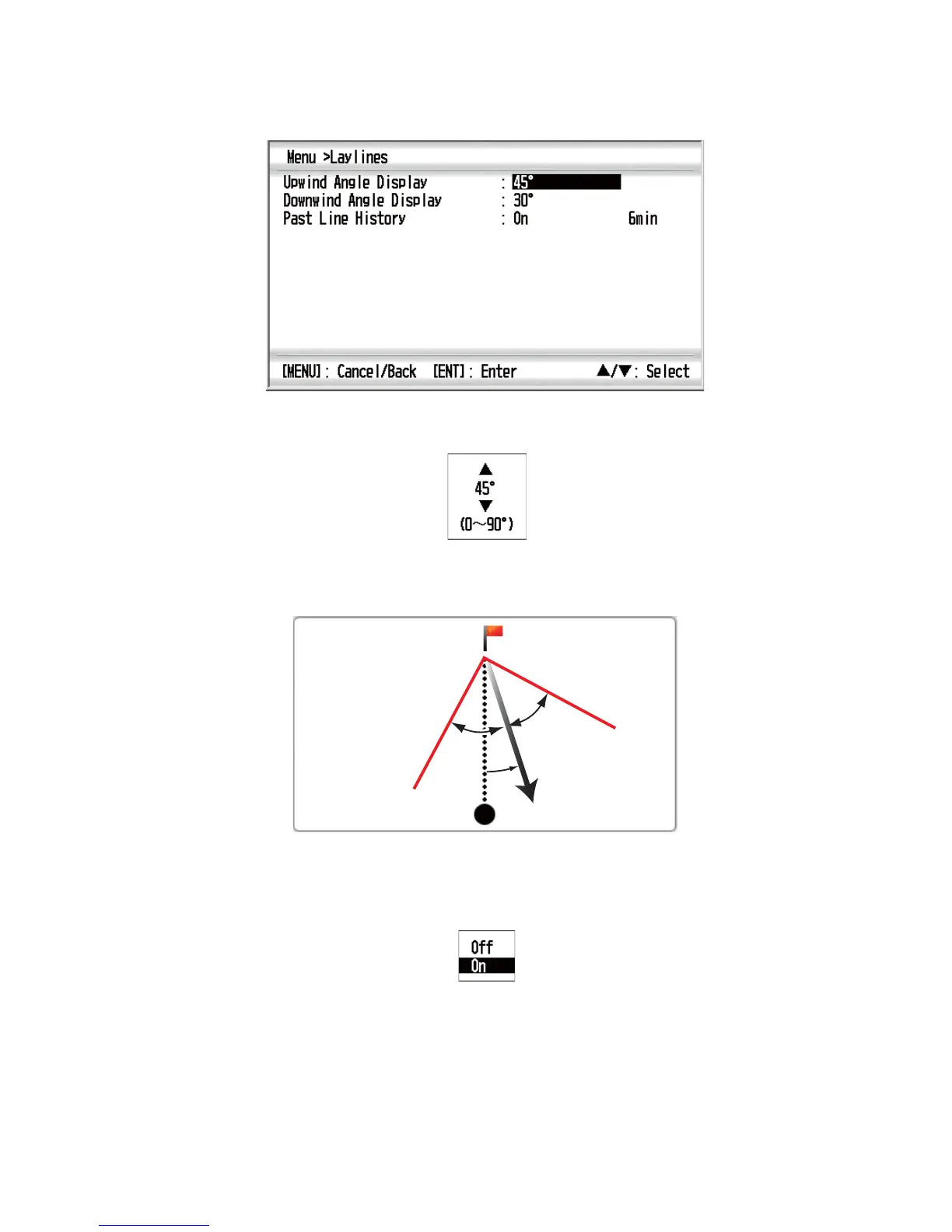
1. Press the MENU key to open the menu.
2. Use the Cursorpad (S or T) to select [Laylines] and press the ENT key.
3. Use the Cursorpad (S or T) to select [Upwind Angle Display] and press the ENT
key.
Setting window for upwind
4. Use the Cursorpad (S or T) to set the angle and press the ENT key.
5. Repeat steps 3 and 4 to set the angle for [Downwind Angle Display].
6. Use the Cursorpad (S or T) to select [Past Line History] and press the ENT key.
7. Use the Cursorpad (S or T) to select [Off] or [On] then press the ENT key. If you
selected [Off], go to step 10.
[Off]: Do not display the past laylines.
[On]: Display the past laylines.



 To Next Page