6. POSITION/TD SETUP, LAYLINES
6-4
8. Use the Cursorpad (X) to move the cursor to the right and press the ENT key.
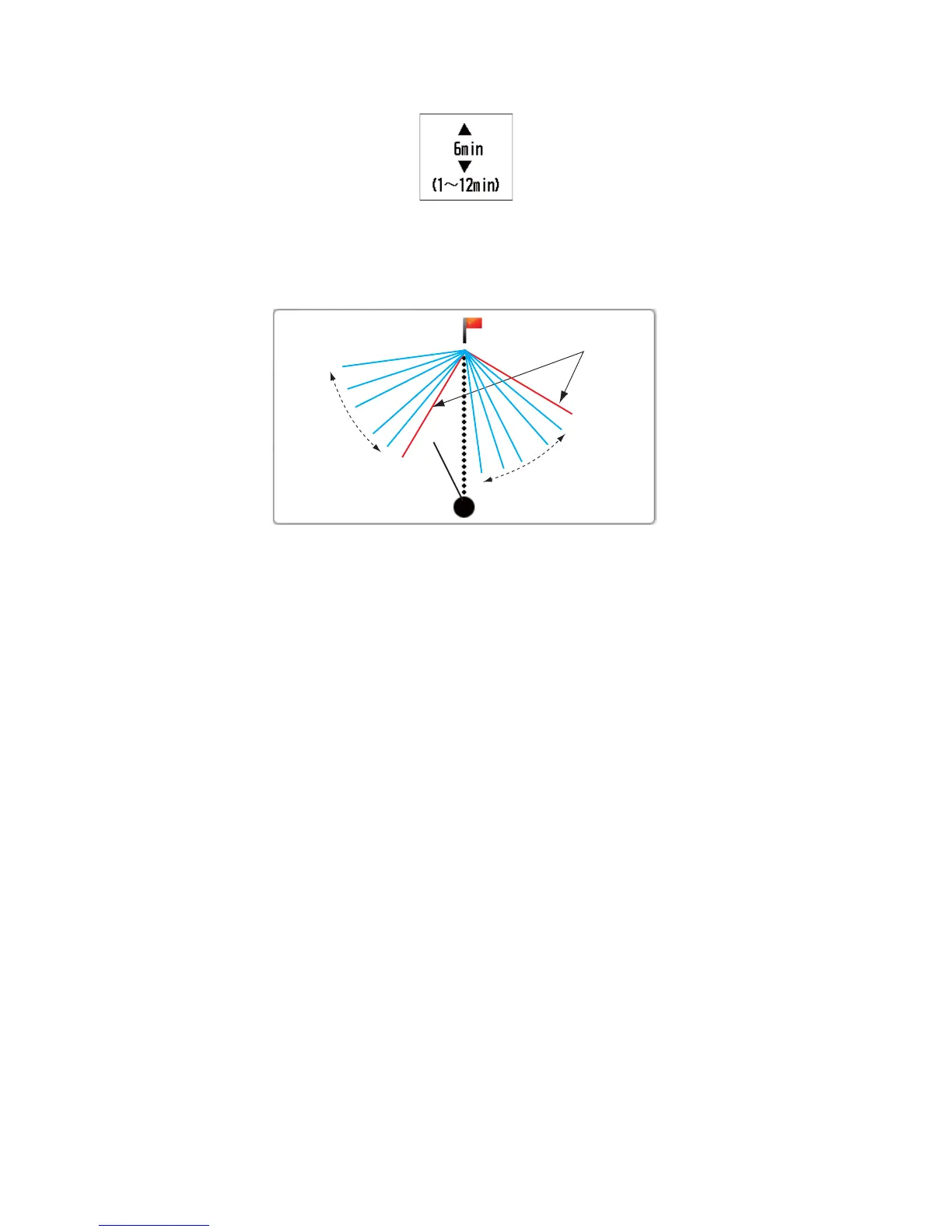
9. Use the Cursorpad (S or T) to set the time interval and press the ENT key. You
can display the five past laylines per setting time interval.
10. Press the DISP key to close the menu and display the data screen. The past lay-
lines are displayed in light blue.
Past laylines
Past
laylines
Current
laylines
WP0001


 To Next Page
 Loading...








